12
Indication of a triggered tamper alarm can be terminated only by a Service technician and Administrator.
Note: When using the “Default” system profi le, it is possible to select a particular action by pressing a func-
tion button fi rst and then confi rm it by authorization using the keypad.
Terminating an alarm using a remote control will also unset the corresponding section.
2.2.6 SECTION CONTROL BY AUTHORIZATION
The service technician can confi gure the control panel to be controlled just by authorization. This way the
status of all sections can change by authorization on a keypad (by typing an access code or using an RFID tag).
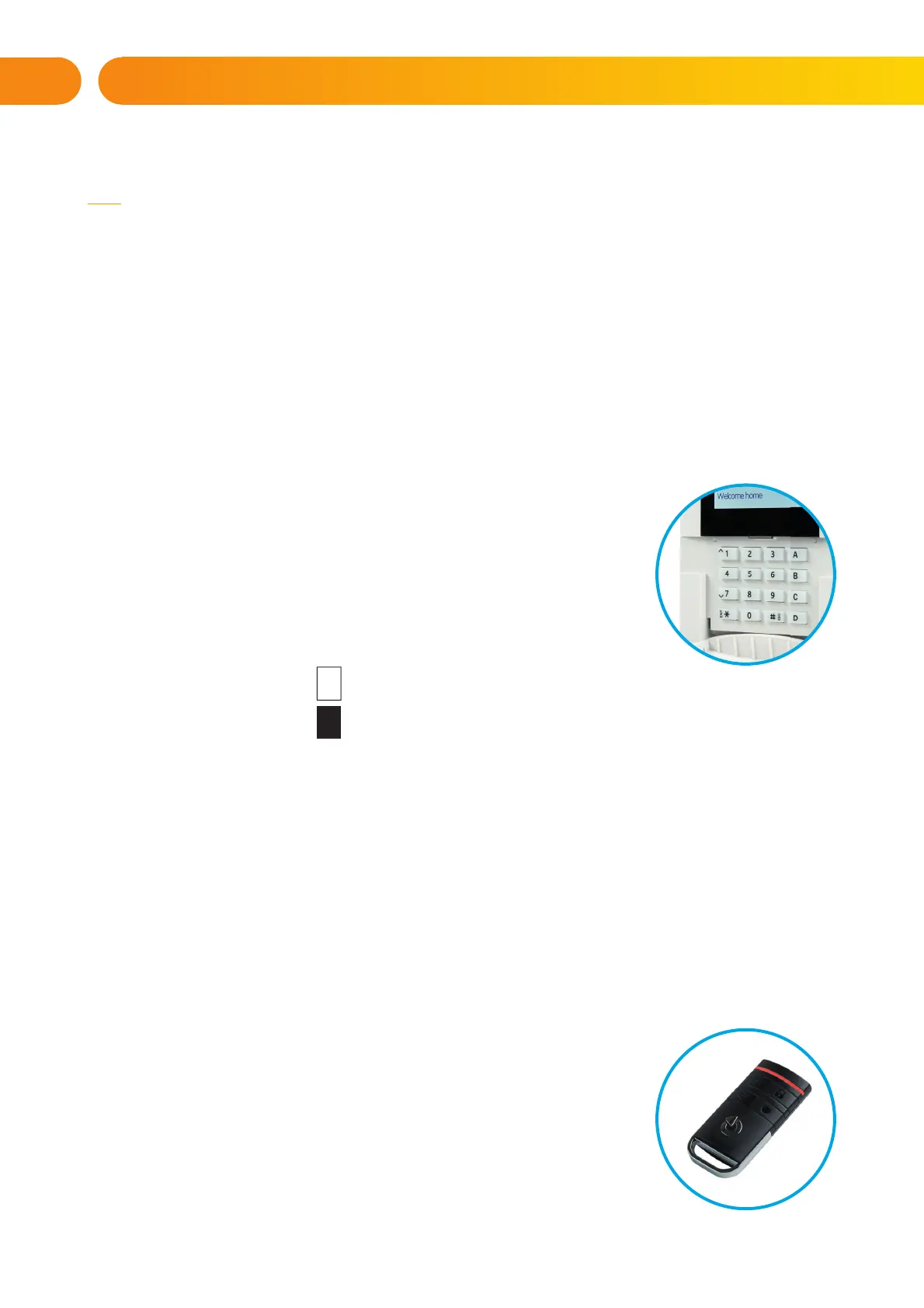
2.2.7 SECTION CONTROL FROM THE KEYPAD’S MENU
Control from the keypad menu:
o Authorize yourself using a valid code or an RFID chip
o Enter the menu by pressing ENT
o Section Control → ENT
o Select the desired section using arrows
o Pressing ENT repeatedly will change between section statuses
(partially set / set / unset)
Partial setting:
Fully set:
o Press ESC to exit the menu.
2.3 OPERATING THE CONTROL PANEL WITH A KEYFOB
Keyfobs must be enrolled into the control panel by the installer. In order to control the alarm system,
keyfobs must be linked to specifi c users, which will ensure their identifi cation and prevent sending SMS no-
tifi cations to the user who is interacting with the control panel at the moment (if notifi cation parameters are
set up in this way). The keyfobs provide one-way communication without any confi rmation. Keyfobs control
and indicate battery status and are equipped with optical and acoustic indication.
The button functions are differentiated by lock icons. The closed lock icon sets programmed sections; the
opened lock icon unsets them. The buttons with symbols of full and empty circles can control another sec-
tion. Buttons of the keyfob can also be confi gured to control PG outputs in different modes: the fi rst button
switches on, the second switches off, each button can have an individual
function when hange state is used. For more functions, it is possible to press
two buttons at the same time. This way a 4-button keyfob can have up to 6
individual functions. For example, to control an assigned section, one PG status
output (e.g. turn the lights on and off), alternatively two impulse PG outputs
(e.g. a garage door and door lock).
The keyfob buttons can be blocked to prevent accidental pressing (child
safety lock). A command will be sent out when a button is pressed repeatedly.
A low battery is indicated by a red LED light and acoustically (3 fast
beeps).
1
1
2. OPERATING THE JA-10 SYSTEM







 To Next Page