41
Preparaon & Filling
Fill the swim spa to its correct operang level. Be sure to open all valves and jets in the
plumbing system before filling to allow as much air as possible to escape from the plumbing
and the control system during the filling process.
Aer turning the power on at the main power panel, the top side panel will display a splash
screen or start-up screen.
Priming Mode
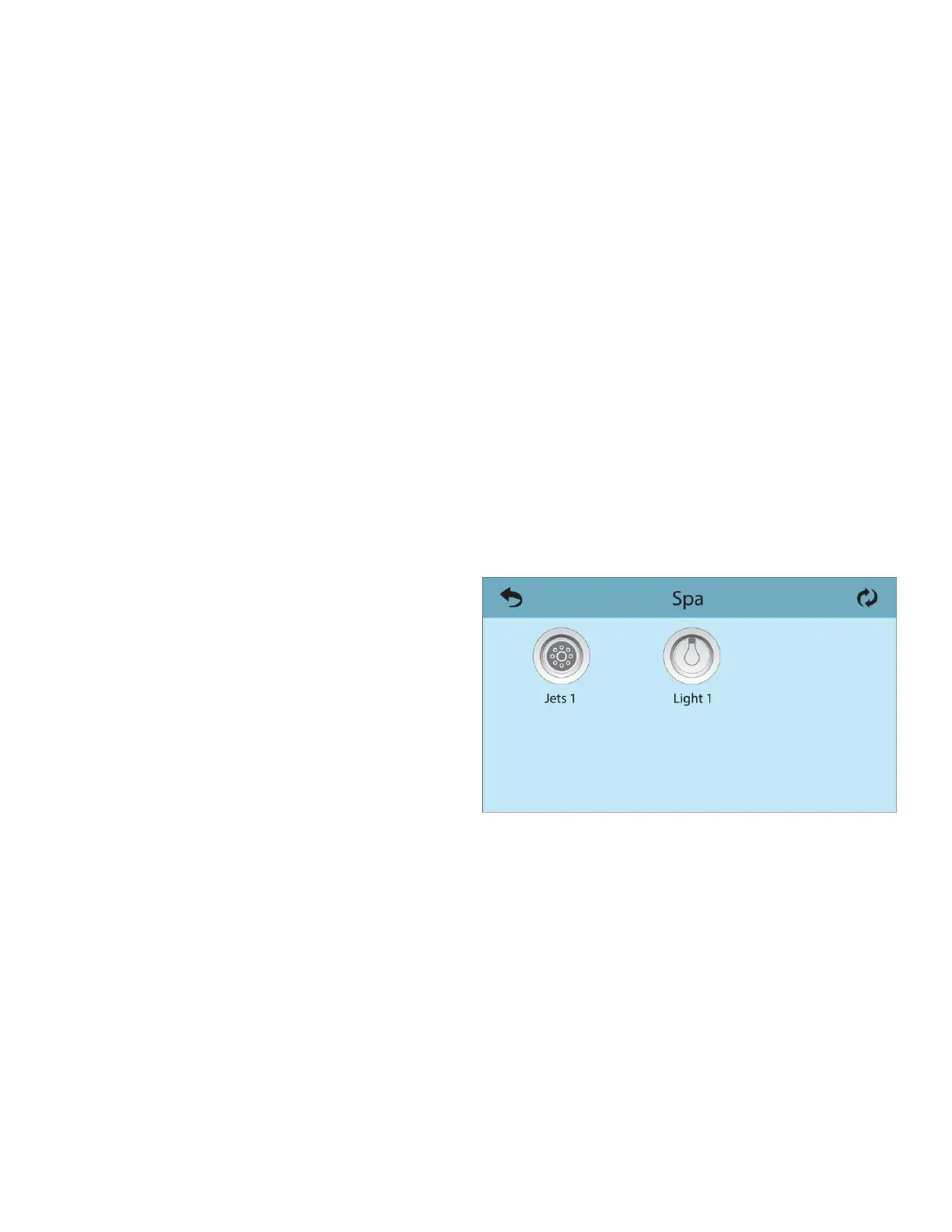
Aer the inial start-up sequence, the control will enter Priming Mode and display a Priming
Mode screen. Only pump icons appear on the priming mode screen. During the priming
mode, the heater is disabled to allow the priming process to be completed without the
possibility of energizing the heater under low-flow or no-flow condions. Nothing comes on
automacally, but the pump(s) can be energized by selecng the “Jet” buons. If the swim
spa has a Circ Pump, it can be turned on and off by pressing the Circ” buon during Priming
Mode.
Priming the Pumps
As soon as the Priming Mode screen appears
on the panel, select the “Jets 1’ buon once to
start Pump 1 in low-speed and then again to
switch to high-speed. Also, select the other
pumps, to turn them on. The pumps should be
running in high speed to facilitate priming. If
the pumps have not primed aer 2 minutes,
and water is not flowing from the jets in the swim spa, do not allow the pumps to connue to
run. Turn off the pumps and repeat the process. Note: Turning the power off and back on
again will iniate a new pump priming session. Somemes momentarily turning the pump off
and on will help it to prime. Do not do this more than 5 mes. If the pump(s) will not prime,
shut off the power to the swim spa and call for service.
Important: A pump should not be allowed to run without priming for more than 2 minutes.
Under NO circumstances should a pump be allowed to run without priming beyond the end
of the 4-5 minute priming mode. Doing so may cause damage to the pump and cause the



 To Next Page