File Version: 1.3 / JAKA MiniCab Hardware User Manual
Remote powering up input, connecting to +24V to power up
the MiniCab
I/O multiplexing channel 3, or safety I/O channel 2 (NPN type)
I/O multiplexing channel 7, or safety input channel 3 (NPN
type)
I/O multiplexing channel 2, or safety I/O channel 1 (NPN type)
I/O multiplexing channel 6, or safety input channel 3 (NPN
type)
I/O multiplexing channel 1, or safety I/O channel 1 (NPN type)
I/O multiplexing channel 5, NPN type
For internal debugging only
Master station interface of RS485 that usually used to extend
the RS485 interface of I/O board
Slave station interface of RS485 that usually used to
communicate with PLC and other external devices
When wiring, select the wire that matches the terminal. The requirements for the wires are as follows:
DEGSON:15EDGKNHB-3.5-20P-14-
18A(H)
China: E0512
Overseas: PHOENIX AI1-12RD-Ferrule
0.75 mm² & 17AWG
Length < 30 m (1181 in)
7.1.1.1
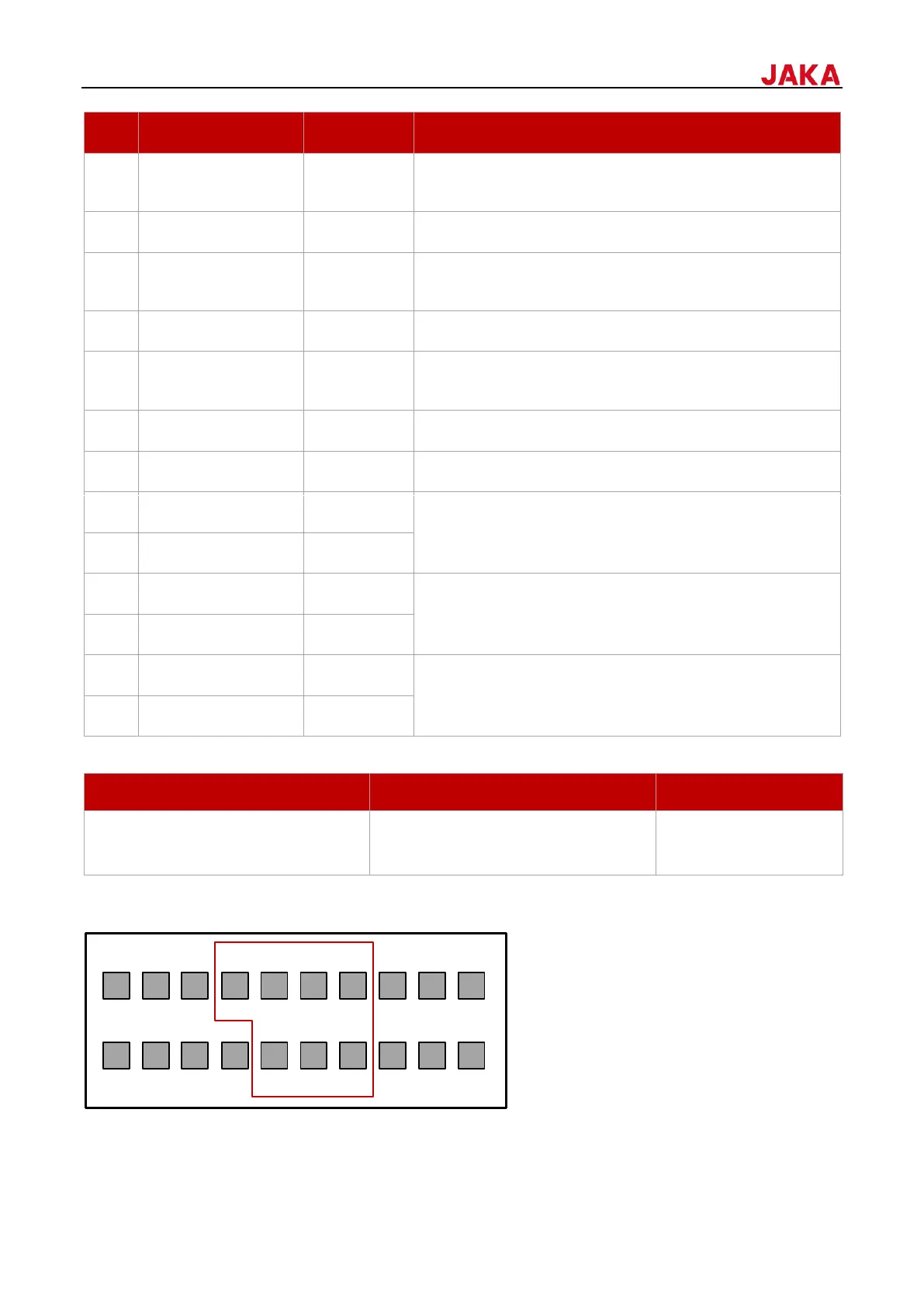
Digital I/O has 7 digital signal interfaces, each I/O channel simultaneously has NPN input and output functions.
You can set the function of each interface in the App. Only one interface type can be selected for each channel
at the same time. For example, if I/O_1 is set as DI, it cannot be set as DO at the same time.
1 3 5 7 9 11 13 15 17 19
2 4 6 8 10 12 14 16 18 20


 To Next Page