File Version: 1.3 / JAKA MiniCab Hardware User Manual
7.1.2
The USB interface on the MiniCab front panel is for internal debugging use only. If you need to use it, please
contact JAKA technicians.
7.1.3
The HDMI interface on the MiniCab front panel is for internal debugging use only. If you need to use it, please
contact JAKA technicians.
7.1.4
7.1.4.1
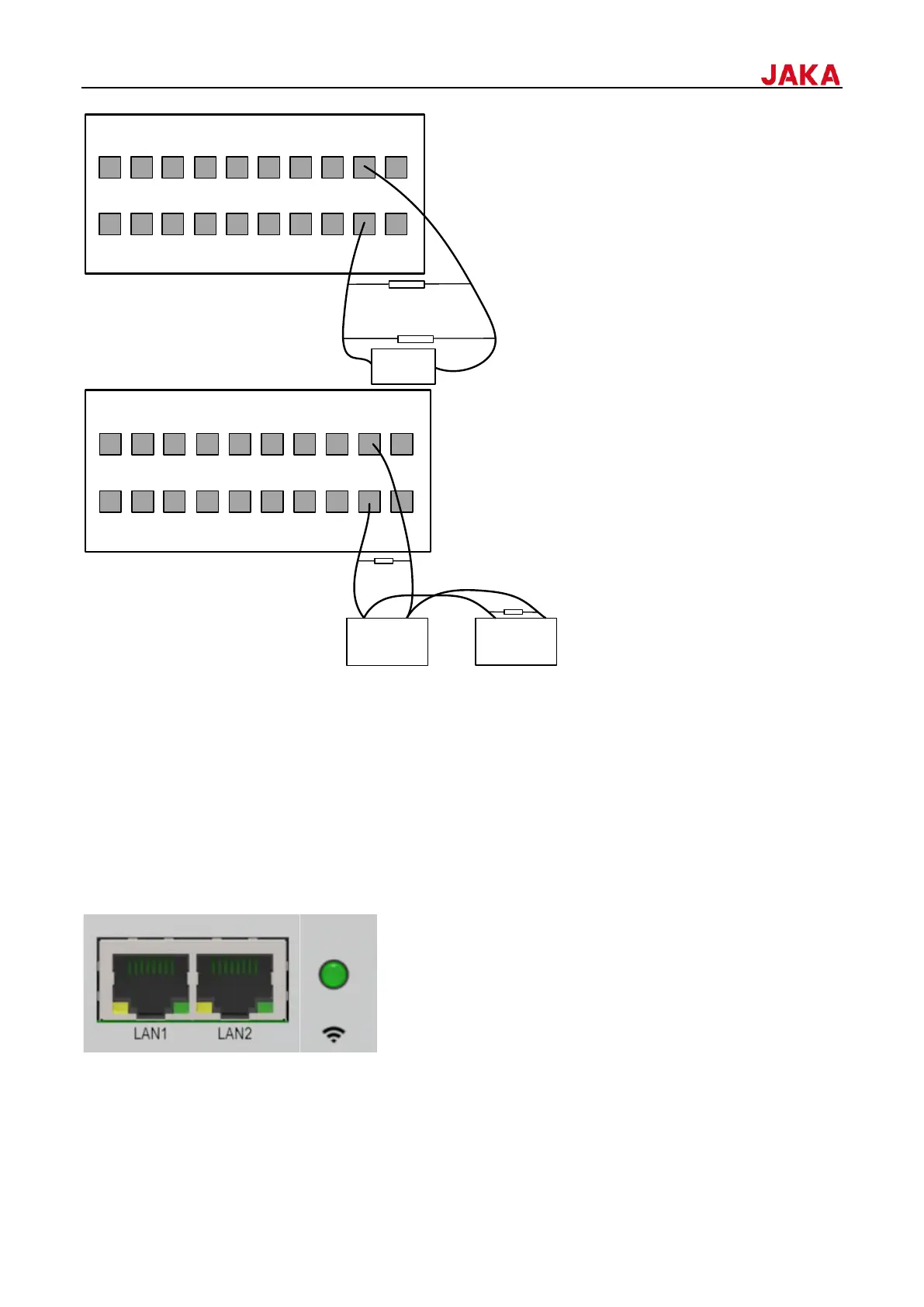
MiniCab has two network ports on its front panel, LAN1 and LAN2. Insert the network cable into the port to
connect. In addition, there is a network status indicator on the front panel, which is used to display the current
network status.
1.


 To Next Page