87
GridVis
®
Collector www.janitza.de www.janitza.de GridVis
®
Collector
Step 3
NOTE
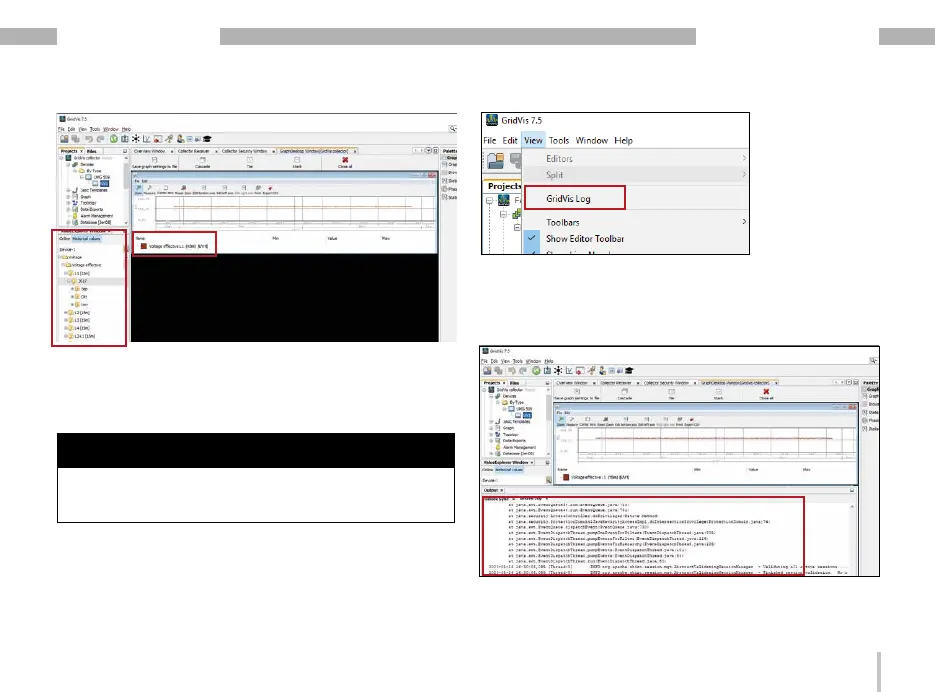
You can check the communication between the Grid-
Vis
®
Collector and the GridVis software in the GridVis
log file of the GridVis software.
· Click the "View" drop-down menu in the menu bar
of the GridVis software.
· Then click the "GridVis Log" menu item.
· The “GridVis Log" window appears for checking the
communication. Integrate plug-ins in the GridVis
system service.


 To Next Page