25
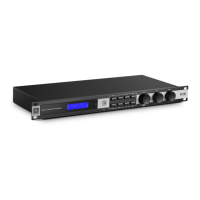
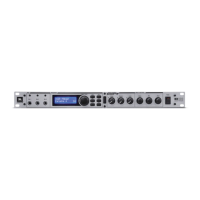
KX100
Section 4
Appendix
Section 4 - Appendix
4.1 USB Port/Software GUI
The USB port is used for updating the KX100 firmware and for connecting to the included
KX100 Software GUI for control.
Follow these steps for setting up the Software GUI for communication with the KX100
processor:
1 . Insert the included CD Rom into your computer’s CD-Rom Drive.
2 . Install the KX100 Driver.
3 . Install the KX100 Software GUI.
4 . Connect the KX100 to your computer’s USB 2.0 port.
5 . Launch the KX100 Software GUI.
System Requirements:
• Windows XP/Vista/Seven
• 100 MB disk space


 To Next Page