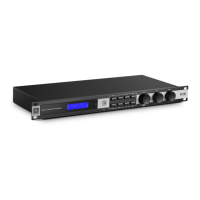
KX100
Section 2
3
Getting Started
Section 2 - Getting Started
2.1 Quick Start
Please follow the proceeding steps to get up and running quickly. Before proceeding, ensure
the power to the KX100 and your amplifier(s) is turned off.
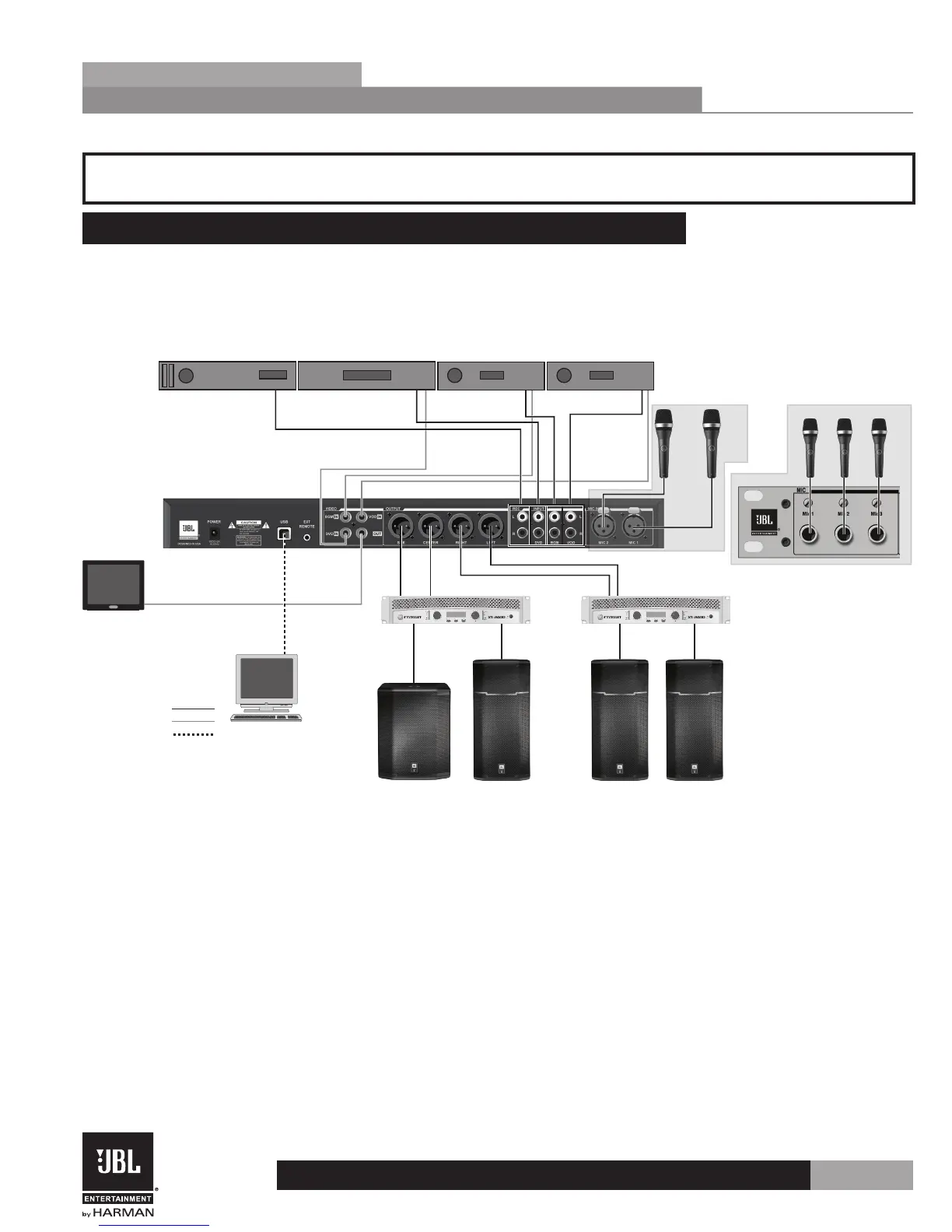
1 . Connect the KX100 to your system.
Audio Connections
Video Connections
Other Connections
Video
Monitor
Left SpeakerRight SpeakerCenter SpeakerSubwoofer
Sub/Center Amplier Left/Right Amplier
Computer
Or
VOD PlayerBackground Music PlayerDVD PlayerRecorder
Mic 1Mic 2
Mic 1 Mic 2 Mic 3
2 . Apply power to the KX100 processor.
3 . Turn all gain controls on your amp(s) all the way down and apply power to your
amps.
4 . While passing audio, through the KX100, slowly increase the amp gains to the desired
listening level while ensuring the amplifiers do not clip.
Note: It is recommended that the gain structure of the sound system be calibrated
and crossover, EQ, and limiter settings adjusted for proper loudspeaker protection and
performance.


 To Next Page