110
13.17 PAYMENT BY EUROPEAN
- after to have executed the registrations
- press the Sub-Total key
- press the Euro key(on the display will appear the equivalent value in currency)
- input the amount received by Euro
- press the CASH Total key
Note : F it's possible to record mixed
payments in various currencies
during one same receipt;
F possible tender will be always
calculated in local currency.
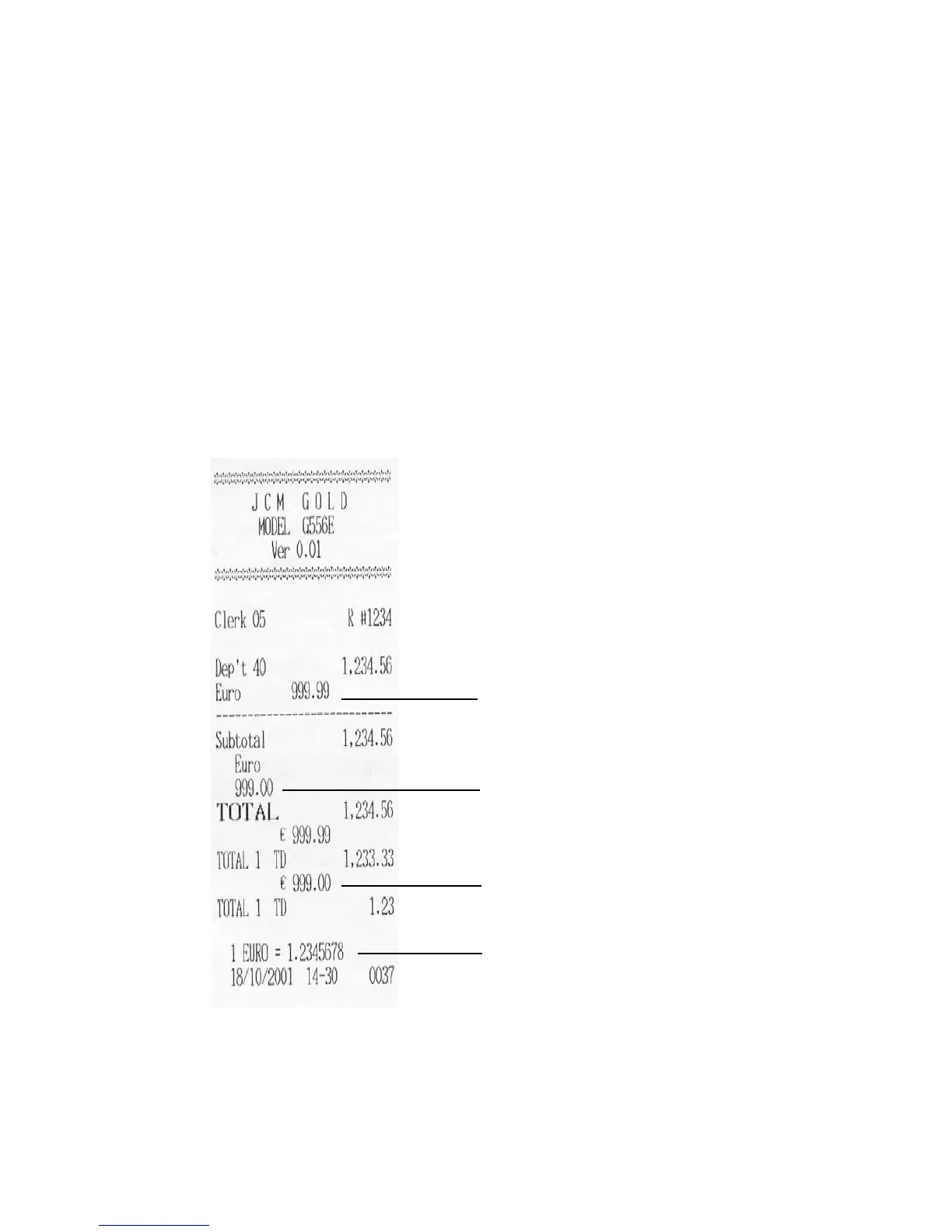
Euro rate(S.S.12E=1)
Euro item conversion(S.S.13C=1)
Euro payment
Local currency payment



 To Next Page