EasyManua.ls Logo

JCM G-556E - Keyboard Configuration; G556 E and G456 E Keyboard Configuration

Default Icon
191 pages
Print Icon
To Next Page IconTo Next Page
To Previous Page IconTo Previous Page
Loading...
5
3. Keyboard Configuration
One of the main characteristics of ECR consists to change personal the lay-out
keyboard which allotting the keys and the correspondents functions in your right positions.
G556 cash register comes initially with standard configuration and can be modified
from the Servicing on the bases of the particular requirements of customer (the following
figures show the standard configuration of the keyboard of G-556 series).
Other possibility allows to input alphabetical characters by keyboard,it is useful
programming descriptions and input PLU codes alphanumeric when the device is
connected to PC.
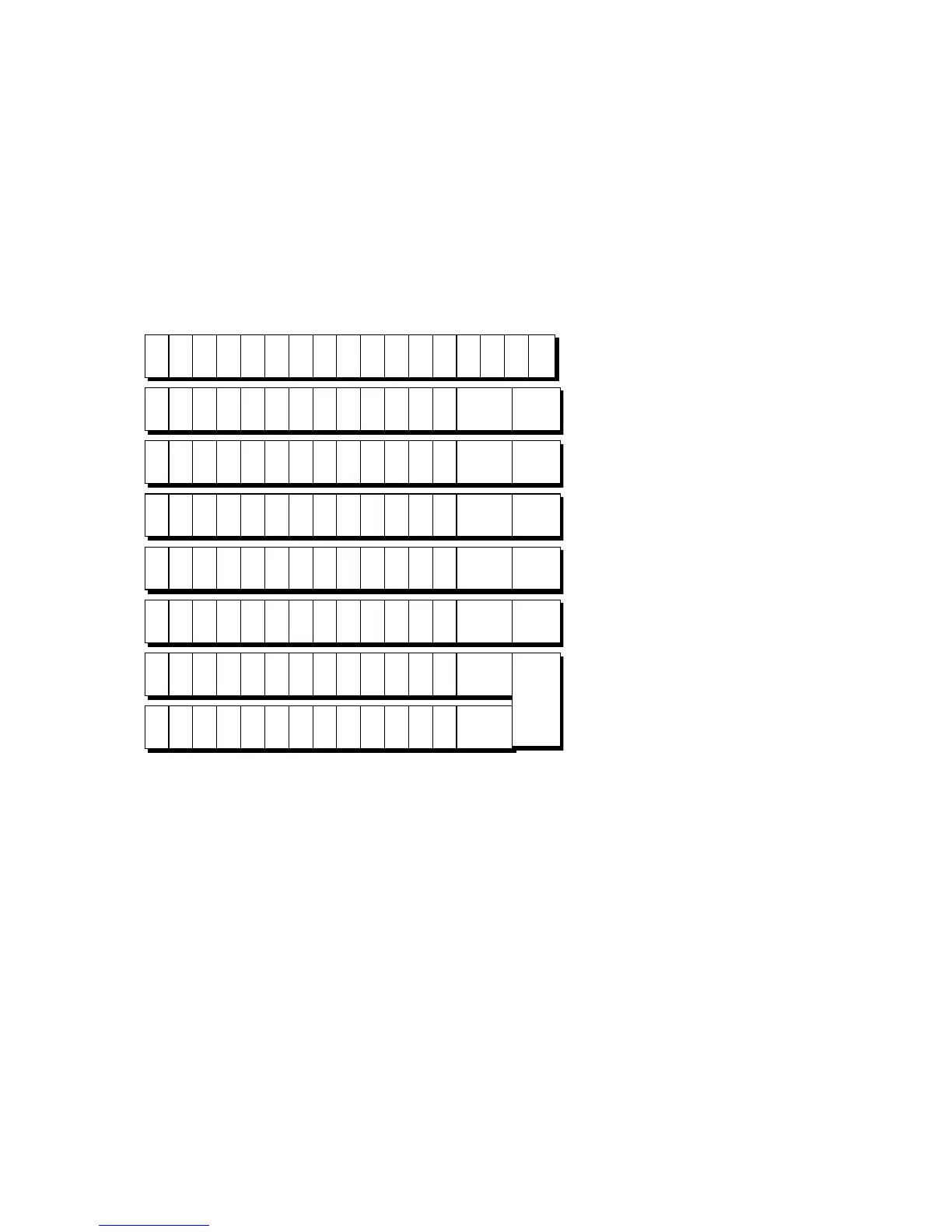
3.1 G556E and G456E KEYBOARD CONFIGURATION
é
¦
é
n

{
éê
¦
F1 F2 F3 F4 F5 F6 F7 F8 F9 F10 FC1 FC2
RA
2
PO
2
#/NS KEY
CLK
I.D
ERR
COR
TRA
VOID
VOID RF
SHIFT DEBIT
DEPO
TAX
SF 1
TAX
SF 2
AMT
RETURN
MERCHAND
PLU
%1 %2 %3
A
D1
B
D7
C
D13
D
D19
E
D25
F
D31
G
D37
H
D43
I
D49
J
D55
PB NB
X/
TIME
Help
INFO
CL
K
D2
L
D8
M
D14
N
D20
O
D26
P
D32
Q
D38
R
D44
S
D50
T
D56
PAID OUT R/A
7 8 9
U
D3
V
D9
W
D15
X
D21
Y
D27
Z
D33
_
D39
\
D45
!
D51
D57
4
TOTAL 4 TOTAL 5
5 6 D4
#
D10
$
D16
%
D22
^
D28
&
D34
*
D40
(
D46
)
D52
D58 TOTAL 2 TOTAL 3
1 2 3
-
D5
+
D11
=
D17
|
D23
D29
{
D35
[
D41
}
D47
]
D53
D59
0 00 .
;
D6
D12
D18
<
D24
,
D30
>
D36
.
D42
?
D48
/
D54
D60
SUBTOTAL
V
SUBTOTAL
TOTAL 1
CASH/
TEND

Table of Contents

Related product manuals