47
9.7.3 DEPARTMENT GROUPS
Several the dept.s can be associated to homogenous Groups this to obtain the
managerial data on the sale activities : for example such Groups can correspond to the
same categorie of commerce or the same suppliers or to the various fields of one same
store.
Above Groups are 4 : Group 1, Group 2, Group 3, Group 4.
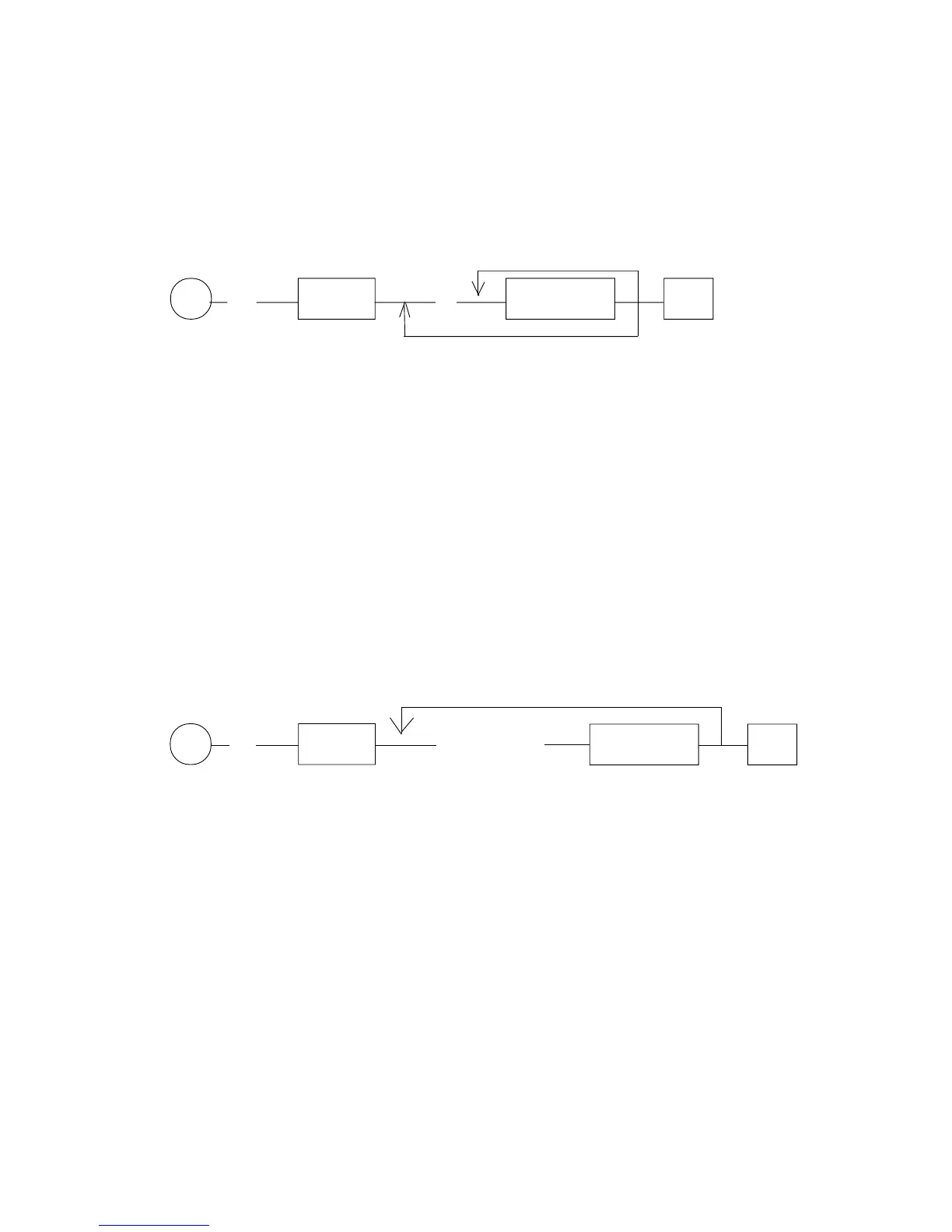
for one same Group
P (31) X/Time (A) DEPARTM. #
to repeat for several Groups
A : = 1, 2, 3, 4 respectively for the Groups 1, 2, 3, 4 .
Note : before varying the departments/groups linking it is necessary to perform a complete
Groups data reset either daily reset than periodic (report code number 10 and 110,
see par.12.3.1).
9.8 DEPARTMENT-KITCHEN PRINTER
Every dept. can be programmed so that all the registrations executed on the ECR
relative to it are sent to one (or more than one, until to all eight printers) of the eight kitchen
printers that can be linked to G-556. Obviously all the sold PLU will be sent to the
same kitchen printer to which the department, to which the PLU have been linked during
programming (see Par. 9.26), is linked.
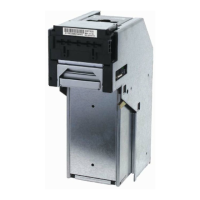
P (34) X/Time (ABCDEFGH) DEPARTM. #
DEPARTMENT : G-556's dept. to which assign the programmation
A = 0 : Not prints on kitchen printer N.1
= 1 : Prints on kitchen printer N.1
B = 0 : Not prints on kitchen printer N.2
= 1 : Prints on kitchen printer N.2
C = 0 : Not prints on kitchen printer N.3
= 1 : Prints on kitchen printer N.3
D = 0 : Not prints on kitchen printer N.4
= 1 : Prints on kitchen printer N.4
E = 0 : Not prints on kitchen printer N.5
= 1 : Prints on kitchen printer N.5
F = 0 : Not prints on kitchen printer N.6
= 1 : Prints on kitchen printer N.6
G = 0 : Not prints on kitchen printer N.7
= 1 : Prints on kitchen printer N.7
H = 0 : Not prints on kitchen printer N.8
= 1 : Prints on kitchen printer N.8
KEY
KEY
for another department



 To Next Page