56
9.26 PLU STATUS
Once decided the number and the type of PLU to use, taking note that the PLU can
have 12, 20 or 15 plus STOCK characters of description (see parameters of memory
configuration par. 9.49), it will be possible at this point, to execute the following procedure
of programming for every PLU that must be memorized on the ECR :
PROGRAMMATION :
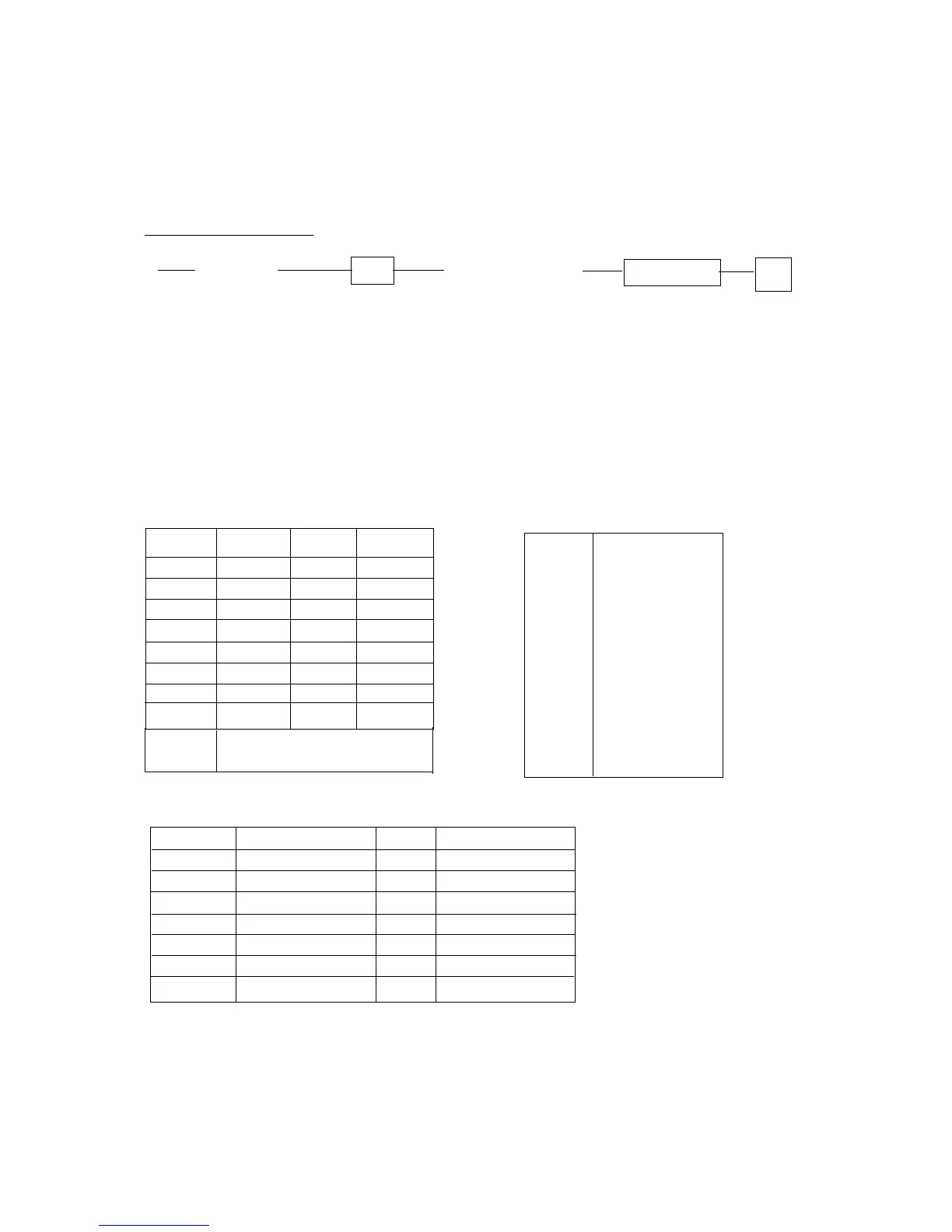
P (CCC...C) PLU (ABCDEFGHIJK) DEPARTM. #
CCC...C = PLU code (Max. 12 digits + C/D)
A = PLU's VAT/TAX Status (from 0 to 9 see below VAT/TAX Status table)
B = PLU's Status (from 0 to 6 see table below)
C=GST. 0: No 1: Yes
DEFGHIJK = PLU's price (8 digits)
Note : The sequence (CCC... C) PLU can be replaced from the reading by scanner of
the bar code of the product or from the pression of the hard PLU key
A: TAX Status
CODE Tax 1 Tax 2 Tax 3 No. VAT
0nonono 0no
1 yes no no 1 VAT1
2 no yes no 2 VAT2
3 yes yes no 3 VAT3
4 no no yes 4 VAT4
5 yes no yes 5 VAT5
6 no yes yes 6 VAT6
7 yes yes yes 7 VAT7
8 VAT8
9 same as dept. 9 same as dept.
B : PLU's Status (from 0 to 6 see table below)
STATU SINGlE ITEM +/- PB discount
0 N O + Not allowed
1 Yes + Not allowed
2 No - Not allowed
3 Not used
4 No + Allowed
5 Yes + Allowed
6 No - Allowed



 To Next Page