91
9.75 TMB PROGRAMMING
The G-556 manages until 200 TMB ; TMBs can be recalled either by TMB code than
by Hard TMB key (for the TMB keys positioning see par. 9.1.4 "KEYBOARD FUNCTION
PROGRAMMING").
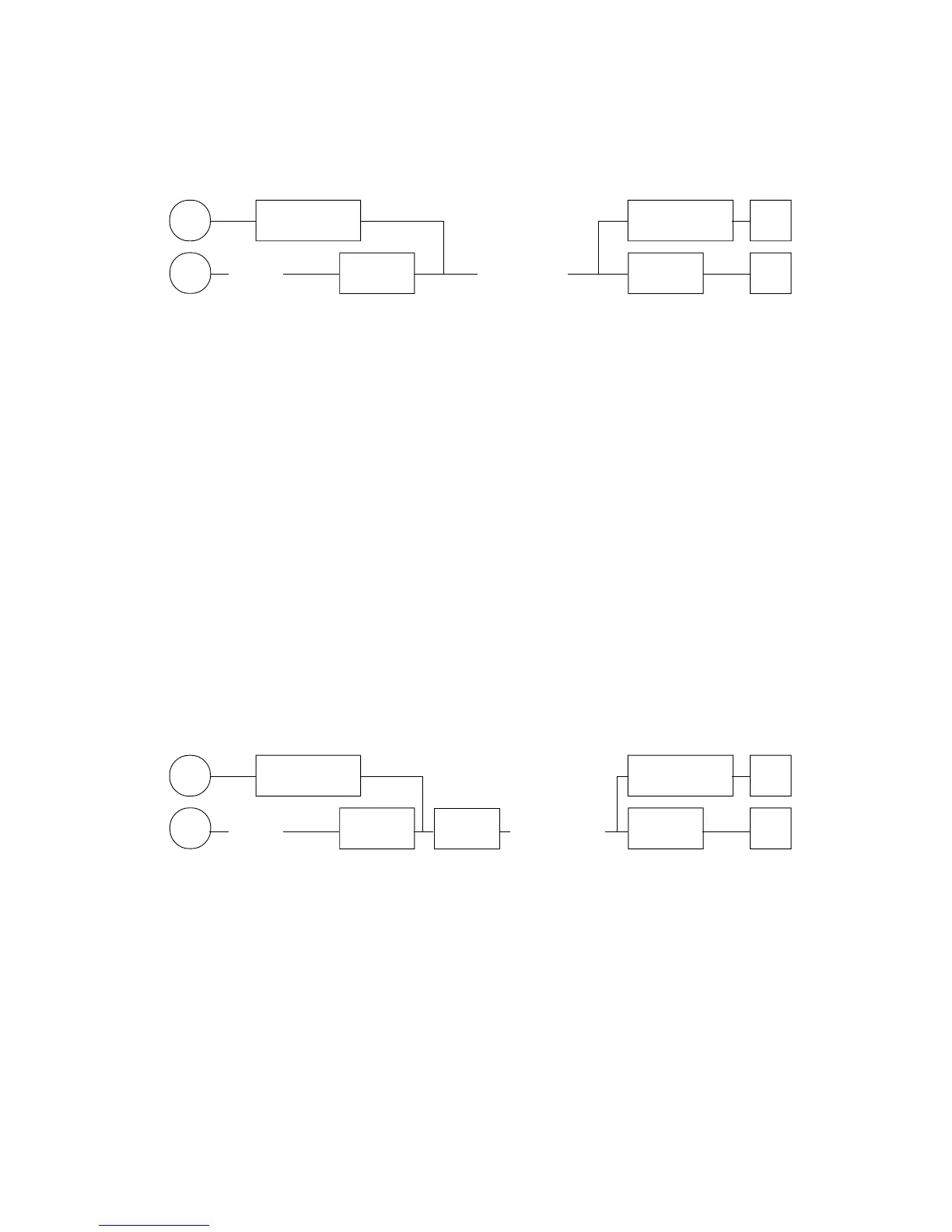
P Hard TMB Hard TMB #
P (BBBB) C.TMB (TPPPPPP) C.TMB #
BBBB : TMB code to be programmed
T : Total to which the TMB must be linked (from 1 to 9).
Please be noted that it is of fundamental importance that the
Total or the Totals to which TMB are linked are correctly is set
depending to the requirements (Credits A=3 or Other A=4, you
see par. 9.12).
We suggest also to give to the Total in object the approriate
description "TICKET PAYMENT"
PPPPPP: TMB amount
C.TMB: key "TMB by code"
Hard TMB: Hard TMB key where to execute the programmation.
9.76 TMB DESCRIPTION PROGRAMMING
To each TMB a description can be given to print in the reports and that typically it
could be the name of the company that prints the TMB and the value of the TMB in object
the description will be obviously useful for the obtaining of the distinguished of TMB
embedded and the emission of the Invoice to the company.
P Hard TMB Hard TMB #
P (BBBB) C.TMB X/Time (DDDD..DD) C.TMB #
BBBB : TMB code to be programmed
DDDD..D: TMB description (Max. 20 characters)
C.TMB: key "TMB by code"
Hard TMB: Hard TMB key where to execute the programmation.
Note : F As you can observe in the two above described programming procedures,
the programmations on TMB can be activated through the TMB code input
and the key "TMB by Code" or by directed pression fo Hard TMB keys.
F To use the TMB function is necessary to qualify the function by the ECR's
memory setting, sees Par. 9.49.
F In sale documents it does not come printed the TMB description, but it'll be
printed the Total description (see over Par. 9.75).
KEY
20 characters
KEY
;



 To Next Page