44
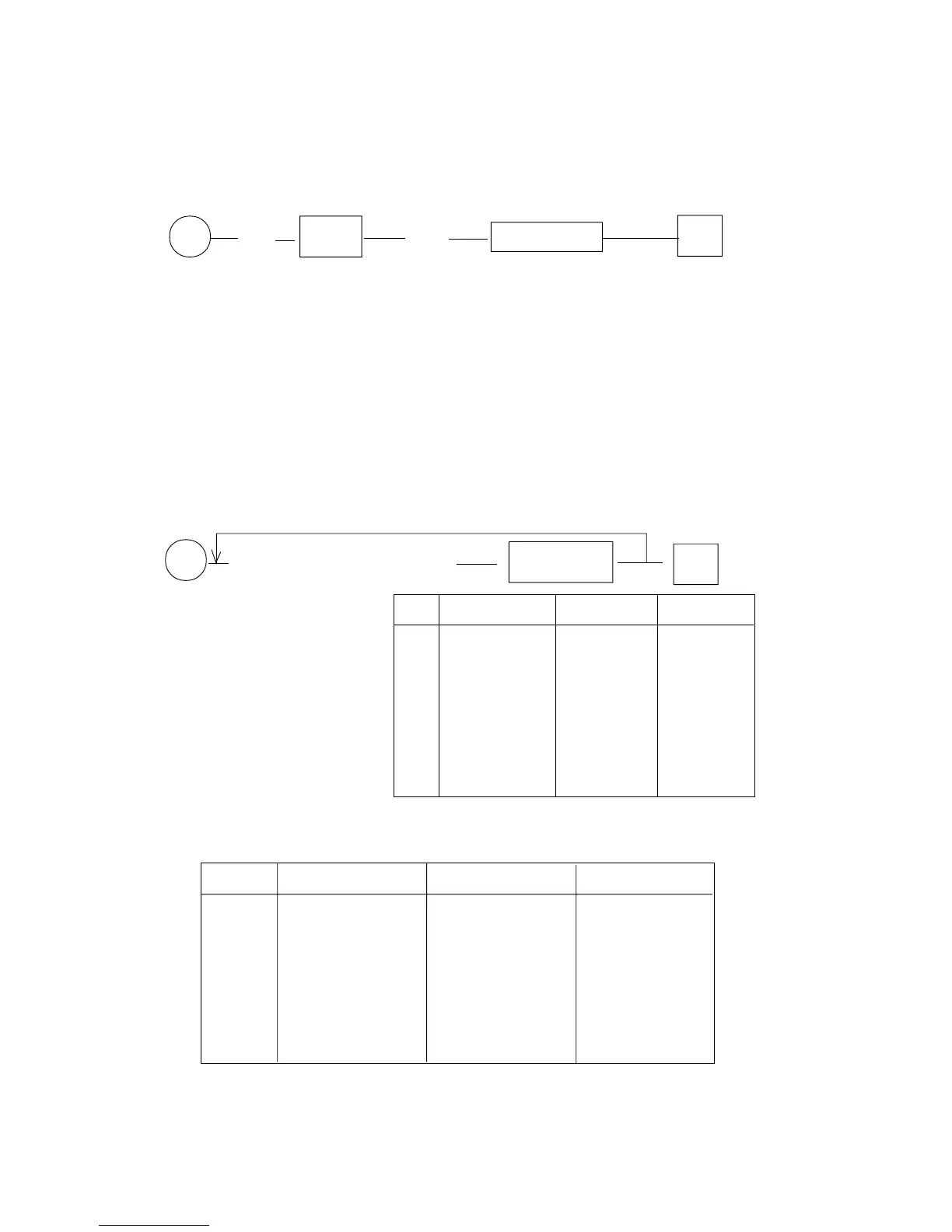
9.6 NUMBER OF DEPARTEMENTS
The ECR can use until 60 departments that can be placed on the keyboard and be
recalled or directly or eventually through key SHIFT.
P (61) X/Time (A B) SUB-TOT.(S) #
A B = number of departements (from 01 to 60)
If the number of departments programmed is NR, the use of key "SHIFT" before the
pressure of the dept. number XY, will assign the transaction to dept. number :
XY + NR : 2.
Eg. : for example if the number of departments programmed is 20, and key "SHIFT”
is pressed followed from the dept. number 11, the transaction comes reported
to the dept. number 11 + 20 : 2 = 21.
9.7 DEPARTMENTS STATUS
to repeat for several departments with eventual use SHIFT KEY
P (A B C D E F G H PPPPPP) DEPARTM. #
A : Dept. Status N. 1 No. Single Item Coupon 4 Positive
0 No No Yes
1 Yes No Yes
2 No Yes Yes
3 Yes Yes Yes
4No No No
5 Yes No No
6 No Yes No
7 Yes Yes No
B : Dept. Status N.2 (from 0 to 7, see table below)
B Coupon 1 Coupon 2 Coupon 3
0no no no
1 yes no no
2 no yes no
3 yes yes no
4 no no yes
5 yes no yes
6 no yes yes
7 yes yes yes



 To Next Page