45
C:
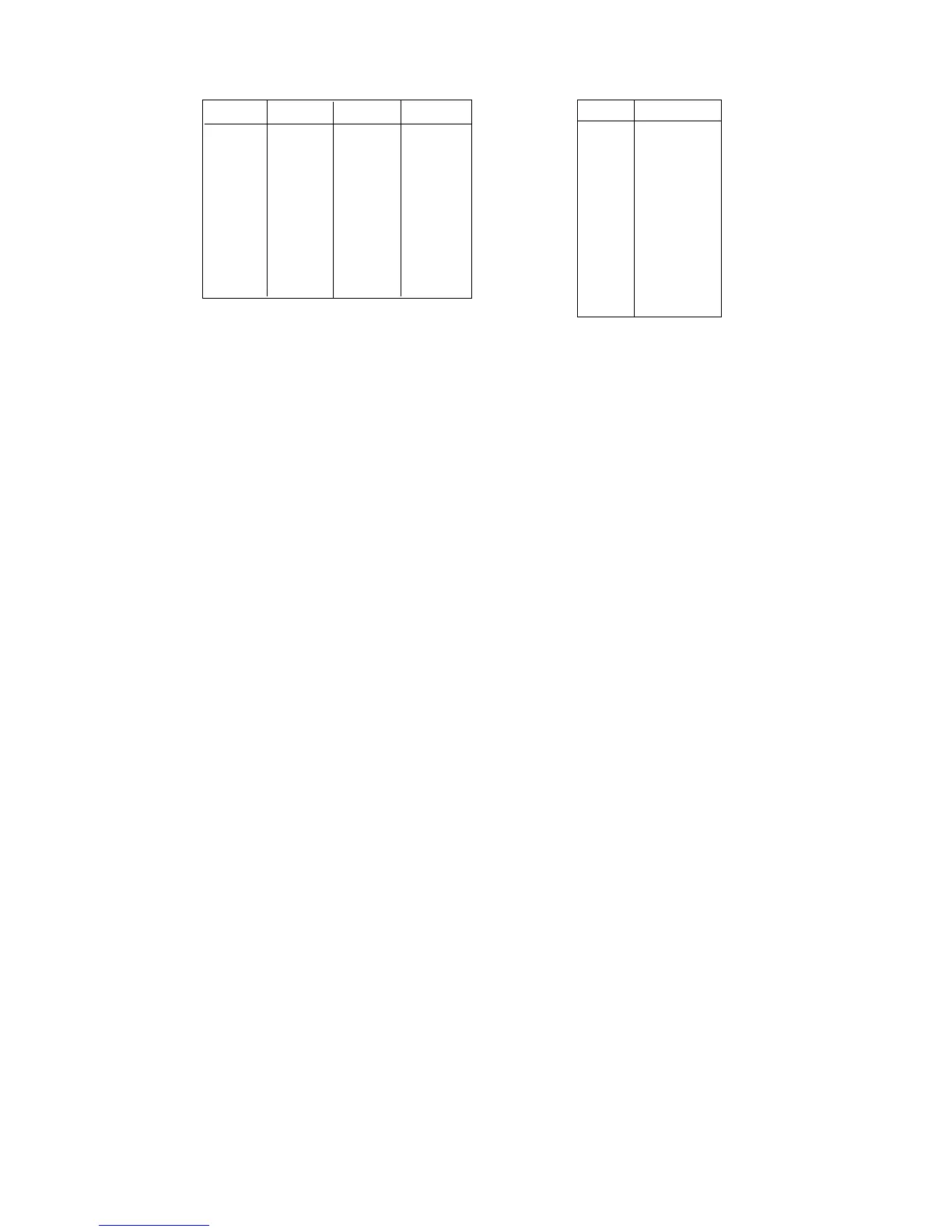
CODE Tax 1 Tax 2 Tax 3 No. VAT
0nonono 0no
1 yes no no 1 VAT1
2 no yes no 2 VAT2
3 yes yes no 3 VAT3
4 no no yes 4 VAT4
5 yes no yes 5 VAT5
6 no yes yes 6 VAT6
7 yes yes yes 7 VAT7
8 VAT8
D : GST. 0: NO 1: YES
E : HALO, max first digit value (from 0 to 9)
F : HALO, max digits number (from 0 to 9)
G : LALO, min first digit value (from 0 to 9)
H : LALO, min digits number (from 0 to 9)
P..P: price (6 digits), first price, to PRG of second price see ahead
Example : "Single item", linked to Coupon 1, VAT 3, None GST, HALO = 60,00, LALO =
30,00, programmed price 1 = 35,00, so ABCDEFGH PPPPPP = 11306434
003500
Default : Dept. Status N. 1 = 0
Dept. Status N. 2 = 0
VAT code = 0
GST = 0
HALO = 09
LALO = 00
Price 1 = 000000
Note : F by the input of 13 digits "BCDEFGHPPPPPP" are programmed,
F by the input of 12 digits "CDEFGHPPPPPP" are programmed,
F by the input of 6 digits "PPPPPP" is programmed
F to every VAT code it must correspond the VAT aliquot programmed
(see par.9.22)
F PLUs get the same STATUS of the department to which are linked for
Coupon function.
F if the max. value of the first figure ("E") comes set to "9",it will be possible
to record prices that can arrive to the max of 9.000.000,00; therefore
9, followed from the number of zero previewed from "E", Eg.: EF = 45,
maximum value that can be registered = 400,00.
If instead "E" comes set to "0", it will be possible to record prices that can
arrive to a maximum of 9.999.999,99 ; therefore 9 followed from the
previewed number of 9 from "F", Eg.: EF = 05, maximum value that
can be registered = 999,99.



 To Next Page