76
9.56.2 In-store codes programming 2 (PRG” mode) :
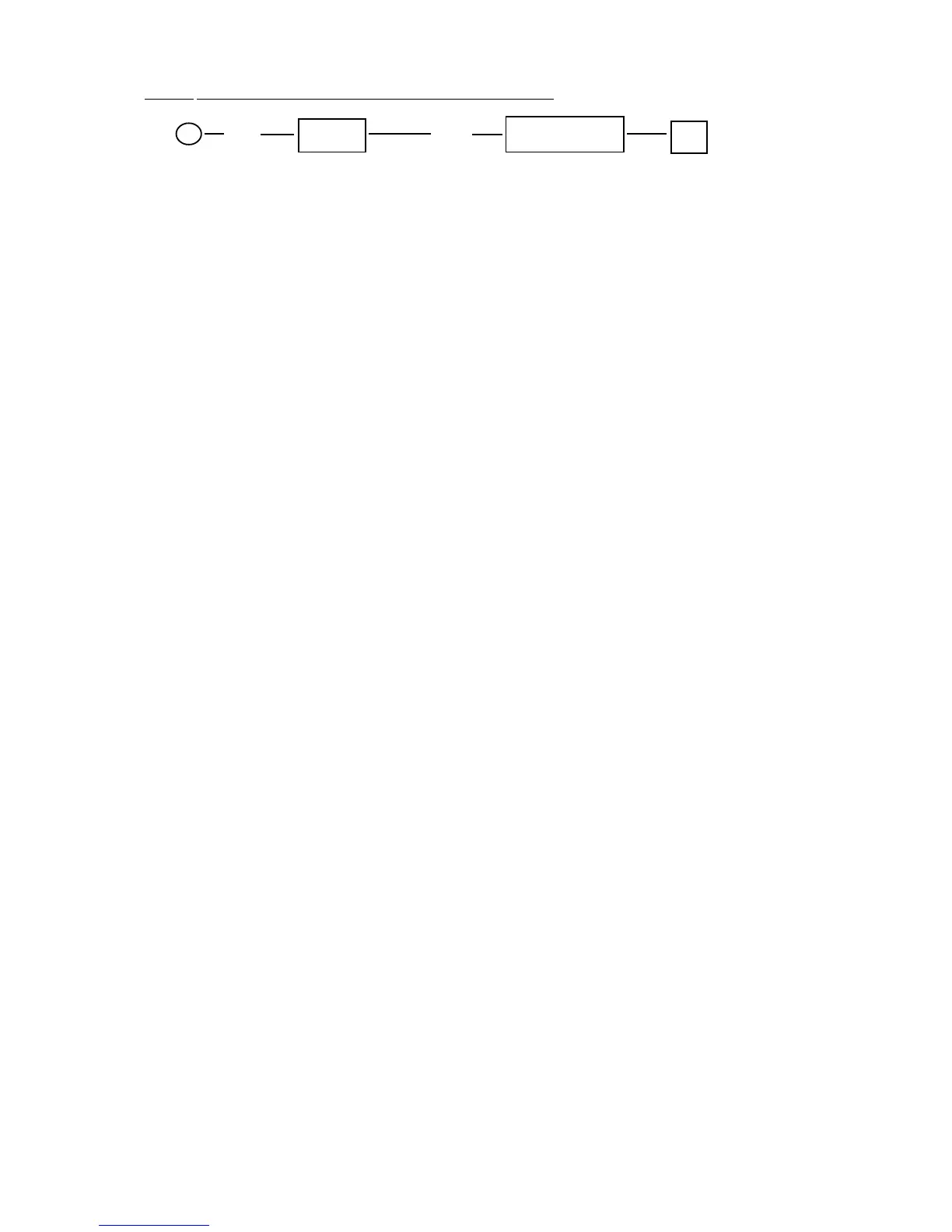
P (96) X/Time (YZ) SUB-TOTAL #
Y = Instore flag 2 (from 0 to 9)
0: EAN13 x0
1: EAN13 x1
...................
9: EAN13 x9
Z = Type of data contained in the bar-code on the label (1, 2, 3, 5):
Z = 1 case A (pseudo EAN / normal EAN code)
Eg. 2BBBBBBBBBBBC
2BBBBBBBBBBB = Merchandise code (PLU's code on ECR's memory)
C = check digit
Z = 2 case B (code + price / scale)
Eg. 2BBBBBHPPPPPC
2BBBBB = Merchandise code (PLU's code on ECR's memory)
H = Price check digit
PPPPP = Price
C = Check digit
Z = 3 case C (code + weight / scale)
Eg. 2BBBBBH0WWWWC
2BBBBB = Merchandise code (PLU's code on ECR's memory)
H = Price check digit
WWWW = Weight
C = check digit
Z = 5 case E (code + weight (decimals) / scale)
Eg. 2BBBBBHWWWWWC
2BBBBB = Merchandise code (PLU's code on ECR's memory)
H = Price check digit
WWWW = Weight (WW,WWW last three digits are considered like decimals)
C = check digit
Note :
F Merchandise code "2BBBBB" and Price check digit "H" will change to
Merchandise code "2BBBBBB" after Euro open.
F "X" mode 905-Tot.1 : it will come printed a receipt with the state of the
configuration of IN-STORE BAR-CODE programming.



 To Next Page