208 MULTIMEDIA
Return To Main Radio Screen
You can return to the Main Radio Screen by
pressing the X button or the Back Arrow button
when in the Browse Presets screen.
Audio Settings
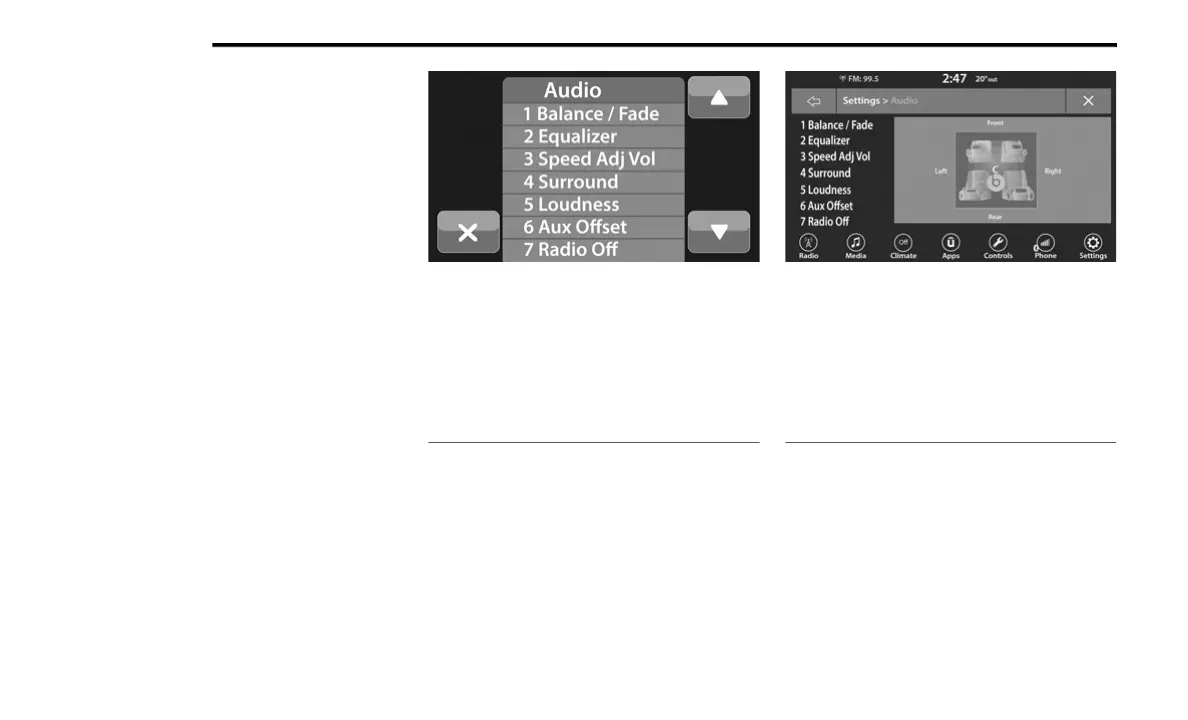
Press the Audio button within the settings main
menu to activate the Audio Settings screen.
The audio settings can also be accessed on
the Radio Mode screen by pressing the Audio
button. You can return to the Radio screen by
pressing the X button.
Uconnect 3 With 5-inch Display Uconnect 4 With 7-inch Display
1 — Balance/Fade
2 — Equalizer
3 — Speed Adjusted Volume
4 — Surround Sound
5 — Loudness
6 — AUX Volume Offset
7 — Radio Off With Door — If Equipped
1 — Balance/Fade
2 — Equalizer
3 — Speed Adjusted Volume
4 — Surround Sound
5 — Loudness
6 — AUX Volume Offset
7 — Radio Off With Door
21_KL_OM_EN_USC_t.book Page 208














 To Next Page