Pagina 27 di 47
5–USE OF THE MACHINE IN
REGULAR WORKING CO NDITIONS
_____________________________________________________________________________________________
5 USE OF THE MACHINE IN REGULAR WORKING CONDITIONS
5.1 Machine starting
• Put red plug on machine supply socket
• Turn ON key sw itch on tiller (fig. 2)
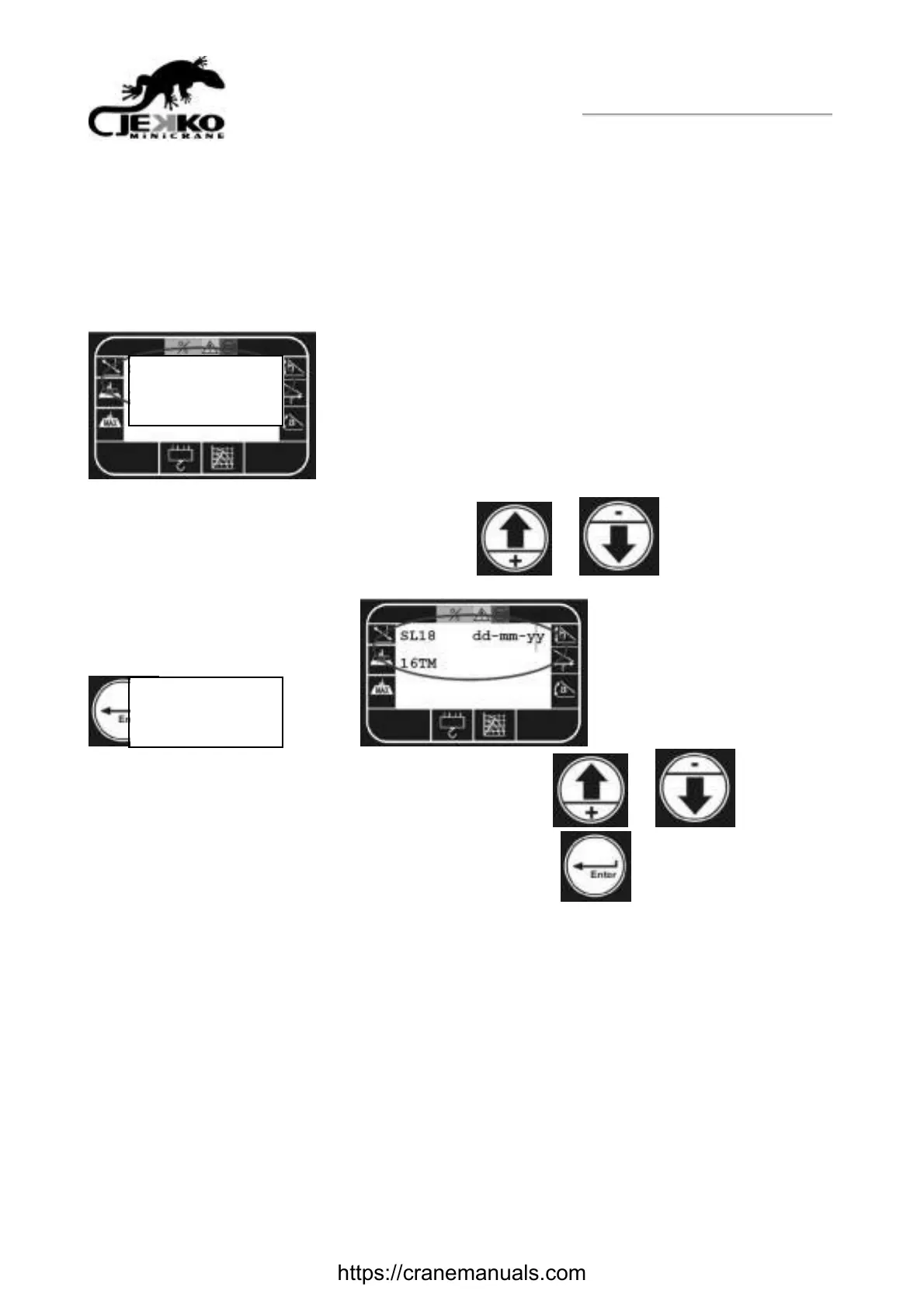
• Starting the machine, the system automatically switches on and, for a few seconds, the
machine model and the software version is shown ( dd.mm.yy= software date of development)
• Afterwards, still for few seconds, it show s the machine w orking conditions, that is the operative
mode and the possible automatic selection: press
or to select the operative
mode (HOOK, WINCH-W600, JIB_300m, MA NIPULATOR MR800.4-10P) and then press
to confirm the selection. . If you select WINCH-W600 on
the follow ing page you have to choose rope number. Press
or to select the
number (1 single, 2 double, 3 triple line pulley) and then press
to confirm the selection.
• Now will appear the Main Working Data Reading page
SLMP01A 25/ 05/08
MPKW20
WINCH-W600
Please confirm
https://cranemanuals.com



 To Next Page