Wiring
WARNING! Only connect the
unit
to a 12-volt power
supply
with propergrounding.
Complete wiring as illustrated
in
the wiring diagram
on
page
4.
Once the wiring
is
complete,
reconnect the battery negative terminal. If there
is
no ACC available, connect the ACC lead to the
power supply with a switch.
NOTE: When
replacing
a fuse,
be
sure
to
use
correct
type
and
amperage
to
avoid
damaging
the
radio.
The VM9213
uses
one
15
amp
fuse,
located
in
the
black
filter
box
in-line
with
the
main
wire
harness.
Final
Installation
After completing the wiring connections, turn the unit
on
to
confirm operation (ignition switch must
be
on). If unit does
not operate, recheck all wiring until problem
is
corrected.
Once proper operation is achieved, turn off the ignition
switch and proceed with final mounting of the chassis.
ISO-DIN
Installation
D
fJ
II
D
fJ
II
II
II
Connect wiring adapter to existing wiring harness.
Connect antenna lead.
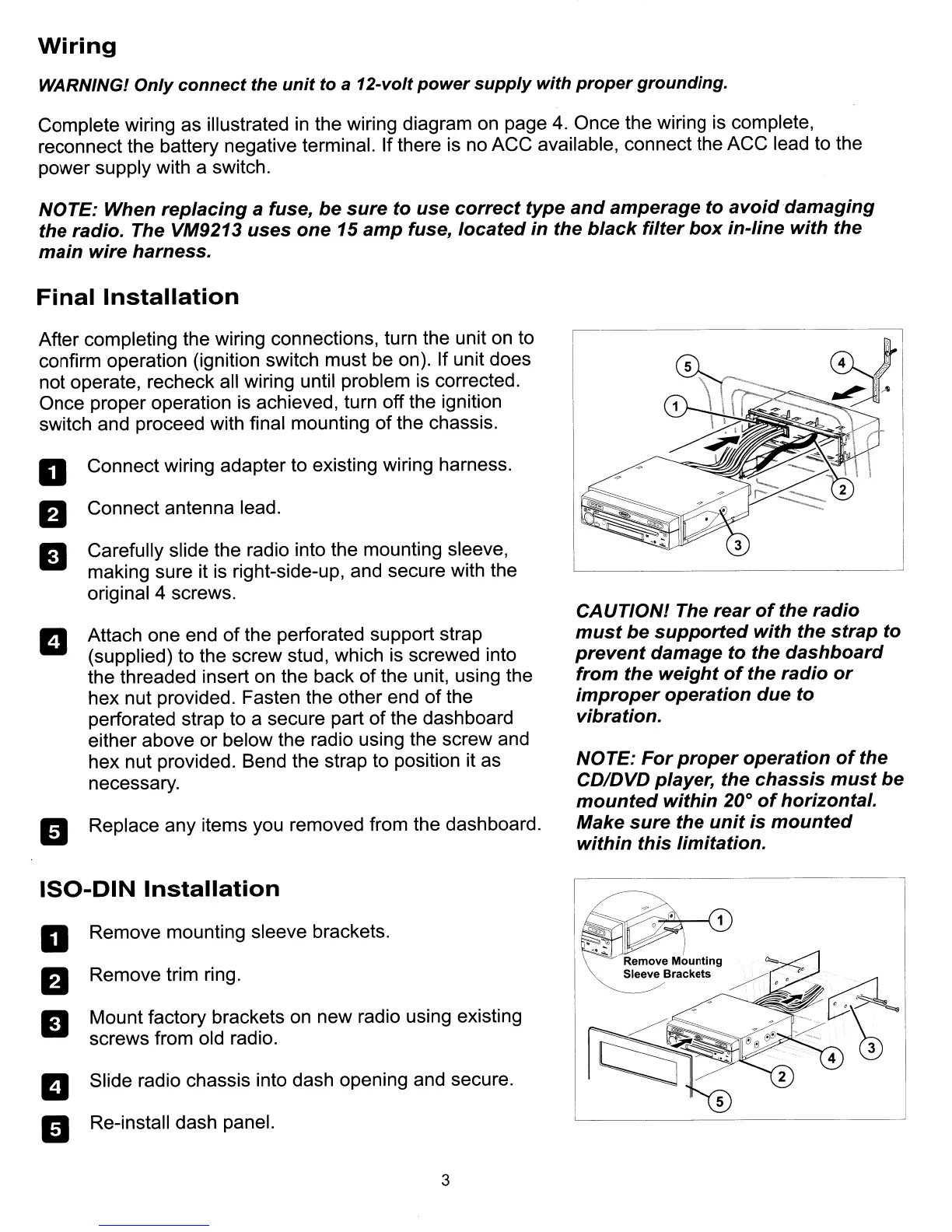
Carefully slide the radio into the mounting sleeve,
making sure it
is
right-side-up, and secure with the
original 4 screws.
Attach one end of the perforated support strap
(supplied) to the screw stud, which
is
screwed into
the threaded insert
on
the back of the unit, using the
hex nut provided. Fasten the other end of the
perforated strap to a secure part of the dashboard
either above or below the radio using the screw and
hex nut provided. Bend the strap to position it as
necessary.
Replace any items you removed from the dashboard.
Remove mounting sleeve brackets.
Remove trim ring.
Mount factory brackets
on
new radio using existing
screws from old radio.
Slide radio chassis into dash opening and secure.
Re-install dash panel.
3
CAUTIONl The
rear
of
the
radio
must
be
supported
with
the
strap
to
prevent
damage
to the
dashboard
from
the
weight
of
the
radio
or
improper
operation
due
to
vibration.
NOTE:
For
proper
operation
of
the
CDIDVD player, the
chassis
must
be
mounted
within
20°
of
horizontal.
Make
sure
the
unit
is
mounted
within
this
limitation.



 To Next Page