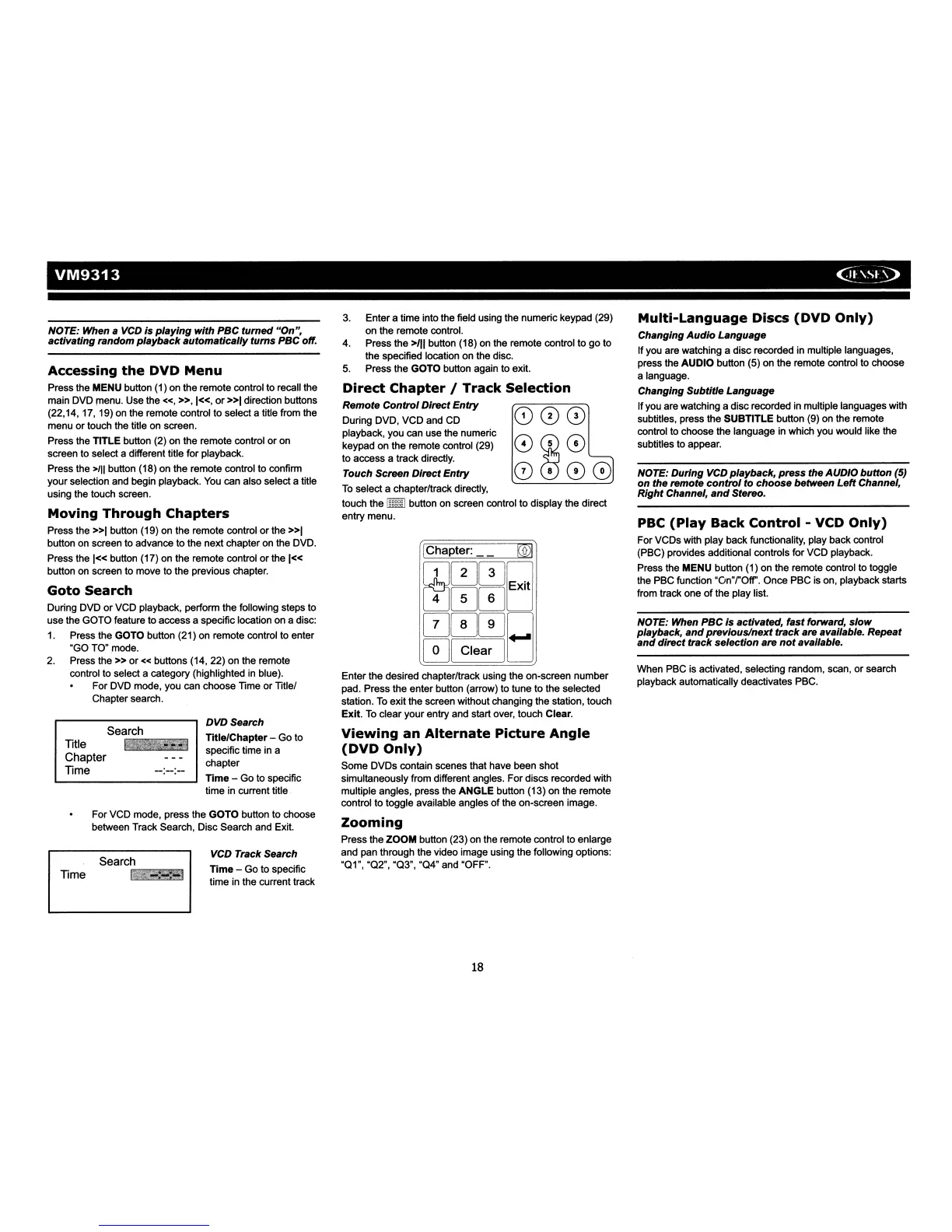
VM9313
<TI~~3>
NOTE: When a
VCD
is
playing
with PBC
tumed
"On",
activating random
playback
automatically
tums
PBC off.
Goto
Search
During DVD
or
VCD playback, perform the following steps to
use the GOTO feature to access a specific location on a disc:
1.
Press the GOTO button (21) on remote control to enter
"GO TO" mode.
2. Press
the»
or«
buttons (14, 22) on the remote
control to select a category (highlighted
in
blue).
For DVD mode, you can choose Time
or
Title/
Chapter search.
Accessing
the
DVD
Menu
Press the MENU button (1) on the remote control to recall the
main DVD menu. Use the
«,
»,1«,
or
»1
direction buttons
(22,14,17,' 19) on the remote control to select a title from the
menu
or
touch the title on screen.
Press the TITLE button (2) on the remote control
or
on
screen to select a different title for playback.
Press the
>111
button (18) on the remote control to confirm
your selection. and begin playback. You can also select a title
using the touch screen.
Moving
Through
Chapters
Press the
»1
button (19) on the remote control
or
the
»1
button on screen to advance to the next chapter on the DVD.
Press the
1«
button (17) on the remote control
or
the 1«
button on screen to move to the previous chapter.
For VCD mode, press the GOTO button to choose
between Track Search, Disc Search and Exit.
PBC
(Play
Back
Control
- VCD
Only)
For VCDs with play back functionality, play back control
(PBC) provides additional controls for VCD playback.
Press the MENU button (1) on the remote control to toggle
the PBC function
"On"rOff'.
Once PBC is on, playback starts
from track one
of
the play list.
Multi-Language
Discs
(DVD
Only)
Changing
Audio
Language
If you are watching a disc recorded in multiple languages,
press the AUDIO button (5) on the remote control to choose
a language.
Changing Subtitle Language
If
you are watching a disc recorded in multiple languages with
subtitles, press the
SUBTITLE
button (9) on the remote
control to choose the language in which you would like the
subtitles to appear.
NOTE: During
VCD
playback, press the AUDIO
button
(5)
on
the remote
control
to choose between
Left
Channel,
Right Channel,
and
Stereo.
NOTE: When PBC Is activated, fast forward,
slow
playback,
and
previous/next track
are.
available. Repeat
and
direct
track
selection are
not
available.
When PBC is activated, selecting random, scan,
or
search
playback automatically deactivates PBC.
000
0W
0
0000
3.
Enter a time into the field using the numeric keypad (29)
on the remote control.
4. Press the
>/11
button (18) on the remote control to
go
to
the specified location on the disc.
5.
Press the GOTO button again to exit.
Direct
Chapter
/
Track
Selection
Remote
Control
Direct
Entry
During DVD, VCD and CD
playback, you can use the numeric
keypad on the remote control (29)
to access a track directly.
Touch Screen Direct
Entry
To
select a chapterltrack directly,
touch the
I]ffiID
button
on
screen control to display the direct
entry menu.
IChapter:
~
[I]00Q
~00D
0000
01
Clear
,0
Enter the desired chapter/track using the on-screen number
pad. Press the enter button (arrow) to tune to the selected
station.
To
exit the screen without changing the station, touch
Exit.
To
clear your entry and start over, touch Clear.
Viewing
an
Alternate
Picture
Angle
(DVD
Only)
Some DVDs contain scenes that have been shot
simUltaneously from different angles. For discs recorded with
multiple angles, press the
ANGLE
button (13) on the remote
control to toggle available angles
of
the on-screen image.
Zooming
Press the
ZOOM
button (23) on the remote control to enlarge
and pan through the video image using the following options:
"01", "02", "03",
"04"
and "OFF".
VCD Track Search
Time
- Go to specific
time in the current track
DVDSearch
TItle/Chapter
- Go to
specific time in a
chapter
TIme
- Go to specific
time
in
current title.
Search
Search
";"'~""'-~""""""''''''.
Title
Chapter
Time
Time
18














 To Next Page