Figure 3.19 Output Adjust
3.5.10 Logout
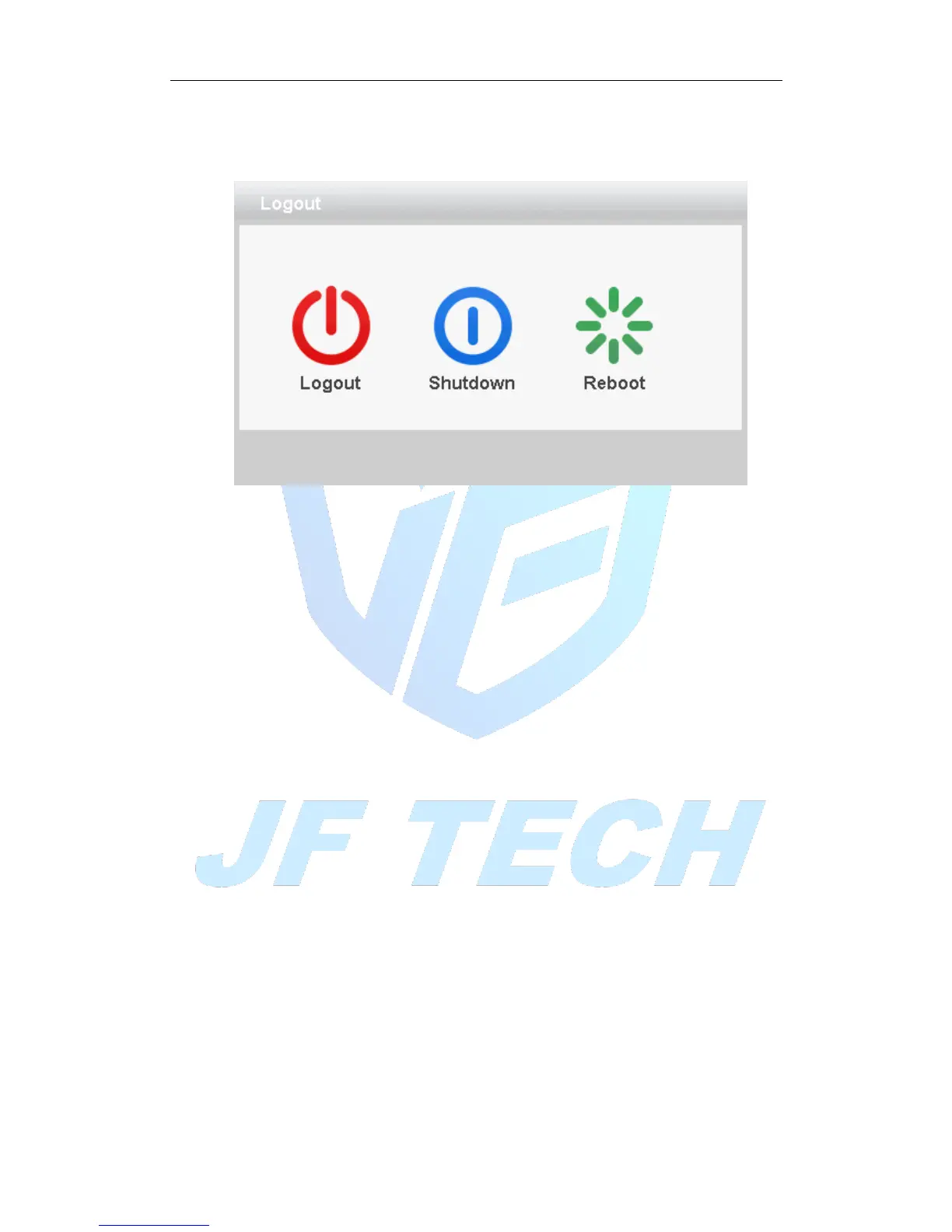
Logout shut down the system or reboot up. You can use the desktop shortcut menu
Figure 3.20 Logout/Shutdown/Reboot the system
【logout】Quit the menu. Offer password next entrance.
【shut down】Quit the system. Turn off the power supply.
When press the shut down button, there is schedule hint. After three seconds, the
system is shut down. Cancel midway is of no effect.
【reboot】Quit the system. Reboot up the system.
3.5.11 Window switch
Preview in single window/four windows/eight windows/nine windows/sixteen
windows according to your choice.
3.5.12 SPOT
This feature is only supported by some models, a BNC connector for Spot interface, the
user can switch SPOT output split screen mode via the context menu. After receiving
the BNC interface, regardless of what to do at the end VGA, TV-side output device only
a preview screen will not display the GUI interface of the device.
It can be selected according to the needs of different screens, can be single picture,
four pictures, sixteen screen preview.
Note: The total number of different video input device, which can switch the preview
screen is different.



 To Next Page