5. Remote Cloud Operating Instructions
5.1 Cloud surveillance
Cloud technology allows the device to achieve one step to Internet, which greatly facilitates the
customers to monitor the public network. The technology access the device through the serial
number.
* Note: Support for cloud technology equipment required to be in the public domain is
available within the cloud monitoring.
5.1.1 Check the cloud connection status
After the device is connected to external networks, you can check through [main menu]>
[System]> [Version],If the Nat Status is “Connected”,then it means the device is connecting to the
cloud server successfully.
5.1.2 Log in cloud server
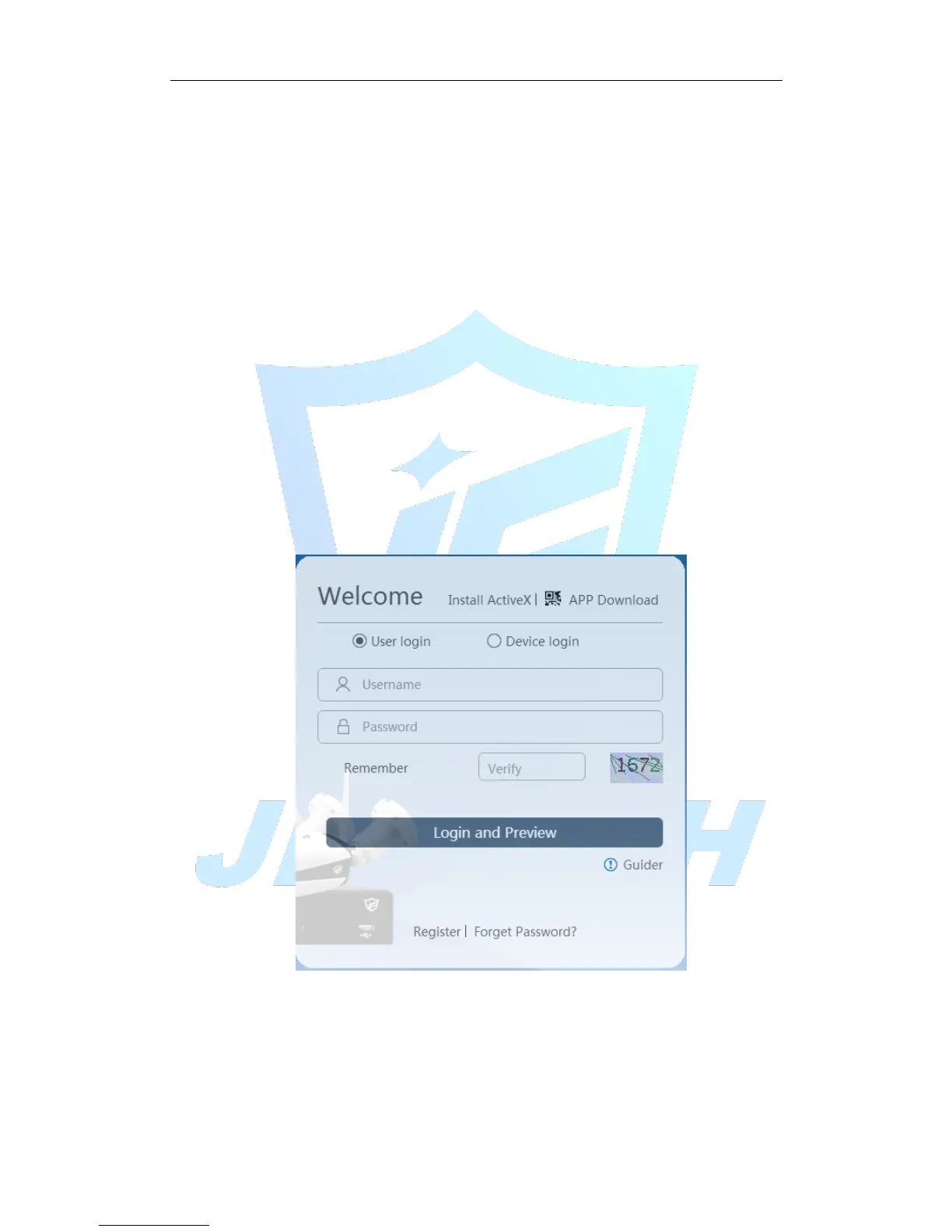
Log http://cloud.jufenginfo.com, Pop up the login screen, which has login by user and log in
by the device two ways, the customer can demand their own choices login.
* Note: The first time according to login by user, you need to register.
Figure 5.1 Log in
5.1.3 Log in by user
After the customer entering username and password, the following screen pops up:



 To Next Page