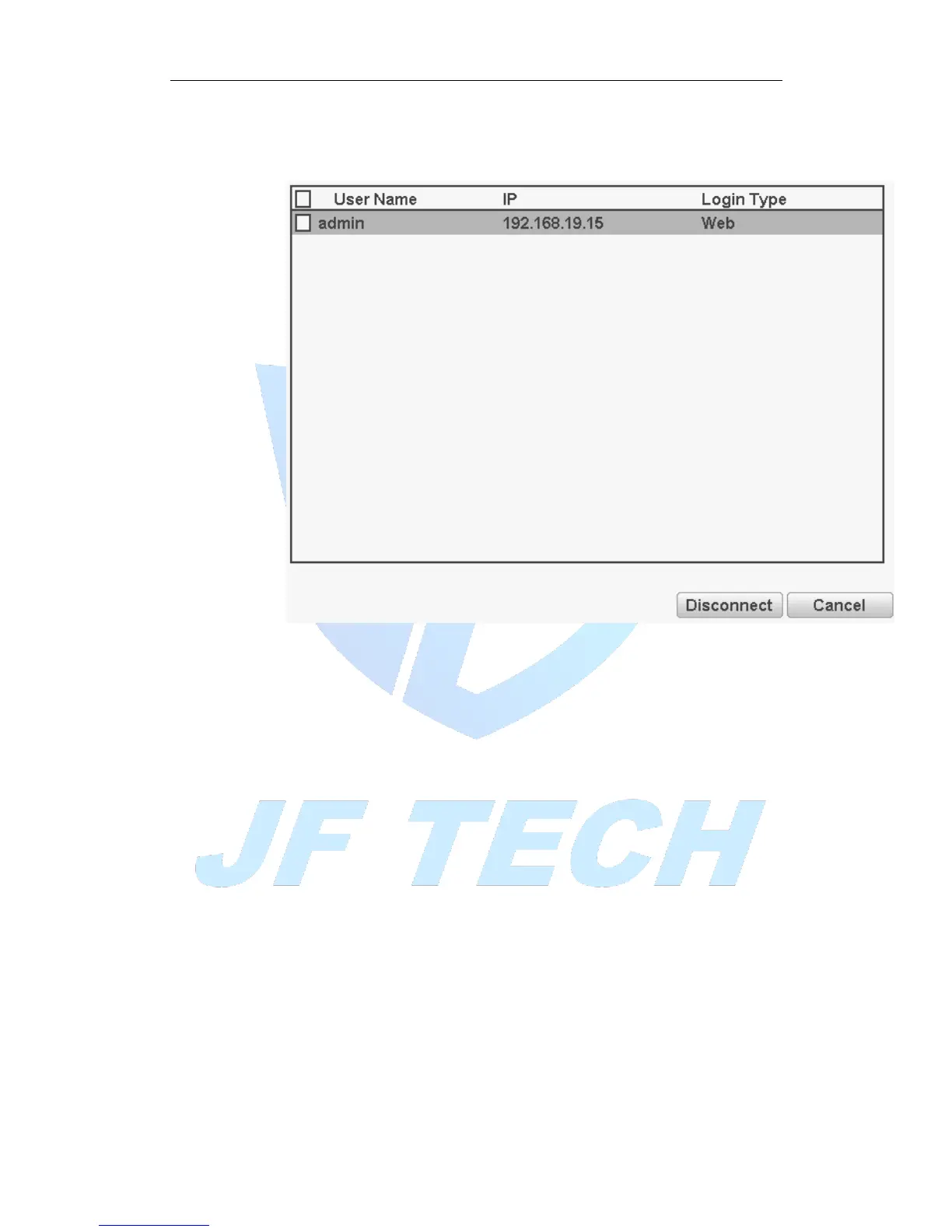
To check the information of network user that connected with local device, also can
tick the selected user to break up connection,(make √ at the box),then the user will
be frozen after connection stopped, and will not log in until device reboot.
Figure 4.41 Online user
4.5.4 Import / Export
Users can export the log info and the configure file from device to connected flash stick,
and also can import related configure file from flash stick to settings, which greatly
bring convenience to the customers.



 To Next Page