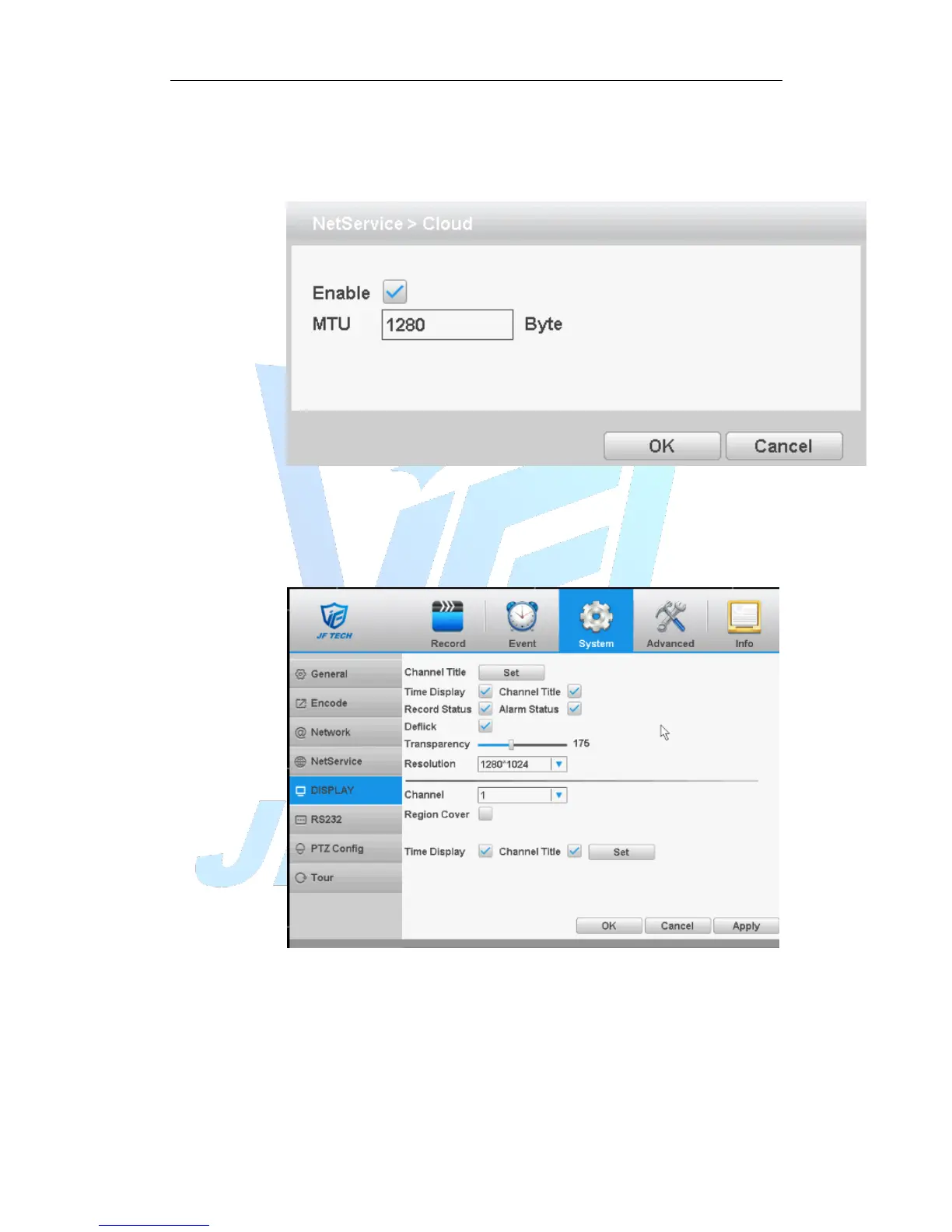
[CLOUD]
Check the cloud services, male cloud service is enabled, the user can visit
http://calDVRview.net/
Figure 4.30 Cloud
【Enable】 Select it to make sure abnormal function workable
4.4.5 GUI Display
Configure the video output parameters including time display, record status,
transparency, resolution etc.
Figure 4.31 GUI display
【Channel Title】Click the channel name modify button and enter the channel
name menu. Modify the channel name. The 16 Chinese characters and 25 letters
are supportive.
【Time Display】means the selective state. Display the system data and time in the
surveillance window.
【Channel display】means the selective state. Display the system channel number



 To Next Page