Figure 4.8 video blind
Video loss alarm configuration, please refer to 4.3.1 motion detection section.
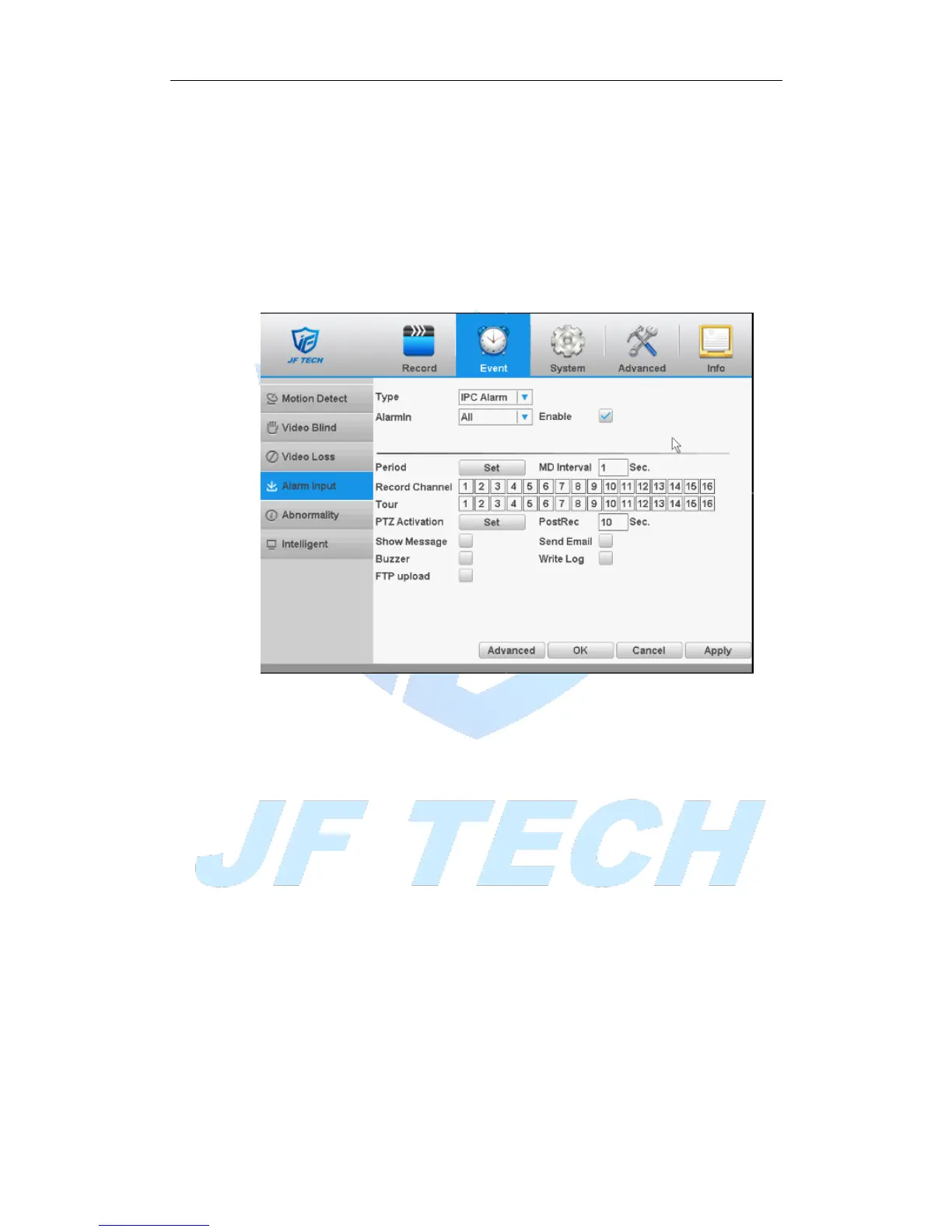
4.3.4 Alarm input
When the device gets an external alarm device alarm signal, it will start alarm function.
* Alarm input, mixed-mode / full analog channel mode and use the same digital
channel mode, the function is turned on, if set to normally open, you only need to plug
the alarm terminal on the local end of the alarm inputs, alarm information will be
generated , but also the corresponding linkage setting function.
Note: Advanced button is same to the right click.
Figure 4.9 Alarm input
Setting method: refer to chapter "4.3.1."
4.3.5 Abnormality
Some current hardware and software analysis and detection equipment, and when
there is an abnormal event is detected, the device responds accordingly, for example,
the screen tips, buzzer, etc.



 To Next Page