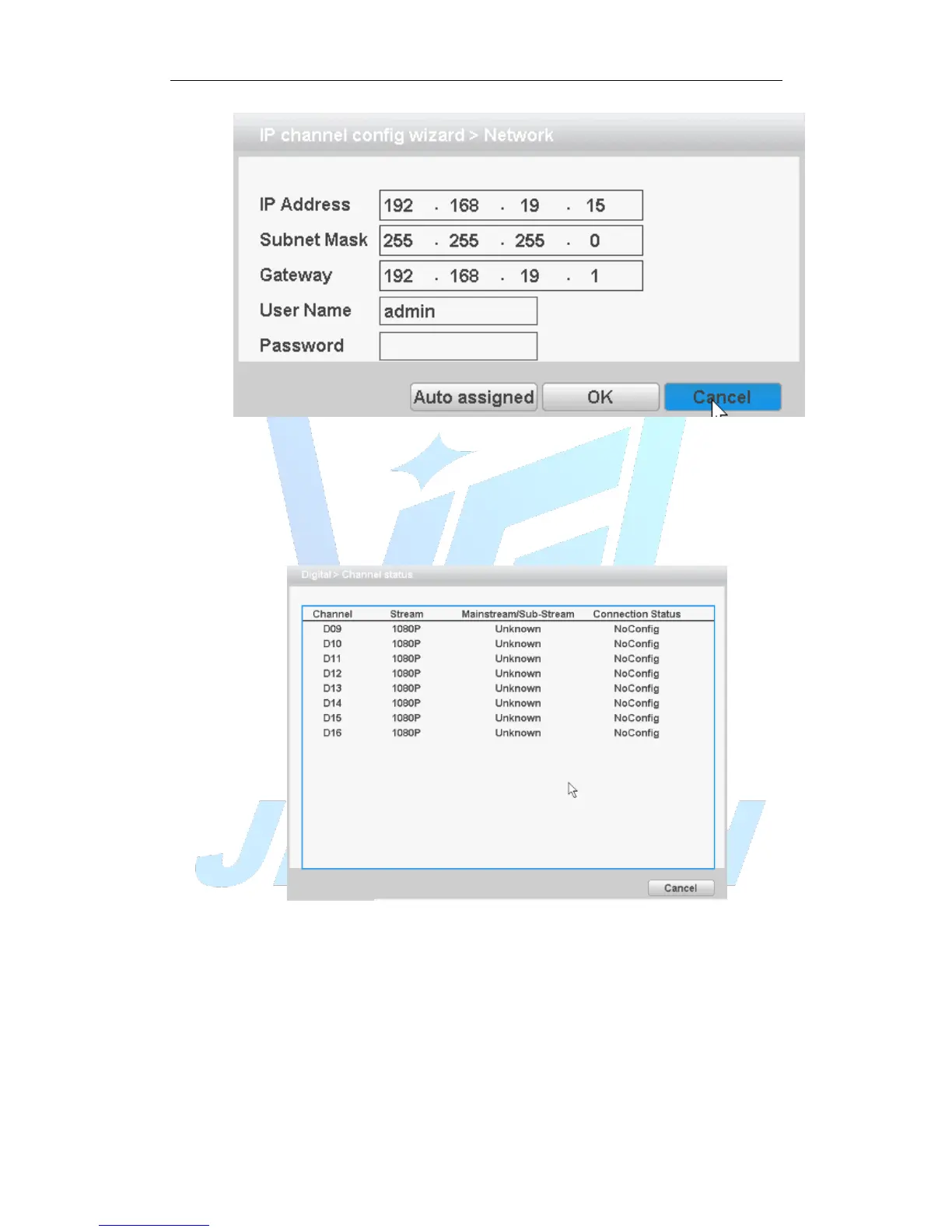
Figure 4.49 network settings
Channel Status:
Channel status is to show the status of the entire digital channel when there is what
existing, status including Max Resolution, This Resolution, and Connection Status.
The channel status as 4+2 mode:
Figure 4.50 Channel Status
Remark: when the current resolution is over the max resolution that the channel
supported, then a red “X” will be shown on the preview image, for example: Under
full digital channel mode, Max resolution of channel 3 is D1, if it was connected to a
device with resolution over D1 ( such as 960H).
Channel mode:



 To Next Page