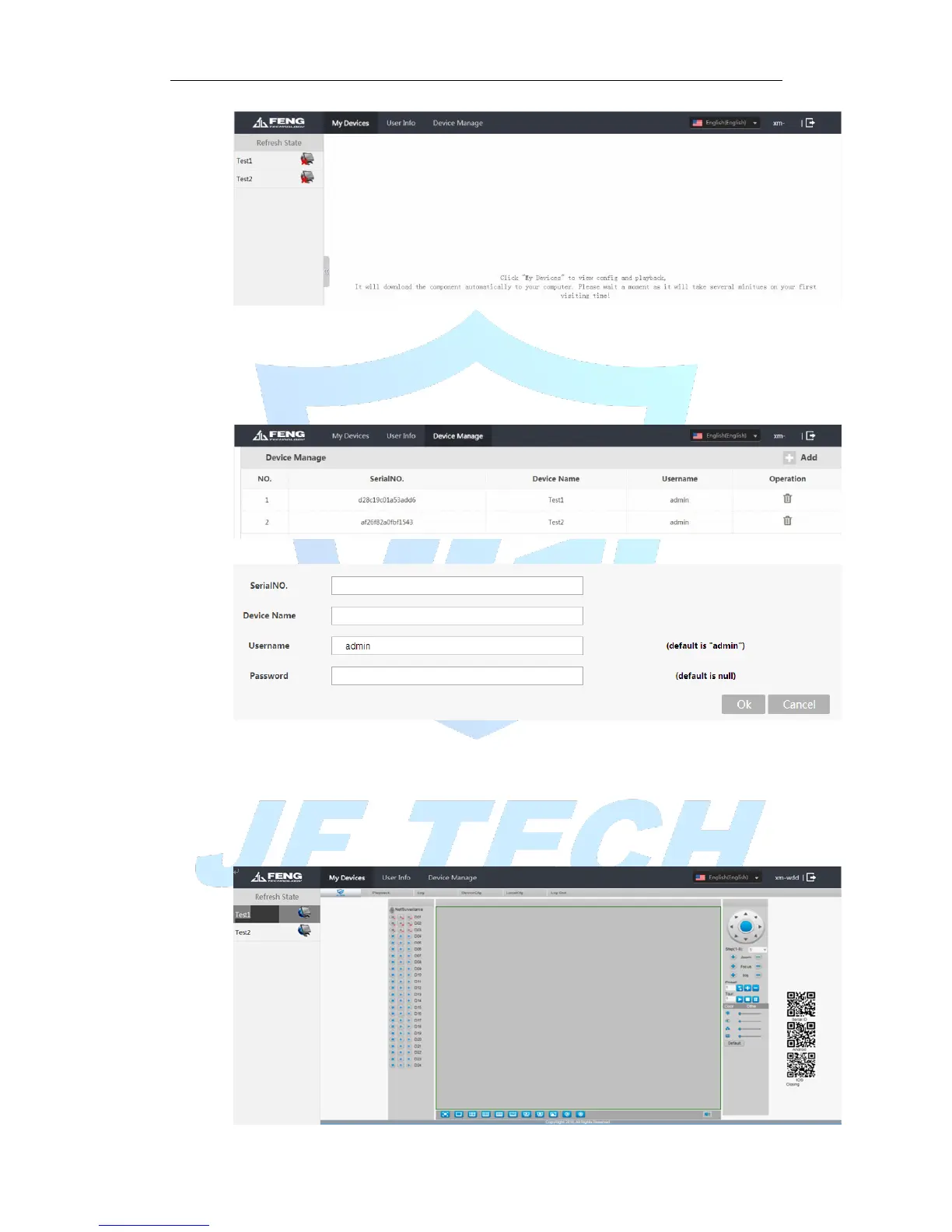
Figure 5.2 cloud technology interface
Device Management:
Mainly used to add devices to be monitored, click Add, to add serial number of the
device.
Figure 5.3 device management
Figure 5.4Add device
* Note: the user name in Figure 5.5 is the user name of monitoring equipment; device
password refers to the appropriate device user's password.
My device:
The main display device name added to the Device Manager, click on the success of the
devices connected to the server name, you can access to monitor the device.



 To Next Page