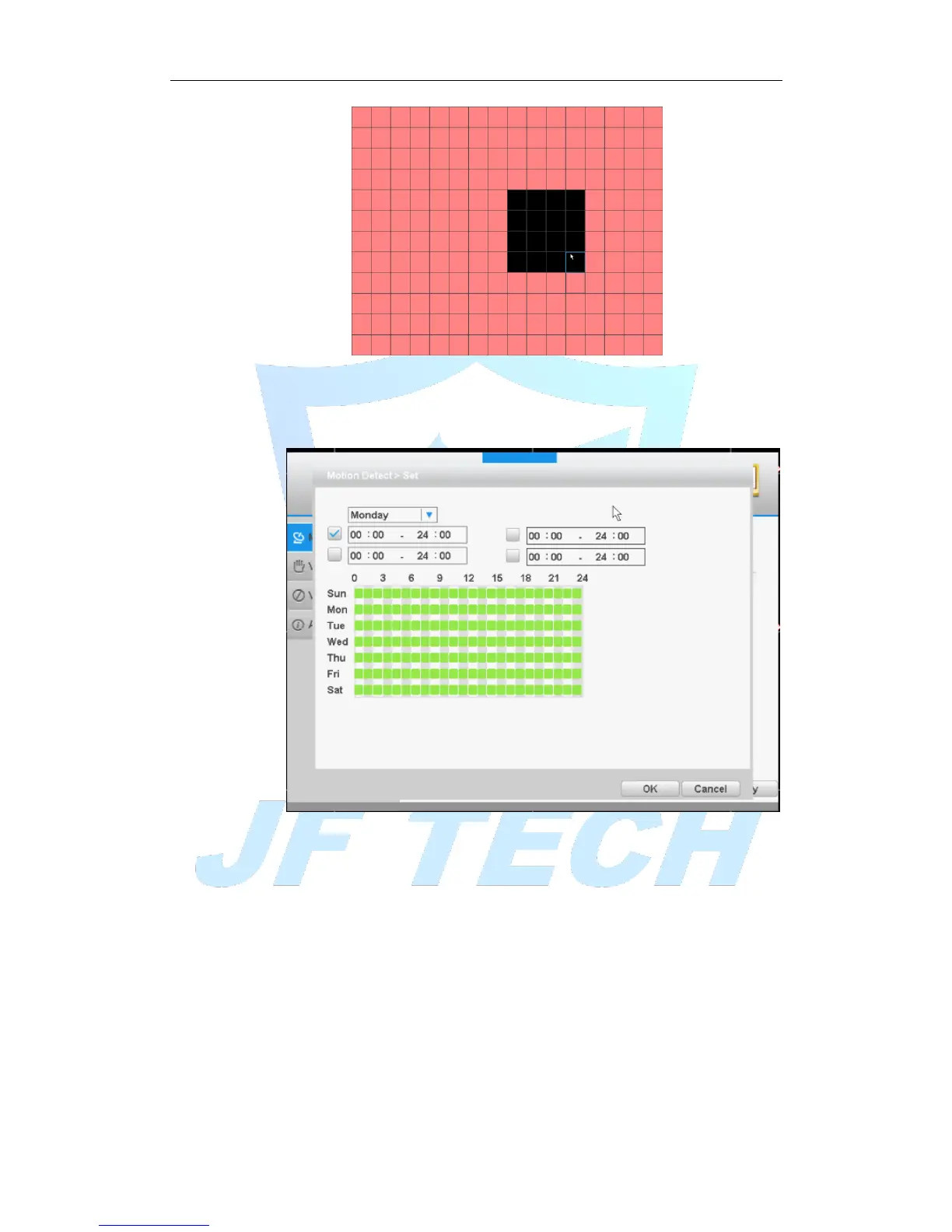
Figure 4.4 area settings
[Period]: You can also set the alarm time from Monday to Sunday every day 4 time
periods, other time will not trigger motion detection alarm information. As shown in
FIG.
Figure 4.5 time period
[MD Interval]: between two alarms generate alarm information shortest time interval
can be set between 0 and 600S.
[Record channel]: When an alarm is triggered, the DVR starts recording, you need to
open detection recording.
[Tour]: The DVR does not support this feature.
[PTZ Activation]: When alarming, it will turn off the PTZ preset point linkage or linkage
between points or cruising.
* Under Mixed mode, PTZ is linkage to analog channel corresponding PTZ settings,
under full digital channels; PTZ is linkage to PTZ information corresponding to the
remote device settings.
Note: PTZ Activation, you need [shortcut menu]> [PTZ], set the preset point, cruise
between points, intervals and other parameters



 To Next Page