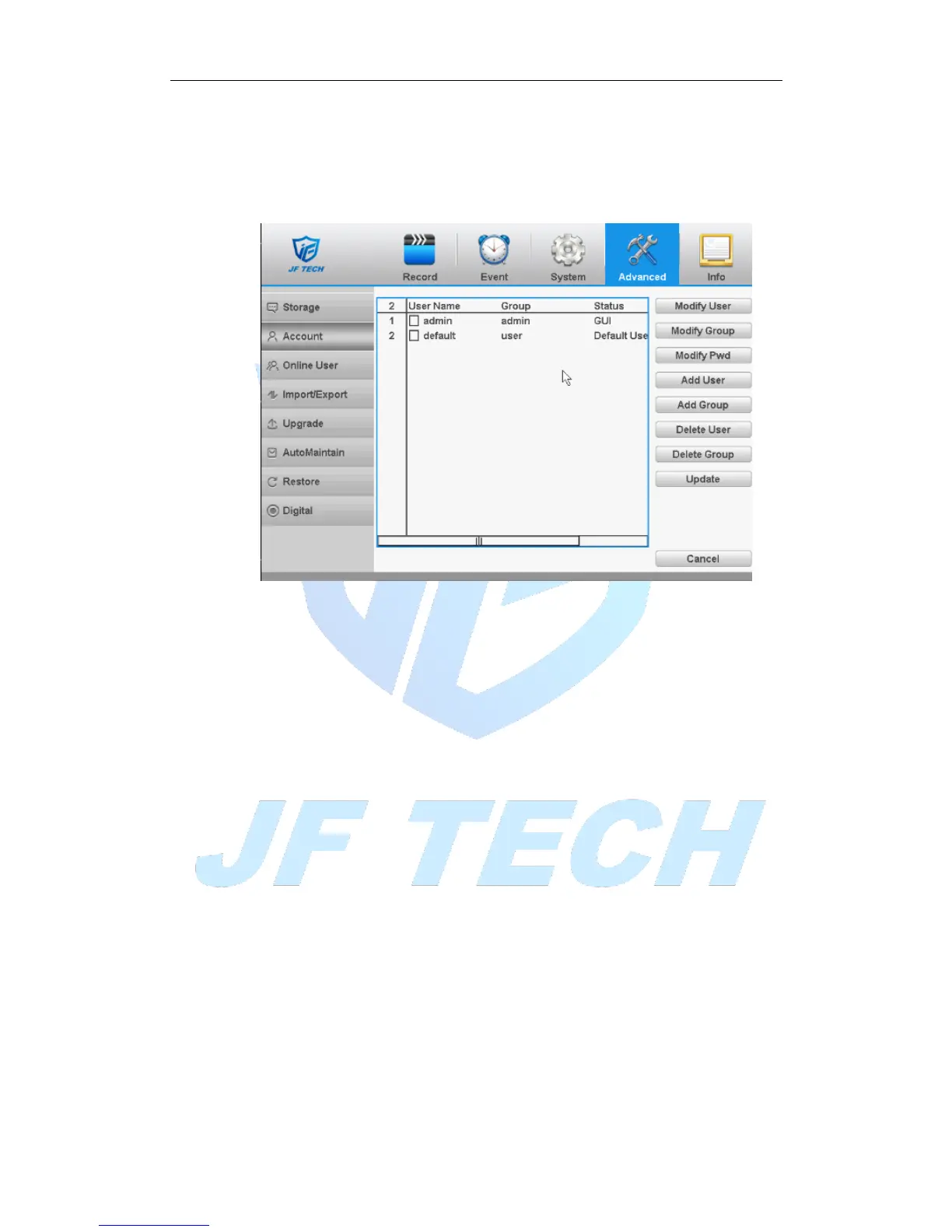
2. There is no limit in the user and user group. You can add or delete the user group
according to user definition. The factory setup include: user\admin. You can set the
team as you wish. The user can appoint the purview in the group.
3. The user management include: group/ user. The group and user name cannot be the
same. Each user only belongs to one group.
Figure 4.36 Account
[Modify User]: Modify the user name has been added, whether reuse, notes, group,
class, and permissions.
[Modify Group]: group name has been added to modify the user group, notes and
permissions.
[Modify Password]: modify user login password.
Note:The user who possess the user control purview can modify his/her own or
other users password



 To Next Page