Chapter - Johnston Visual Module
Page Issue 01
OG
5:14
V Range 501 ● 651 ● 801 - Operator’s Guide
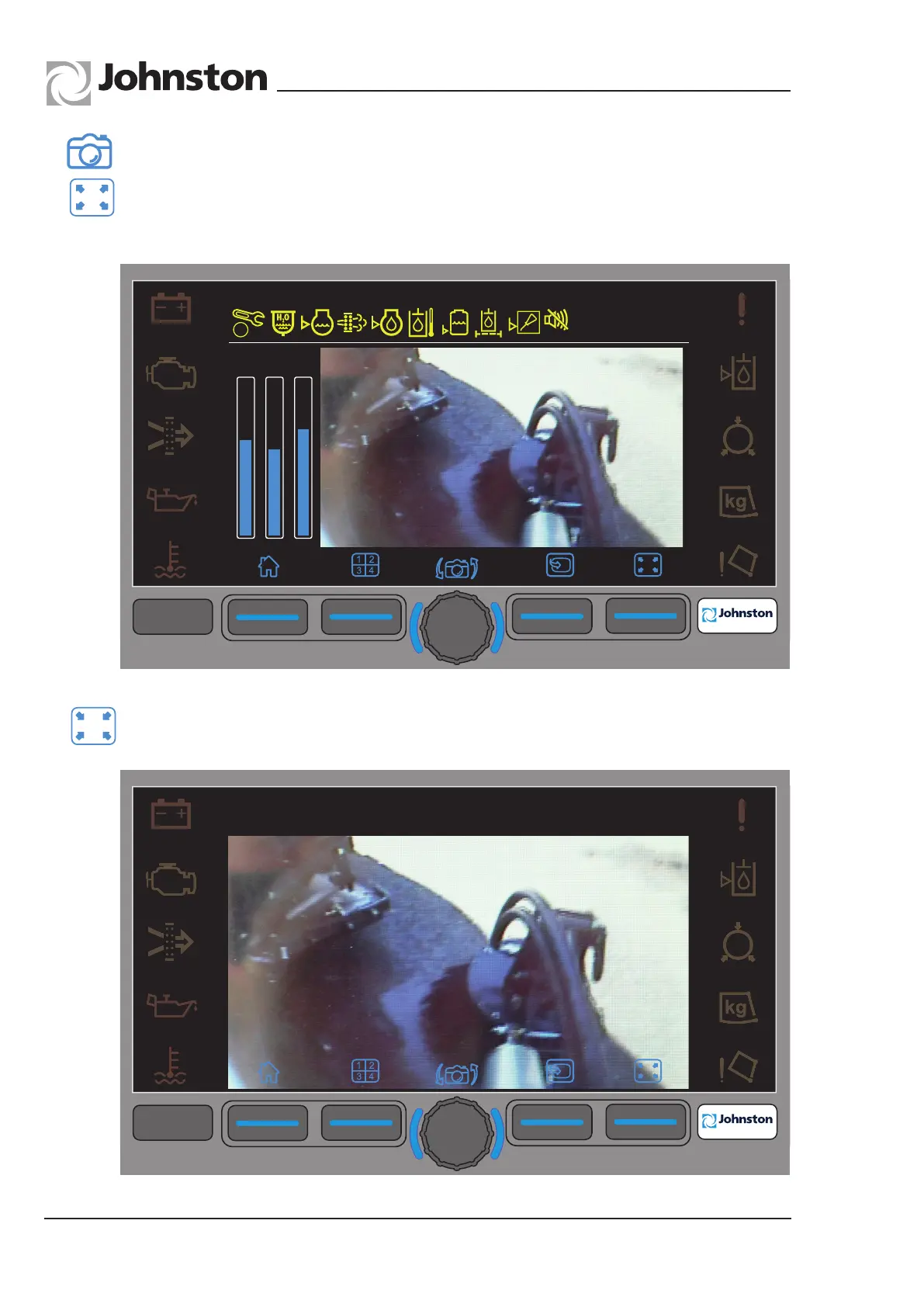
Pressing the Camera Minimise soft key will return the camera to normal display mode.
F1
F2
F3
F4
F4
09:45
23.03.2013
1
st
0
n/min
F1
F2
F3
F4
F4
5.0 Camera (Press F4 on Base Screen)
Pressing the Camera Maximise soft key (F4) will display the camera in full screen display
mode.
All Copyright and rights are the property of Johnston Sweepers Ltd



 To Next Page