Chapter - Johnston Visual Module
Page Issue 01
OG
5:15
V Range 501 ● 651 ● 801 - Operator’s Guide
Johnston Sweepers Limited
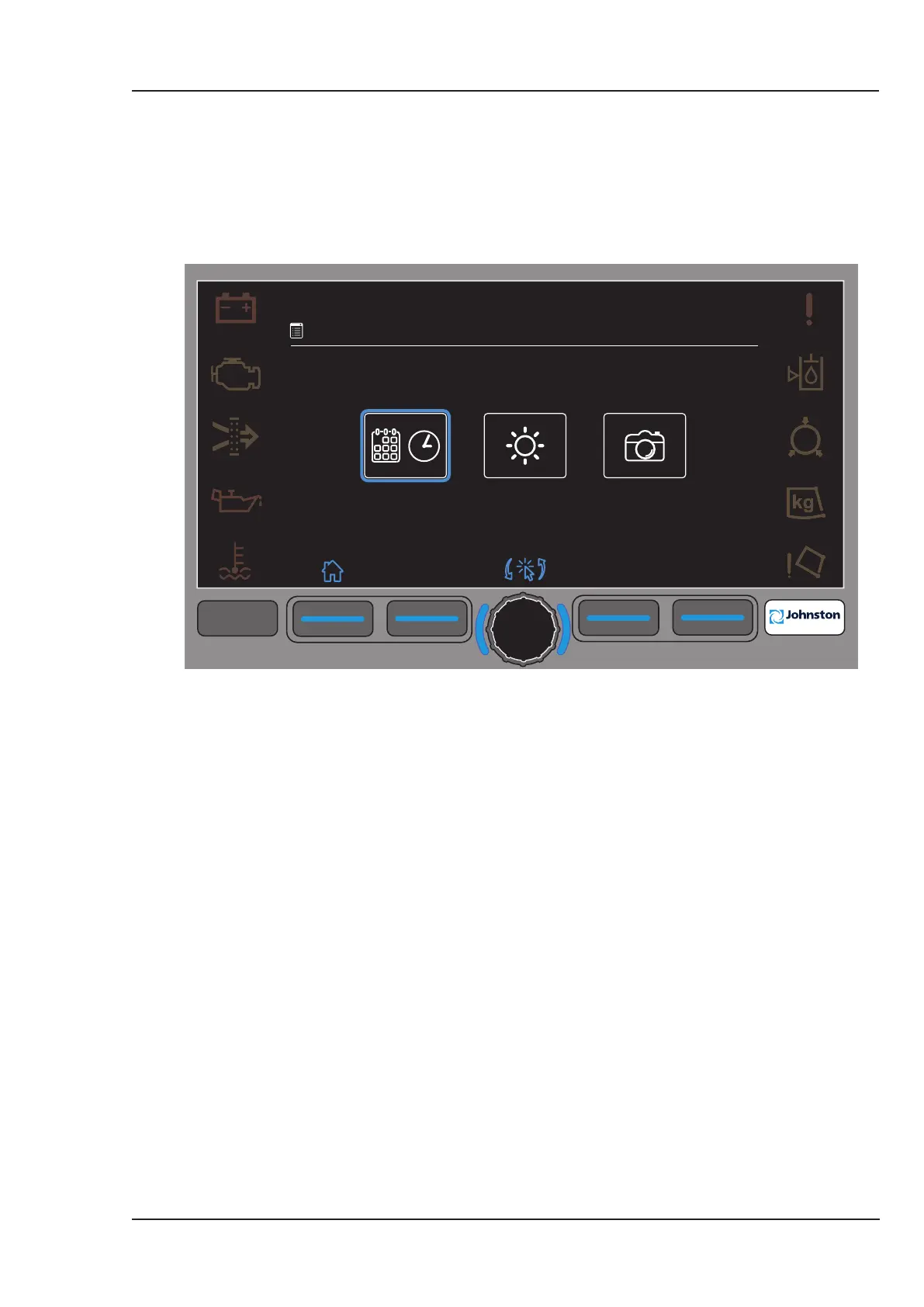
Menu 4.13 Allows the operator to set prefered settings for the following:
4.13.1 Date and Time. 4.13.2 Screen and Buttons Brightness and Contrast.
4.13.3 Camera Brightness, Contrast and Colour Saturation.
Rotate centre encoder to move the halo and press to select display setting menu as required.
F1
F2
F3
F4
F4
09:45
23.03.2013
4.13
Display Settings
All Copyright and rights are the property of Johnston Sweepers Ltd



 To Next Page