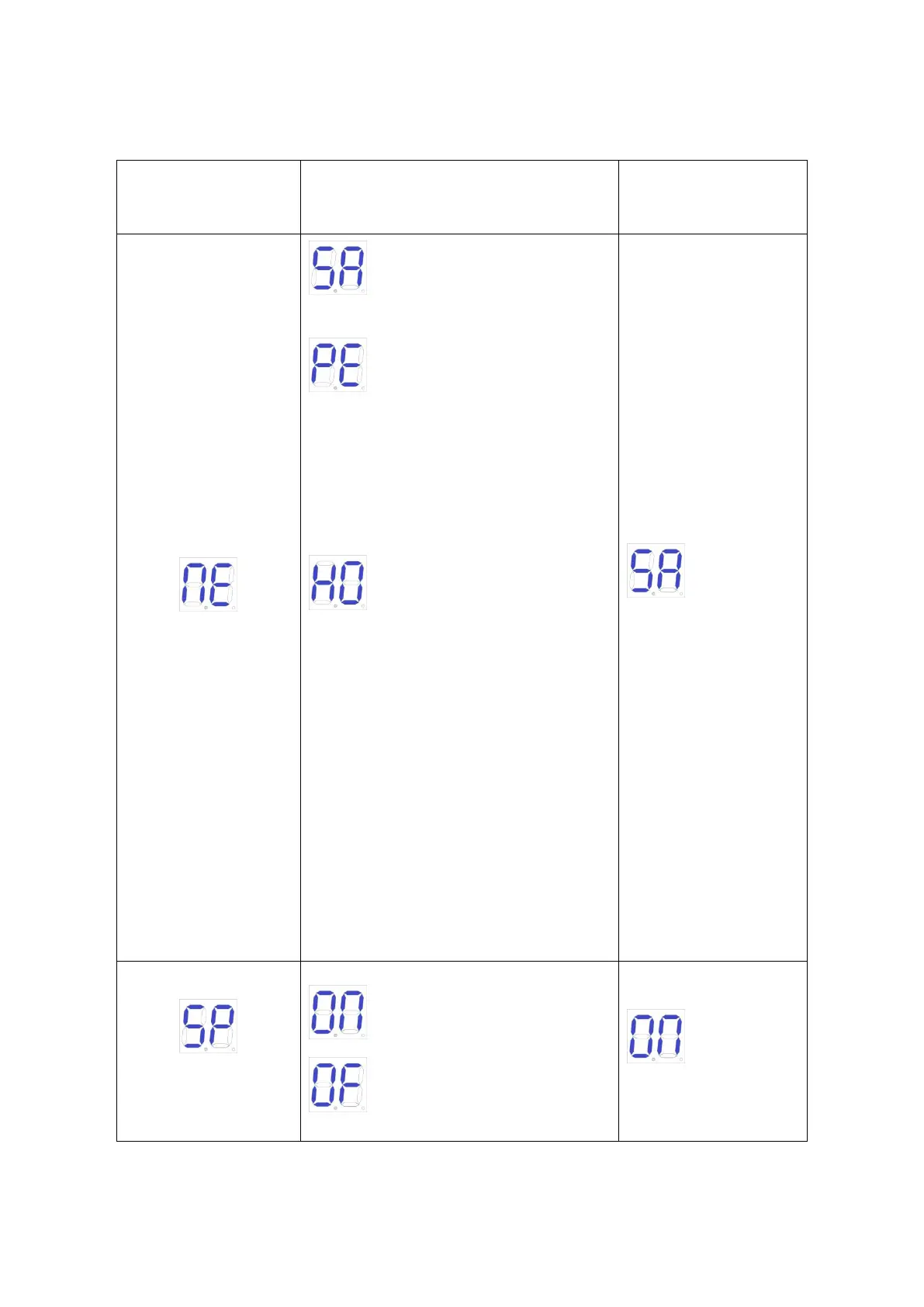
Standard mode; O/C/S
(Open/Close/Stop).
O/S/C standard mode with automatic
closing function. When the gate opens, it will
automatically close after automatic closing
time. If a “close the gate” command is sent
during the automatic closing time waiting time,
the automatic closing function will be
canceled.
Community mode(with automatic
closing function). When the gate opens, any
gate command will not be responded until it
closes automatically. If user sends gate
command during the closing process, then the
gate will reopen. If a gate command is sent
during the automatic closing waiting time, this
waiting time will be recalculated. If the gate is
not closed completely for more than three
consecutive times, the automatic closing
function will be canceled and the gate will be
closed by re-sending the gate closing
command. Note that in community mode, the
gate still has the automatic closing function in
case of meeting obstacles.



 To Next Page