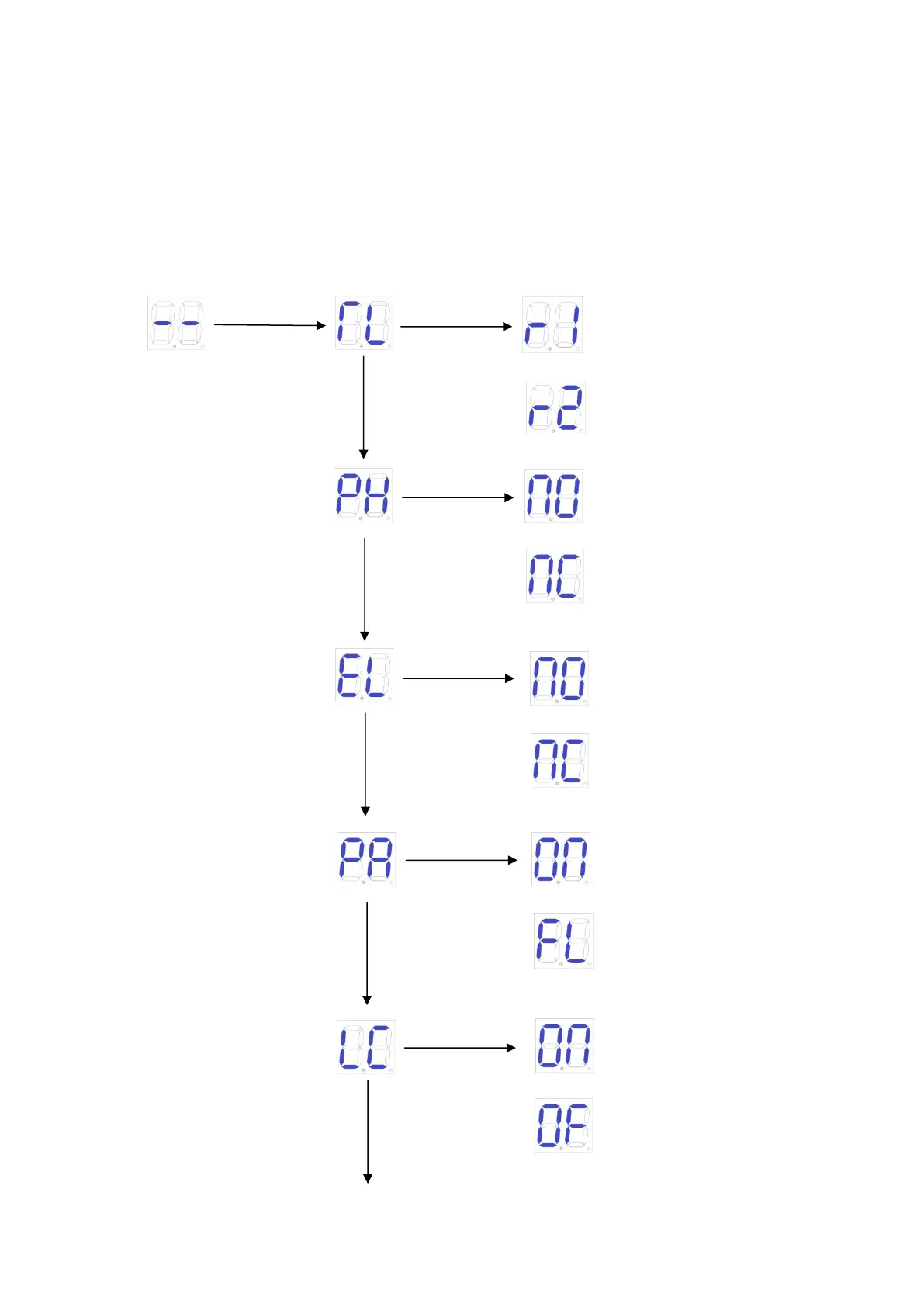
9.7.3 Advanced Menu Instruction
Long press "PROG" 2 seconds to enter into advanced menu.
Digital Screen shows “TL”, press “+”(up) or “-”(down) to select;
Short press “SET” to confirm or to enter into sub-menu.
Short press “PROG” to exit.
If no command for one minute, the menu will automatically exit.
Advanced Menu
Photo sensor normally off
Electric lock normally on
Alarm lamp normally flash
Electric lock normally off



 To Next Page