JP-33 SERVICE MANUAL
Technical Support - Trouble Shooting
1.5 Problem
A chemical is not replenishing.
.
Air is in the pipe or hose.
Remove air bubbles by opening the Drain Valve to release air.
Reduce the size of RPL Hose if it is to long.
RPL rate is to low
Set RPL Time over 30 seconds.
: In this case 100ml of chemical is supplied for 30 seconds to develop a sheet of film.
Set RPL Time as over “00” in Setting Mode.
: Replenishment is supplied automatically according to the size of film.
REVIEW REPLENISHMENT RATE CHART IN SECTION 1.6 OF TROUBLE SHOOTING
GUIDE
Check and make sure there are no particles inside hoses and pipes
Check the pipes connecting to replenishment tanks
Check if there is any alien substance or dried chemicals in the pipe and hoses.
1.6 Problem
Replenishment rate is too high or too low.
Adjust the replenishment rate.
Set “RPL Time” high/low in System Setting Mode.
The RPL is factory set at “00”: RPL “00” is for standard processing conditions.
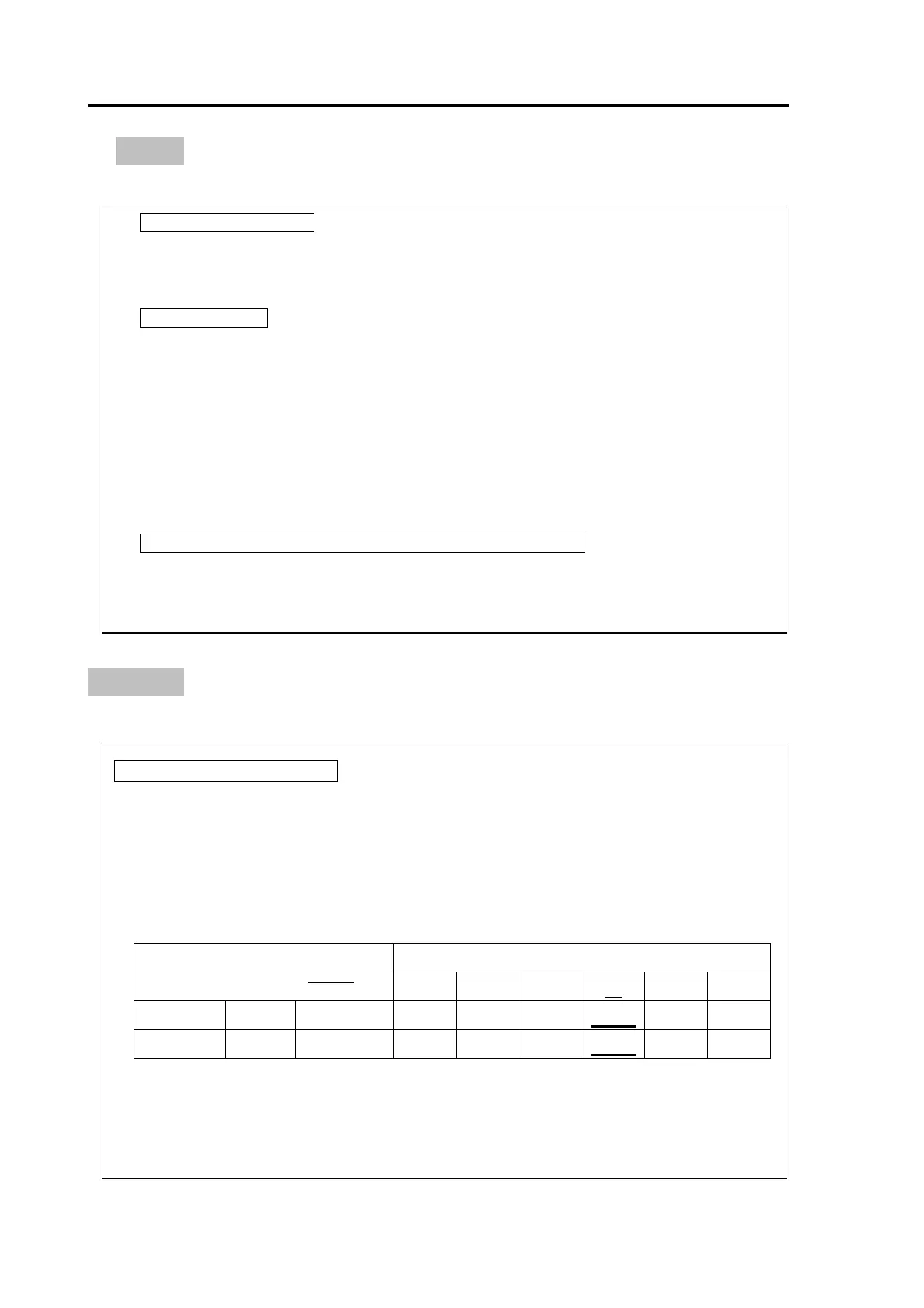
JP-33 Film Processor is set-up to replenish Developer and Fixer according to the following chart.
Please program the RPL time accordingly to required specifications for your applications.
Replenishment rate of DEV, FIX chemical (bases on 14” x17” film = 50sec loading time)
Set RPL Time in sec.
RPL pump capacity (ml/sec.)
00 10 20
30 40 60
Fixer 100% 4.16 ml/sec 200ml 42ml 83ml 125ml 166ml 250ml
Developer 80% 3.33 ml/sec 160ml 33ml 67ml 100ml 133ml 200ml
Note: The IWAKI-bellows type pumps used on the JP-33 has a mechanical cam adjustment
screw. If your processing needs requires increasing the RPL, you can adjust the cam up
to 100% of the pumps capacity.
- -
19


 To Next Page