SSG 20 Hardware Installation and Configuration Guide
72
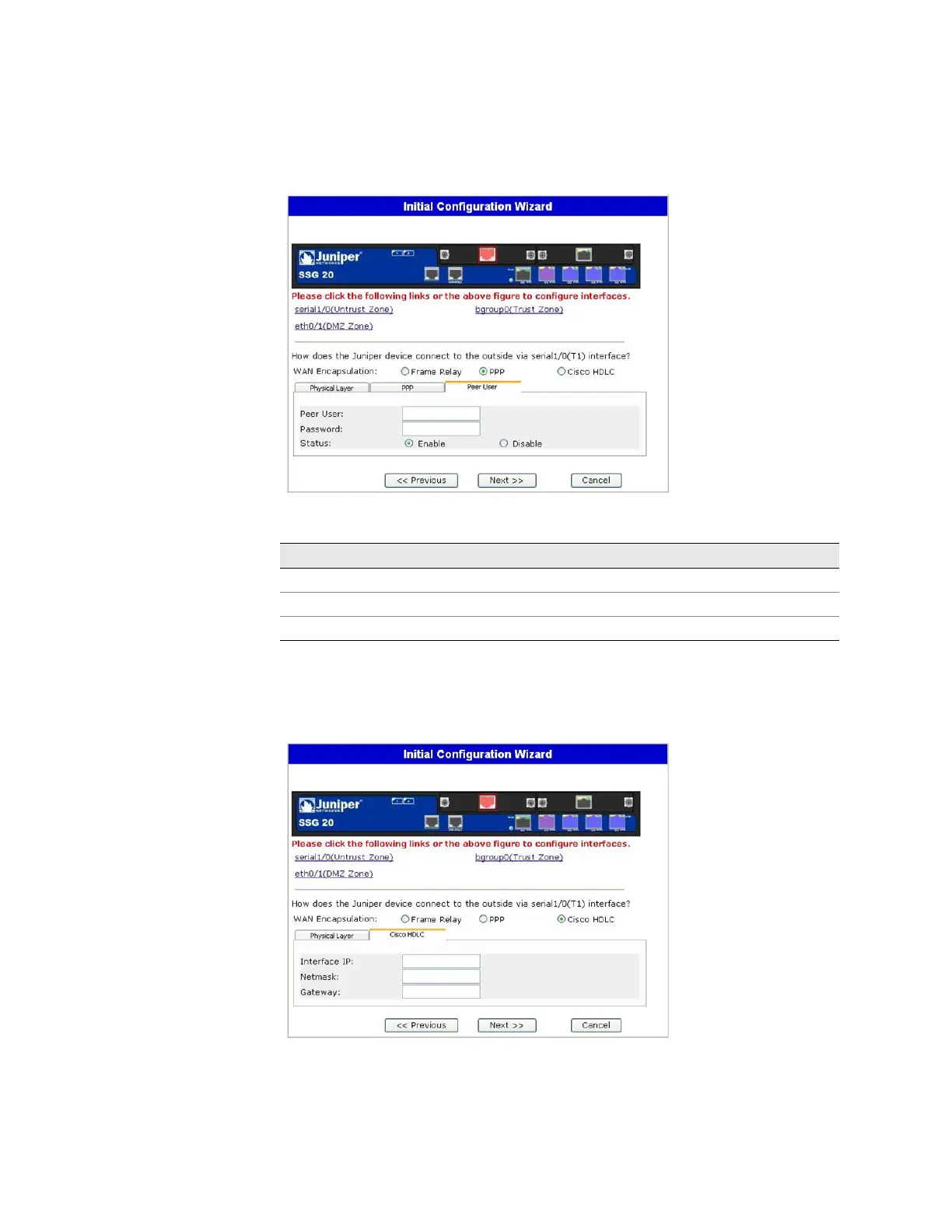
Figure 32: PPP Option with Peer User Tab Window
Table 17: Fields in PPP Option with Peer User Tab Window
If you have the T1 mini-PIM installed in your device and you selected the Cisco
HDLC option, the following window is displayed:
Figure 33: Cisco HDLC Option with Cisco HDLC Tab Window
Field Description
Peer User Sets the name of the peer user
Password Sets the password for the peer user specified in the Peer User text field
Status Enables or disables PPP



 To Next Page