Playing Back Files (Continued)
To Play Back MPG Files
!
MPG files are stored in the EXTMOV folder.
Follow the procedure below to play back the
MPG files in the EXTMOV folder.
Preparation:
•
Slide the mode switch to select ! mode.
•
Press the SELECT PLAY/REC button to
select playback mode.
1
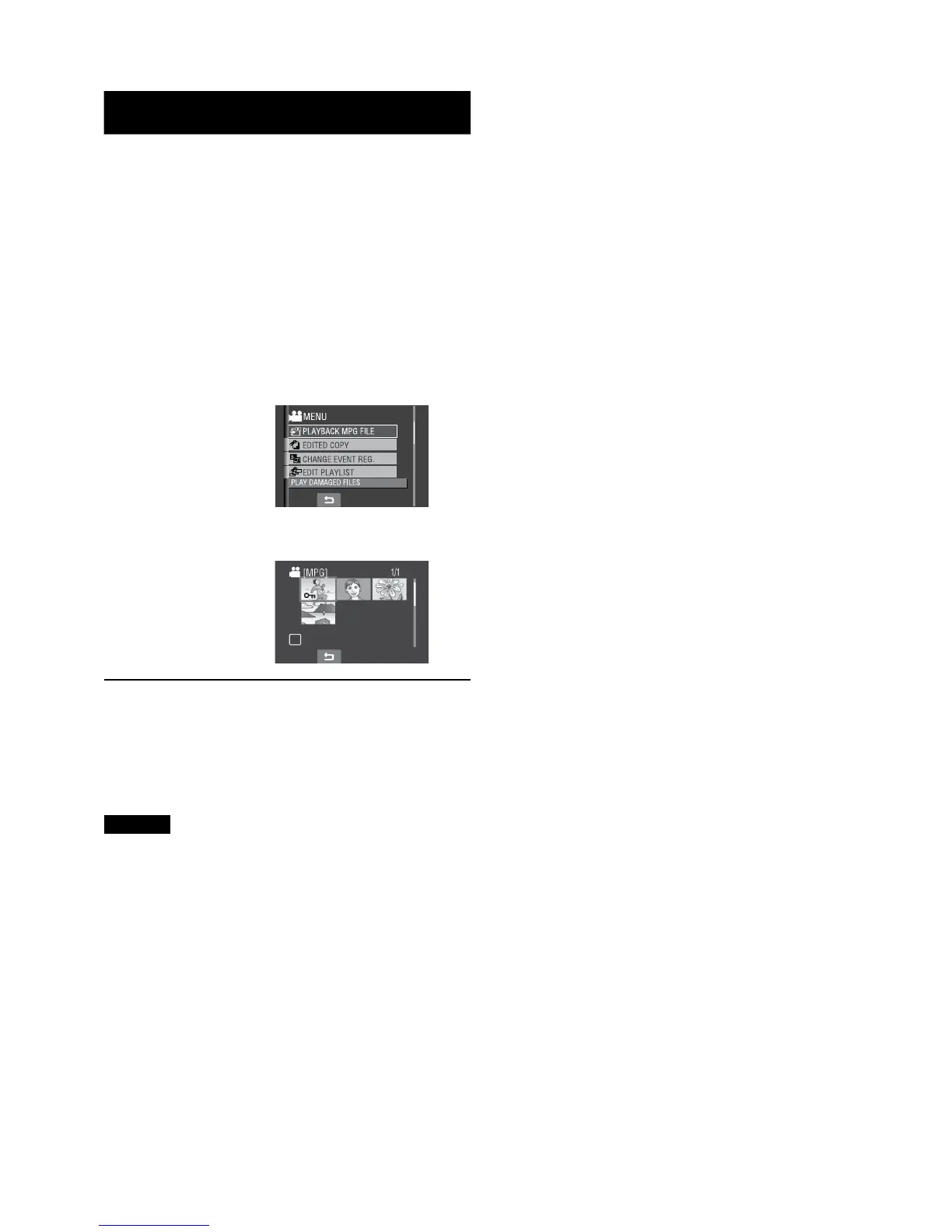
Touch the MENU button.
2
Select [PLAYBACK MPG FILE].
3
Select the file you want to play back.
L To return to the normal file playback
mode
Select @.
L To quit the screen
Select [QUIT].
NOTES
•
An MOD file is created in the EXTMOV
folder when management information is
corrupted.
•
Depending on the condition of the damaged
file, playback might fail or may not run
smoothly.



 To Next Page
 Loading...