Basic operations of disc/file playback
26
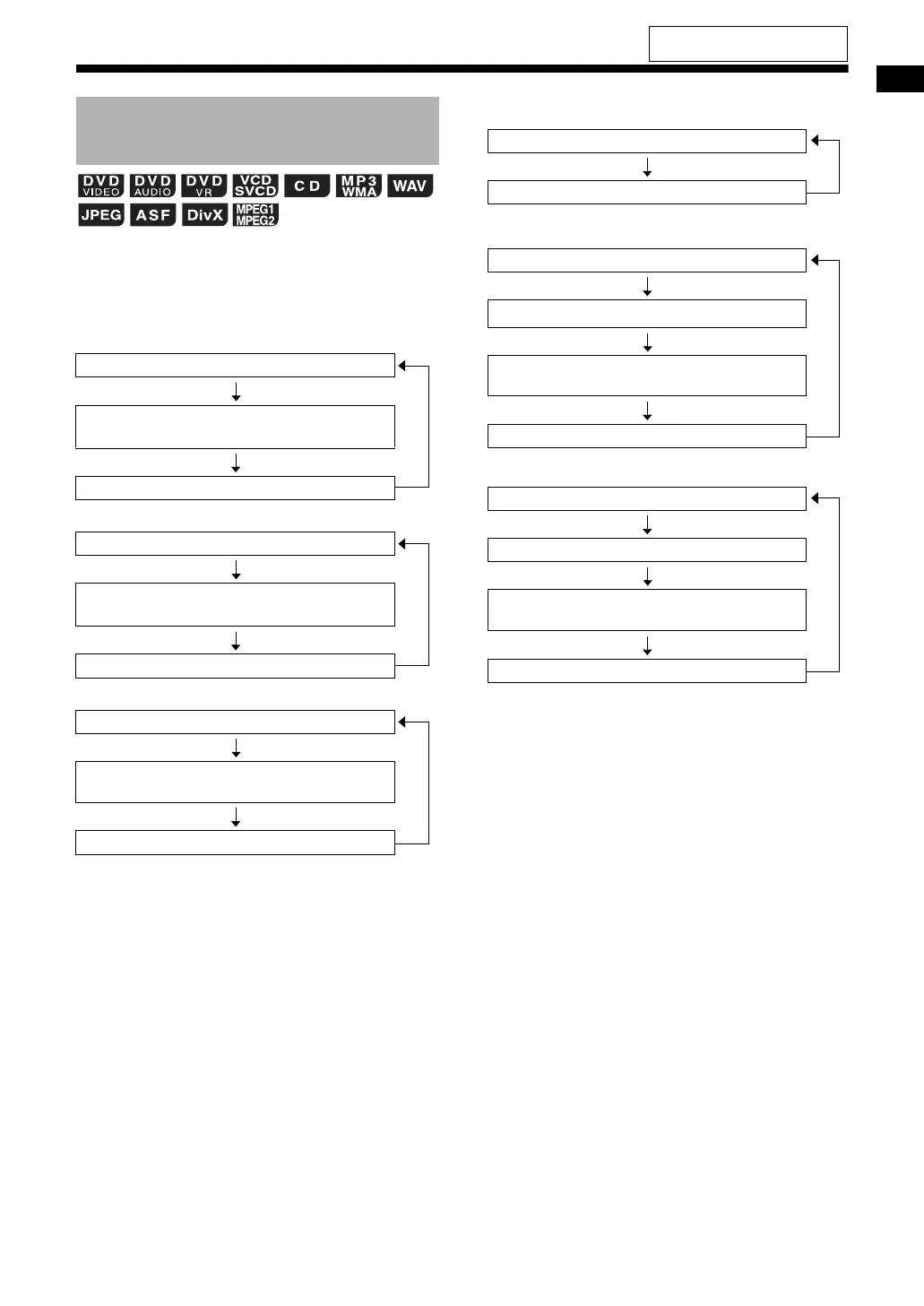
Press [DISPLAY] repeatedly during
playback.
• Each time you press [DISPLAY], the display
changes.
■ DVD VIDEO
■ DVD AUDIO
■ DVD VR
■ VCD/SVCD/CD/JPEG file
■ MP3/WMA file
■ WAV/ASF/DivX/MPEG1/MPEG2 file
*1 This is displayed in the display window when a
disc/file is played back.
*2 When text, such as a tag information, has been
recorded in the MP3/WMA file, the text appears
and scrolls by in the display window.
*3 When the PBC function is canceled (refer to
page 24), the elapsed playback time is dis-
played instead of “PBC” in the display window.
Changing the display in the
display window
Normal display (as shown on page 23)
Title number/chapter number/elapsed
playback time
Clock
Normal display (as shown on page 23)
Group number/track number/elapsed
playback time
Clock
Normal display (as shown on page 23)
Original program (play list) number/chapter
number/elapsed playback time
Clock
1
1
1
Normal display (as shown on page 24)
Clock
Normal display (as shown on page 25)
Text
*2
Group number/track number/elapsed
playback time
Clock
Normal display (as shown on page 25)
File name
Group number/track number/elapsed
playback time
Clock
3
1
1
For the locations of the remote
control buttons, refer to page 21.
EX-A3[J_C].book Page 26 Wednesday, December 27, 2006 3:53 PM


 To Next Page