46
ENGLISH
To play back only intros (Intro Scan)
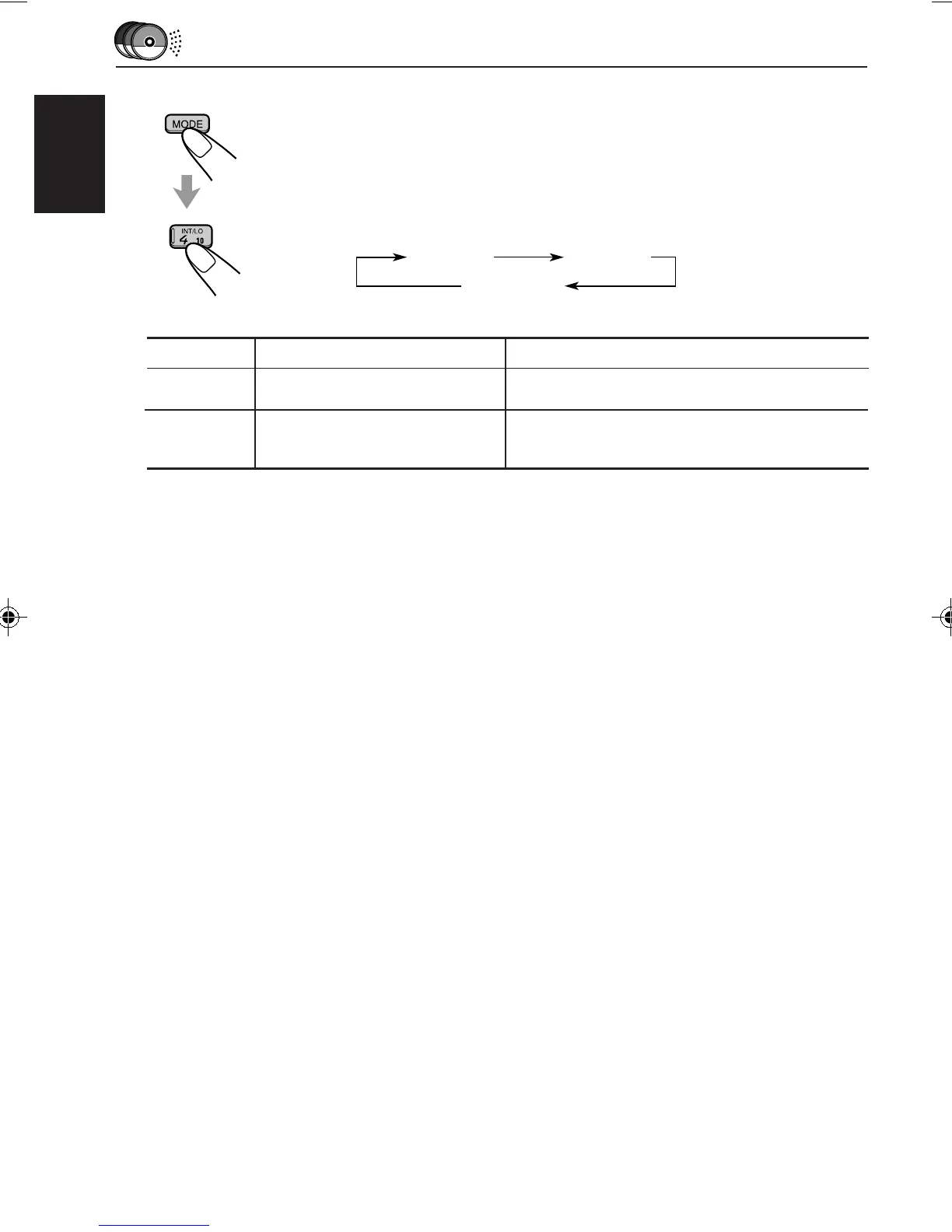
1 Press MODE while playing a CD.
“MODE” appears on the lower part of the display, and the number buttons
can work as different function buttons.
2 Press INT/LO (Intro/local), while “MODE” is still on the display.
Each time you press the button, CD intro scan mode changes as follows:
INTRO 1 INTRO 2
Canceled
Track number flashes
Mode Indication Plays the beginnings (15 seconds)
INTRO 1 Of all tracks on all inserted discs.
INTRO 2 Of the first track on each inserted disc.
Disc number flashes (when
it is shown on the display)
EN43-46.KD-LX3R[E]/f 99.3.9, 6:15 PM46


 To Next Page
 Loading...