28
Using the TV’s menu
PD-42/35B50BU/BJ / LCT1617-001A-U / English (EK)
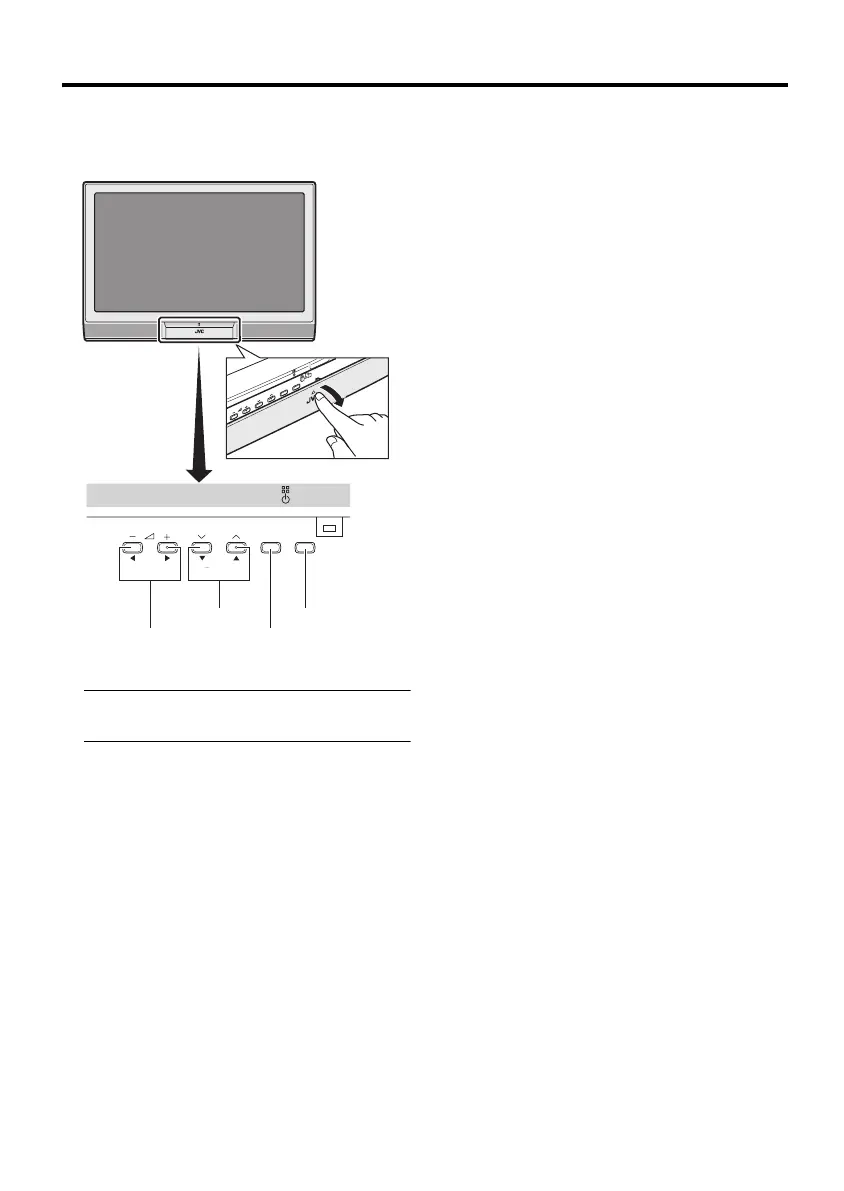
Operation with the buttons on the TV
You can also operate the menus using the
buttons on the front panel of the TV.
The menu will disappear after about one
minute if no operation is performed.
P MENU/OK TV/AV
6 buttons
5 buttons
TV/AV button
MENU/OK button
PD-42&35B50BUBJ(EK)_Eng.book Page 28 Monday, March 29, 2004 11:32 AM


 To Next Page