(No.YA098) 1-31
3.3.3.2 SETTING OF MENU SCREEN
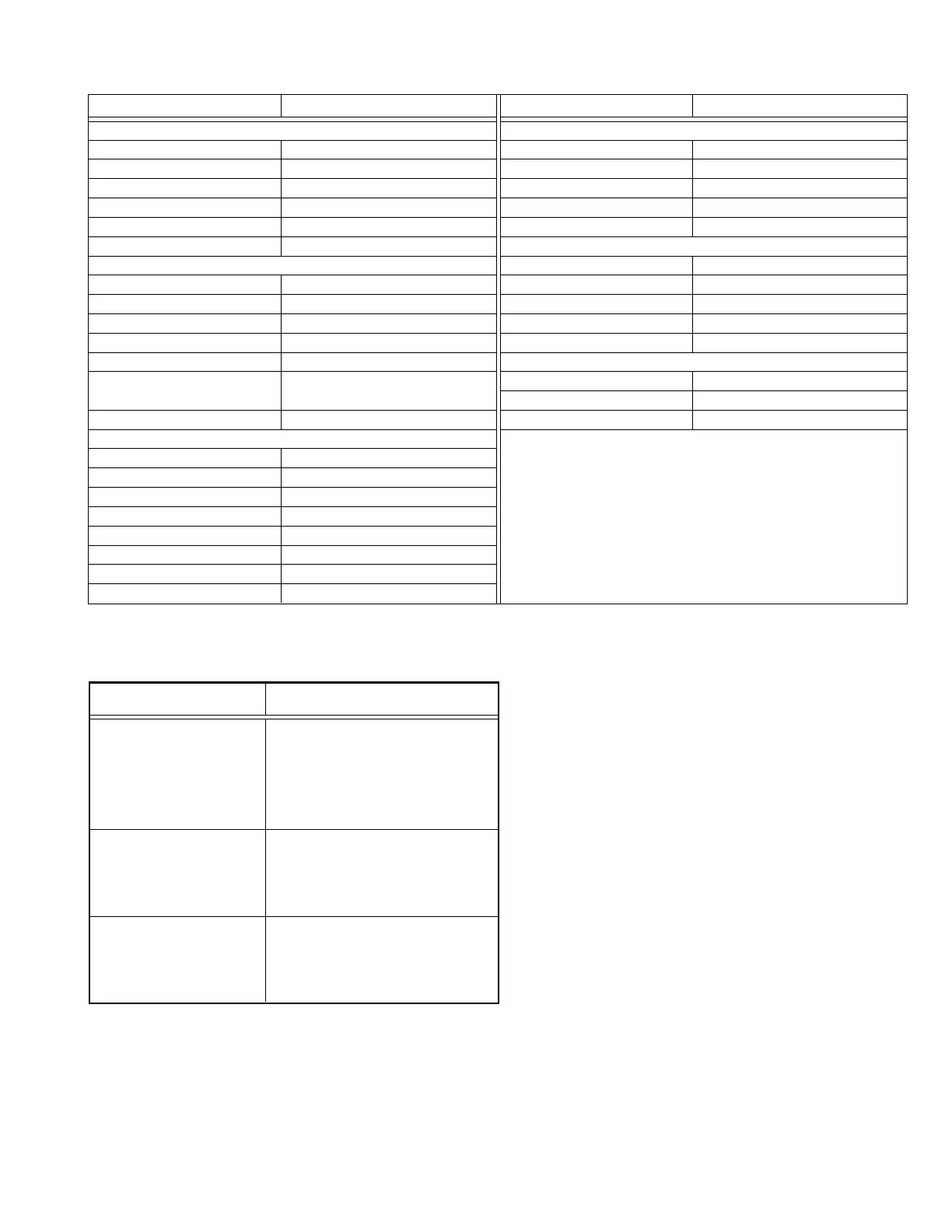
Setting item Setting value
PICTURE SETTING
PICTURE MODE BRIGHT
CONTRAST +8
BRIGHT 0
SHARP +5
COLOUR 0
COLOUR TEMP. NORMAL
PICTURE FEATURES
DIGITAL VNR MIN
Super DigiPure AUTO
MOVIE THEATRE AUTO
COLOUR MANAGEMENT ON
PICTURE MANAGEMENT ON
COLOUR SYSTEM MAIN : AUTO
SUB: AUTO
4:3 AUTO ASPECT PANORAMIC
SOUND SETTING
STEREO / I•II Stereo sound
BASS Center
TREBLE Center
BALANCE Center
3D SOUND OFF
A.H.B. MID
BBE OFF
SPEAKER TV
Table 2
Setting item Setting value
FEATURES
SLEEP TIMER OFF
CHILD LOCK ID No. 0000 ALL CH : OFF
APPEARANCE TYPE A
BLUE BACK ON
REFRESH OFF
SET UP
AUTO PROGRAM UNITED KINGDOM
EDIT / MANUAL Only for PR / CH
LANGUAGE ENGLISH
DECODER (EXT-2) ALL CH : OFF
PICTURE SHIFT FAST
EXT SETTING
S-IN Space
ID LIST Space
DUBBING EXT-1
→
EXT-2
3.3.3.3 SERVICE MENU SETTING ITEMS
1. ADJUST
2. SELF CHECK
3. I2C STOP
S001 ~ S039
T001 ~ T010
P001 ~ P010
D001 ~ D187
Z001 ~ Z010
[Refer to “SECTION 5
TROUBLESHOOTING” (page 1-47)]
[Do not adjust]
Service menu Setting item
Table 3
CAUTION
When a number key other than the [1] to [3] key is pressed in the SERVICE MENU screen, the other relevant screen may be displayed.
This is not used in the adjustment procedure.
Press the [MENU] key to return to the SERVICE MENU.



 To Next Page