34
Changing camera settings from remote control
You can call out the camera menu and set functions from the
remote control for systems that use the remote control unit.
Memo :
● The onscreen displays used in this manual are basically
from TK-C686E/TK-C686WPE except in special cases.
Setting camera menu from RM-P2580
Memo :
● Do not operate the RM-P2580 menu until the camera has
completed initialization.
● Refer to the RM-P2580 Instruction Manual together with
this manual.
● Menus described in this item are color menus. Camera
menus are indicated in yellow, and remote control menus
are indicated in white. For the RM-P2580 system menu,
refer to the RM-P2580 Instruction Manual.
1
Turn
A
ON
B
the power switch at the rear
The [POWER] lamp lights up.
2 Press the [MENU] button for 3 seconds.
● The [MENU] button lamp lights up.
● The [SETUP] screen at the remote control is displayed
from [MONITOR OUTPUT-1].
3 Shift down the [PAN/TILT] lever and move the
cursor (Z) to the [CAMERA..] item.
● When the lever is pressed upwards (S), the cursor
moves up.
● When the lever is pressed downwards (T), the cursor
moves down.
4 Press the [SET] button
● The item and screen are displayed.
● Items with A..B at the end indicate they have submenus.
5
Shift the [PAN/TILT] lever up and down to select
items
6 Press the [SET] button
● Press the lever to the left (W) to minimize the numbers.
● Press the lever to the right (X) to maximize the
numbers.
Memo :
● A change mark ( ) as shown in the left diagram will be
displayed when the item setting is changed.
7 Press the [MENU] button
When the item has been set, press the [MENU] button to
return to the top menu screen.
Setting Procedures
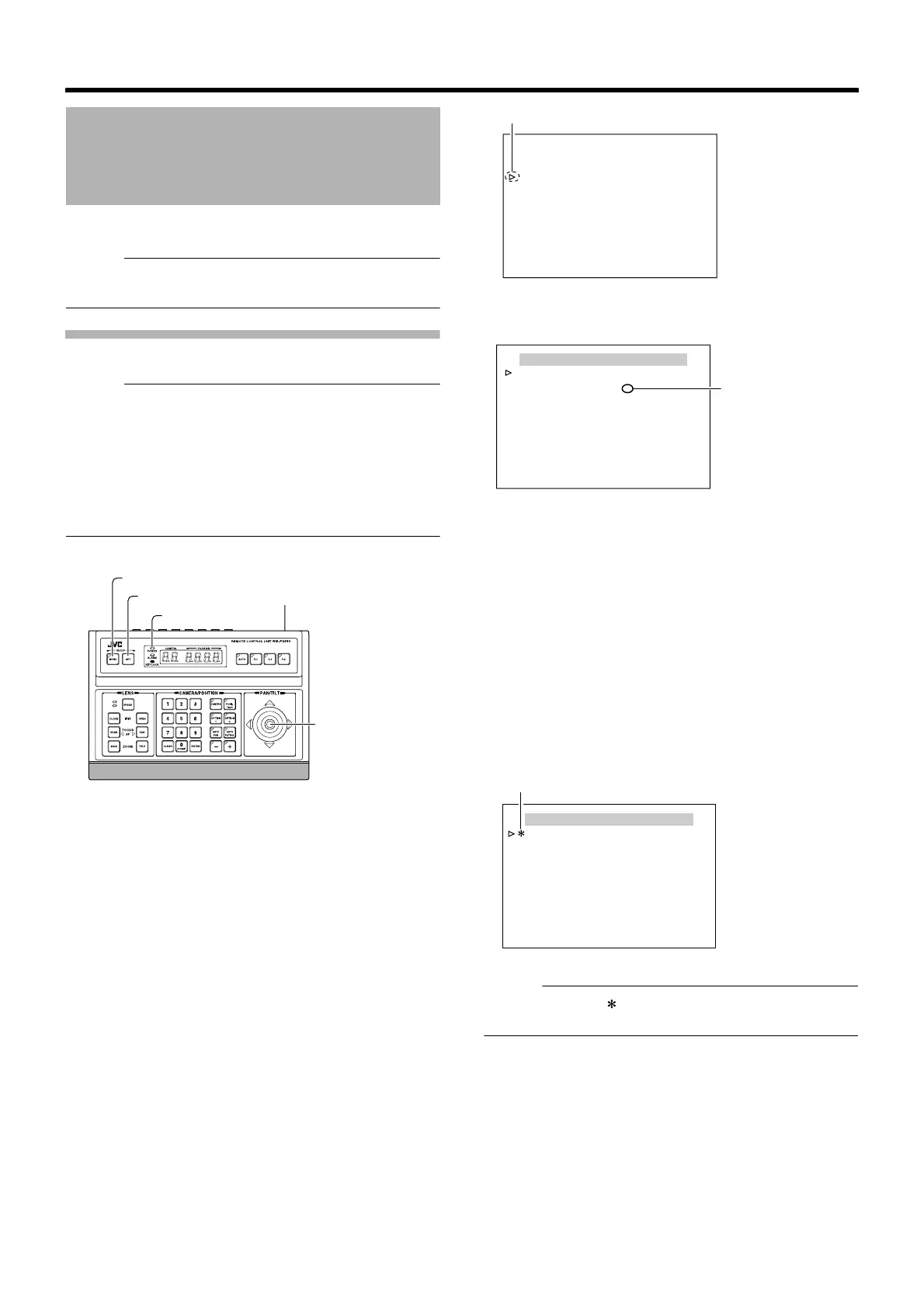
[MENU] button
[SET] button
[POWER] lamp
[PAN/TILT] Lever
Power switch (rear)
SETUP
POSITION SETUP. .
CAMERA. .
CONTROL UNIT. .
[SETUP] screen
Cursor
MENU
<
MENU
>
EXIT
LANGUAGE ENGLISH
CAMERA FUNCTION1..
CAMERA FUNCTION2..
CAMERA TITLE/ALARM..
CAMERA ALC..
CAMERA VIDEO..
AUTO PAN/PATROL/TRACE..
POS.FUNCTION SET..
FACTORY SETTINGS..
[MENU] screen
Contains
submenu
CAMERA FUNCTION1
V. PHASE 1
POS. TITLE LOC. UP-L
PRIVATE MASK..
MANUAL DISPLAY ON
HOME M. DETECT OFF
D.ZOOM MAX X2
STABILIZER OFF
<
MENU
>
RETURN
Example of submenu screen
Change mark



 To Next Page