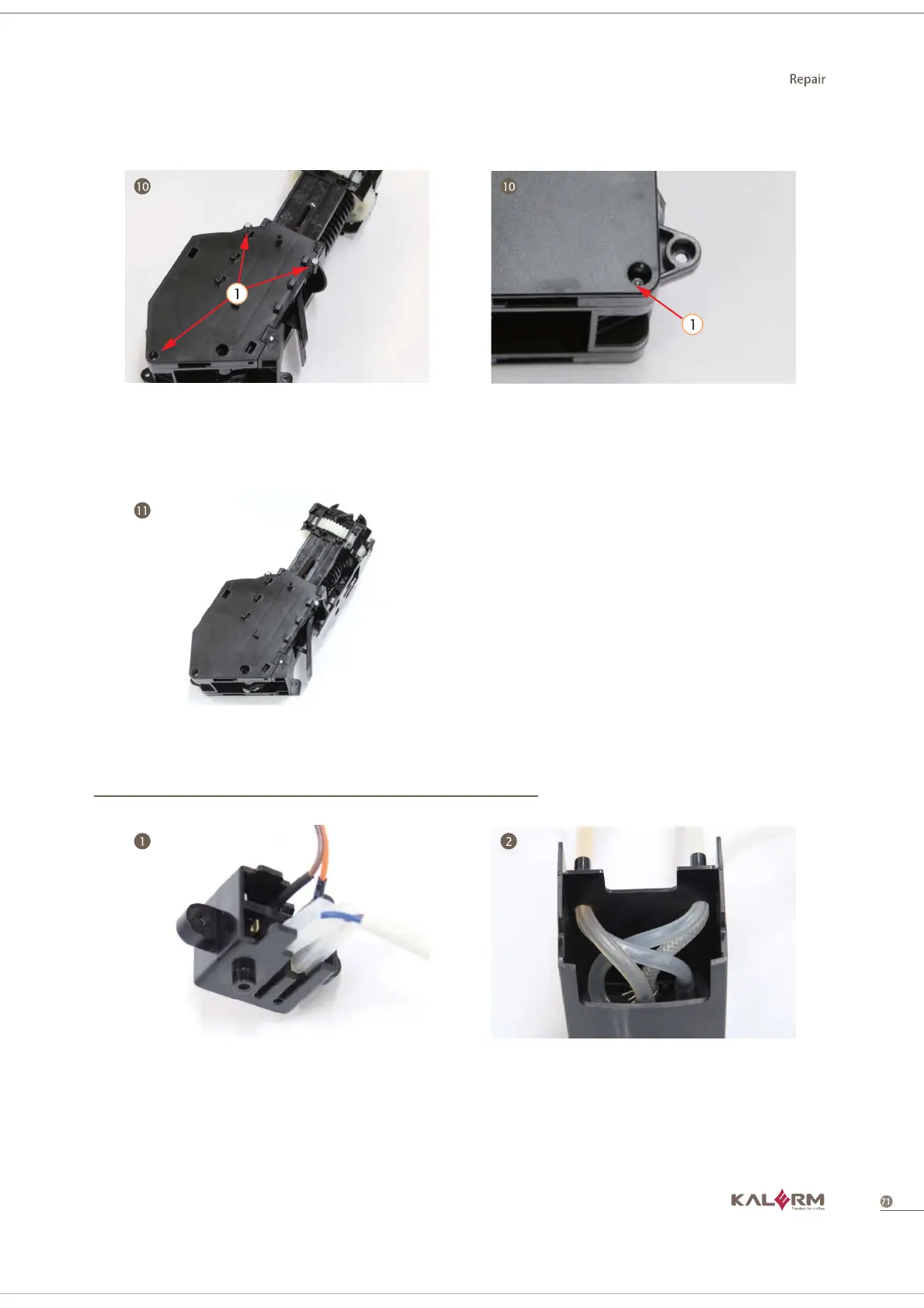
10. Lock the left side and right side cover
screws.
11. Install wiper and spool gear group.
1. When installing microswitch and power
microswitch support, please pay attention
to the connection position between
microswitch and connector.
2. When installing silicon pipe, please note
the position of every silicon pipe inside the
hole of the coffee export.
Control panel group



 To Next Page