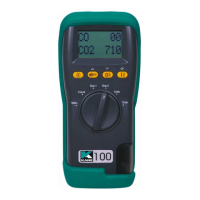
KANE905 Operators Manual Page 29
8. STORING AND RETRIEVING DATA
The KANE905 can store combustion tests. Once stored, the data can be
viewed on the display or downloaded to a PC or printer.
STORING A ‘LIVE’ TEST
While performing a test and viewing the data on the MAIN display access
the STORE menu as follows :-
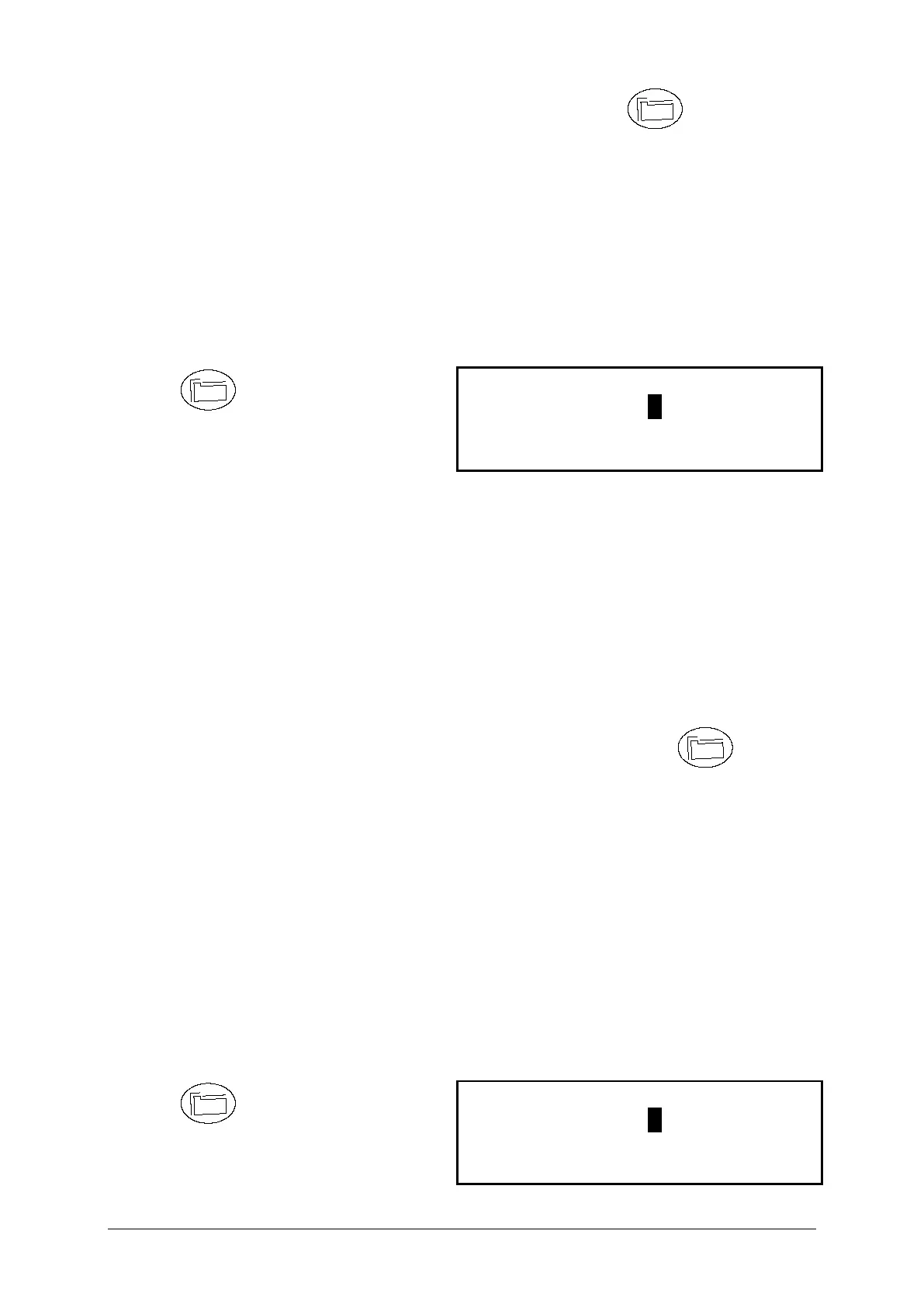
Press to access the
STORE MENU
Mode: Select from the following :-
STORE - Allows data to be stored in memory.
VIEW / PRINT - Stored data can be viewed or printed.
DELETE - Clears all data in memory.
Location: Automatically allocates a location in the memory of the
instrument for the next test. On the display shown above the
next location will be 3.
To store a test set MODE to STORE and press . The
current readings will be stored in the analysers memory.
Tip : Make a note of the location number for your particular
test as it may be useful when downloading or printing.
VIEWING AND PRINTING A ‘STORED’ TEST
Multiple tests can be printed easily with the KANE905.
Select PRINT under MODE in the STORE menu. This feature is in
addition to the VIEW/PRINT, STORE and DELETE options.
Press to access the
STORE MENU



 To Next Page