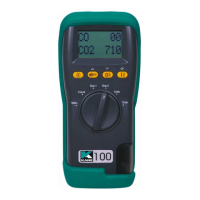
KANE905 Operators Manual Page 30
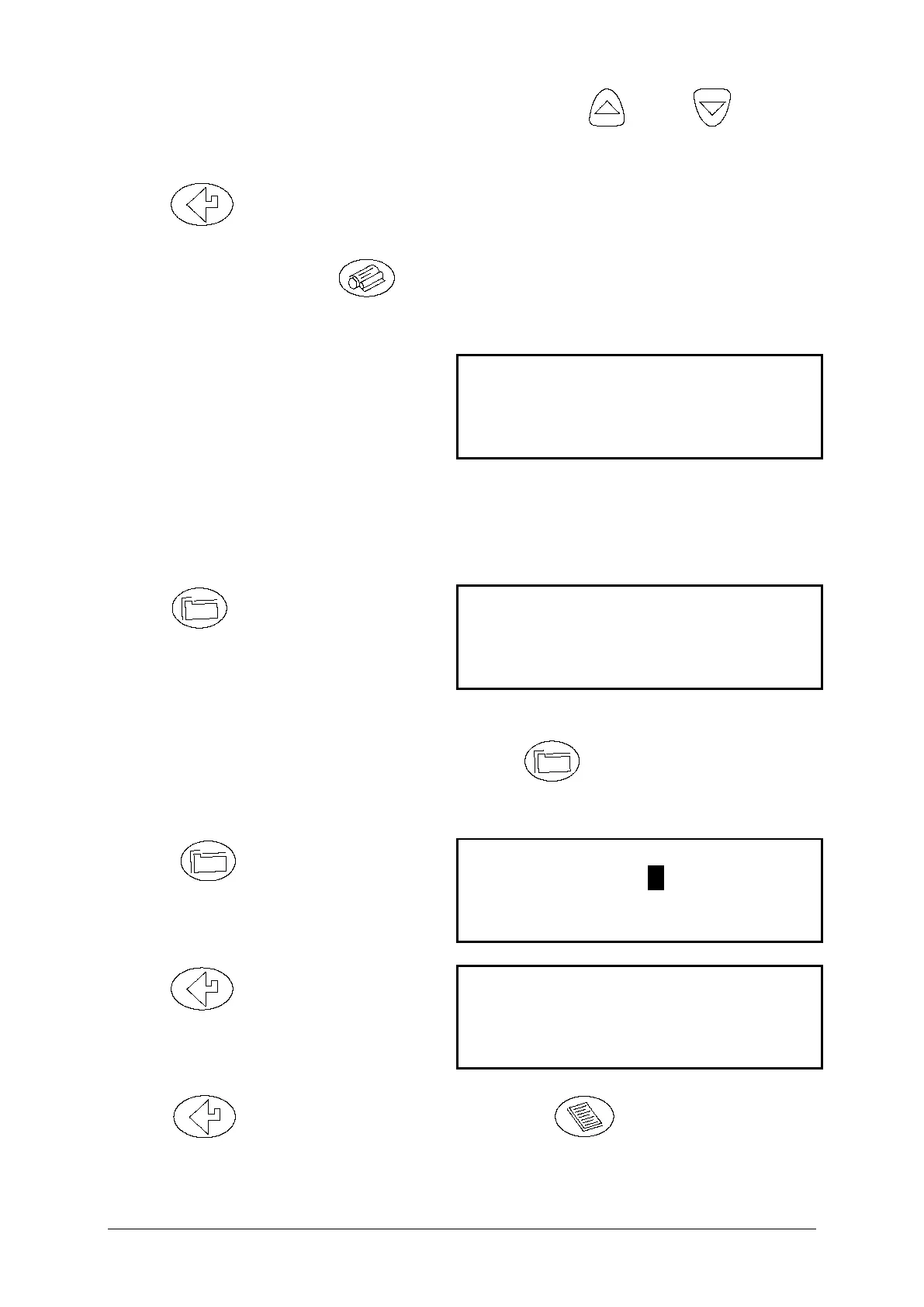
The cursor will move to the first number, use the and to
select the location and start printing.
Press to move the cursor to the second number, select the last
location to print.
To print the data press . In the screen shown above locations 1 to
10 will be printed.
During printing the following will
be shown:
NOTE: While the display above is shown (i.e. the instrument is printing
a test) the keypad is disabled. To exit from printing wait until the
current test has finished and the display below is shown:
Press to exit the print
routine. The instrument will return
to main display:
DELETING DATA
To delete the data in stored memory press to obtain the STORE
MENU (as above) :-
Press to access the
STORE MENU
Press to access delete
data screen
Press to delete data in memory, press to exit delete data
screen.



 To Next Page