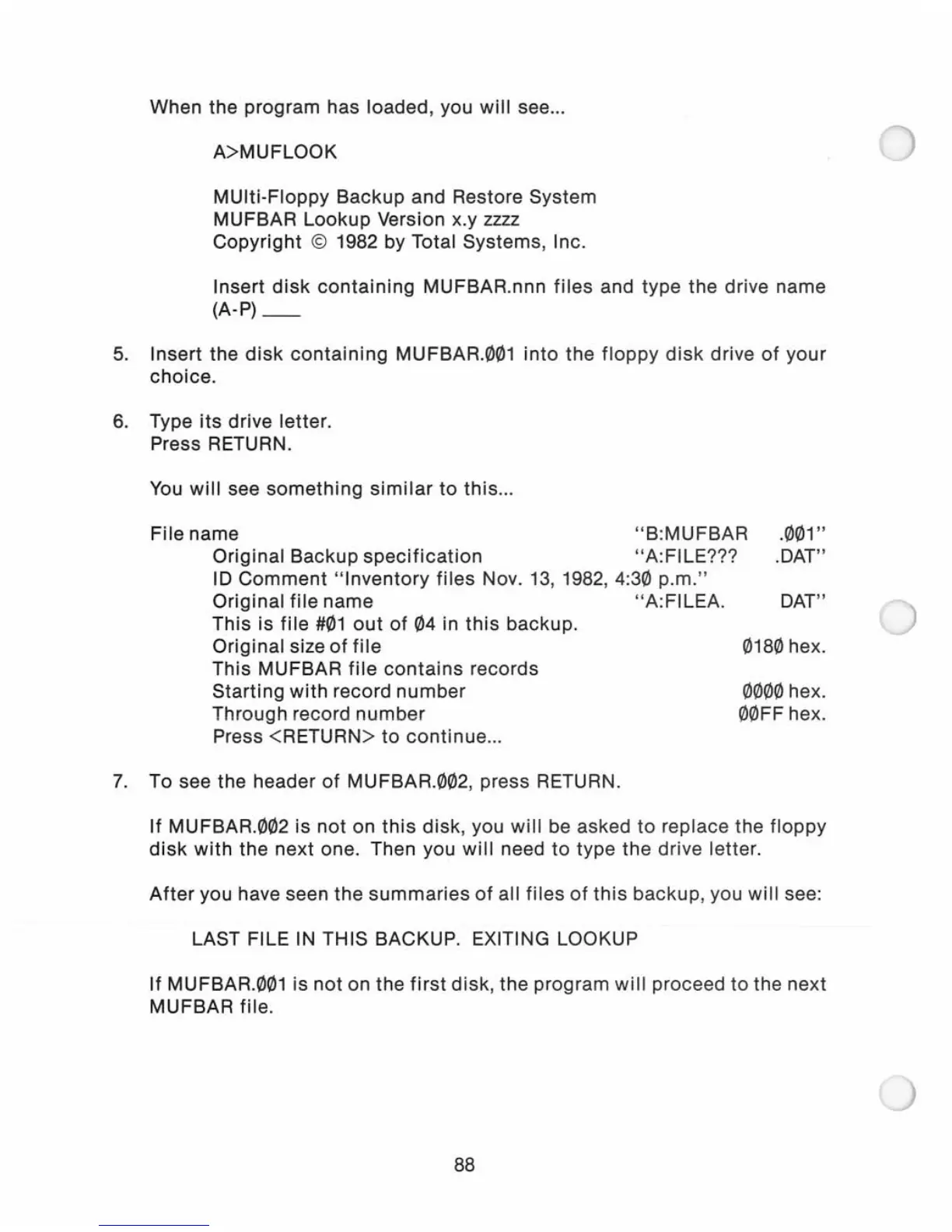
When the program has loaded, you
will
see
...
A>MUFLOOK
MUlti-Floppy Backup and Restore System
MUFBAR Lookup Version x.y
zzzz
Copyright
© 1982 by Total Systems, Inc.
Insert
disk
containing
MUFBAR.nnn
files
and type the
dr
i
ve
name
(A-P)_
5.
Insert the
disk
containing
MUFBAR.001
into
the
floppy
disk
drive
of
your
choice.
6. Type its drive letter.
Press RETURN.
You
will
see
something
similar
to
this
...
File name " B:
MU
FBAR
.001"
.DAT"
Original Backup
specification
"A:FILE???
ID
Comment
" Inventory
files
Nov.
13
, 1982, 4:30 p.m."
Original
file
name " A:FILEA.
This is
file
#01
out
of
04 in
this
backup.
Original size
of
file
This MUFBAR
file
contains
records
Starting
with
record
number
Through record
number
Press <RETURN>
to
continue
..
.
7.
To see the header
of
MUFBAR.002, press RETURN.
DAT"
0180 hex.
0000 hex.
00FF hex.
If
MUFBAR.002 is
not
on
this
disk
, you
will
be asked
to
replace the
floppy
disk
with
the next one. Then you
will
need
to
type
the
drive letter.
After
you have seen the
summaries
of
all files
of
this
backup
, you
will
see:
LAST FILE IN THIS BACKUP. EXITING LOOKUP
If
MUFBAR.001 is not on the
first
disk
, the program
will
proceed
to
the next
MUFBAR file.
88



 To Next Page