2)Lock key function
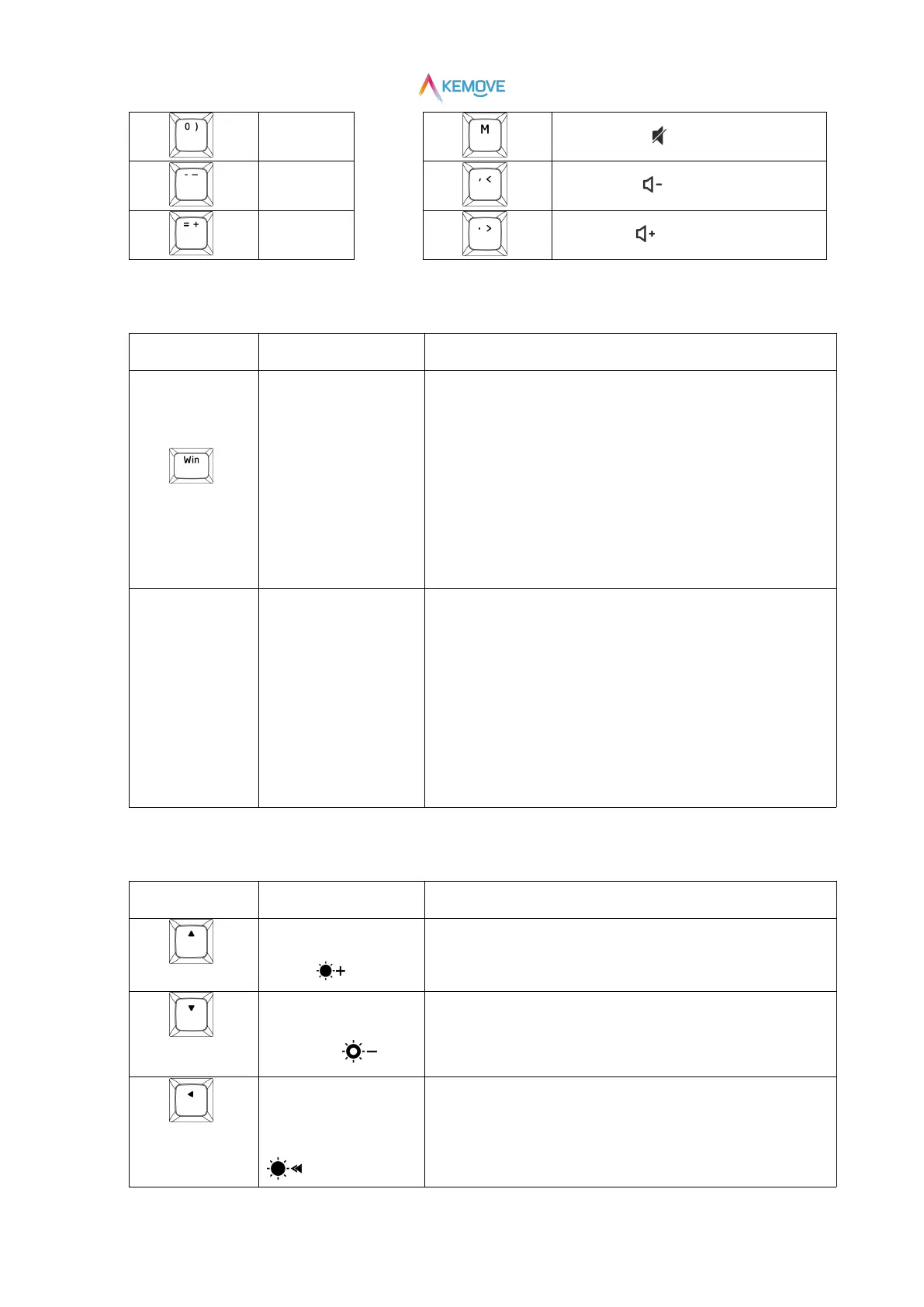
①Win key to lock:
Press Fn+Win,the red light of Win key is on, that is, the Win key is
locked(At this time, the Win key is invalid);
②Win key to unlock:
Press Fn+Win again,the red light of Win key is off,that is, Win key is
unlocked (at this time, Win key is restored);
①Fn key to lock:
Press Fn+Space,the red light of Fn key is on, that is, the Fn key is
locked(At this time, by default, the Fn key is triggered);
②Fn key to unlock:
Press Fn+Space again,the red light of Fn key is off,that is, Fn key is
unlocked (At this point, by default, the Fn key is released);
3)Light key function
Increase the brightness of
the light
There are four gears in total. When it is turned to the brightest, the red
light of ▲ key flashes three times
The brightness of the light
is weakened
There are four gears in total. When it is turned to the darkest, the red
light of ▼ key flashes three times, and the keyboard light goes out
The speed of the light
effect becomes slower
There are four gears in total. When it is adjusted to the slowest speed,
◀ Key red light flashes three times


 To Next Page