01/28/02
Page 6.5
Kent Pad Printer Canada Inc.
Control
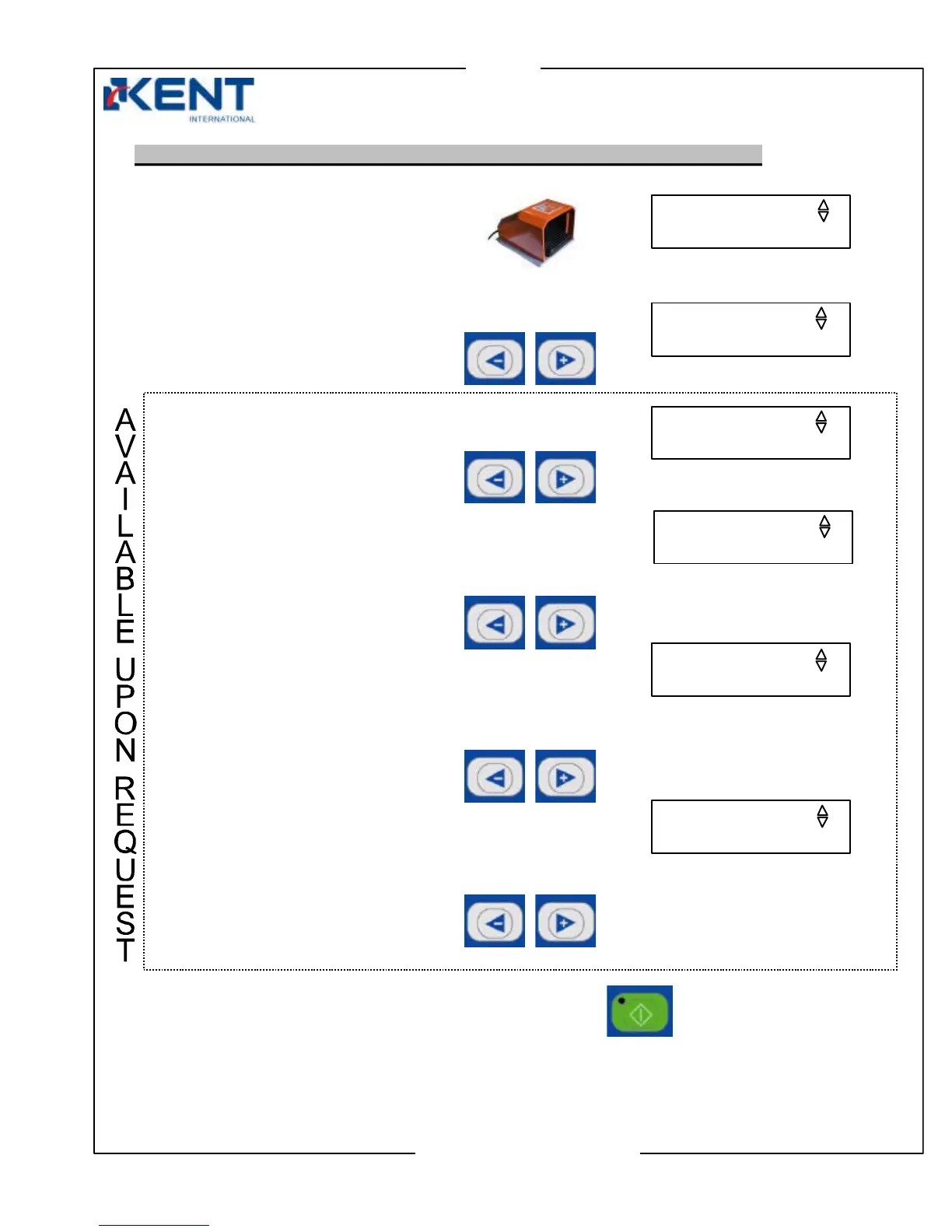
- Set of displays if machine is using auto mode (optional printing mode)
1. Clean screen
Press foot switch to clean the screen.
2. Reset counter
Press left (–) or right (+) keys
to reset counter to 0.
3. Printing Mode
Press left (–) or right (+) keys to
select one cycle or auto mode.
4. Continuous
Press left (–) or right (+) keys to select time delay for loading/unloading.
5. Motor speed
(appears only if round print setup is in use)
Press left (–) or right (+) keys to increase or decrease motor speed of auto centering unit.
6. Motor time
(appears only if round print setup is in use)
Press left (–) or right (+) keys to increase or decrease motor’s rotating time of auto centering
unit.
When ready to leave setting screens, press the start key.
SPEED: 1-25 (04)
RESET COUNTER 2
00000000
CLEAN SCREEN 1
PRESS ON FOOT SW
TIME:1-10S (02)
MODE 3
ONE CYCLE
TIMER: 0-10S (05)
Note: Higher number means lower speed



 To Next Page