01/28/02
Page 6.6
Kent Pad Printer Canada Inc.
Control
Activating printing mode
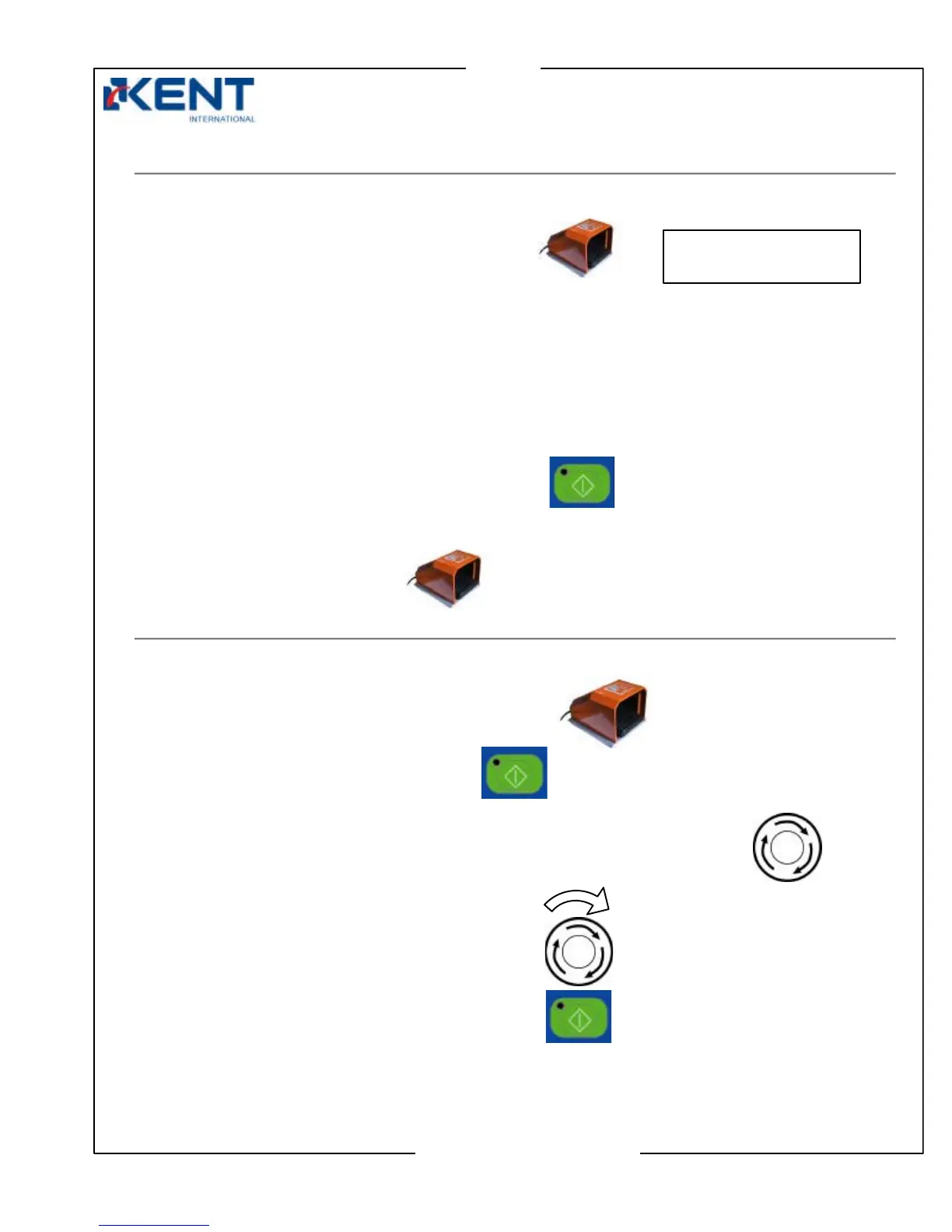
One cycle mode:
Press foot switch to activate one print cycle.
Machine stops automatically at the end of cycle.
To restart, press foot switch again.
Auto mode:
WARNING: Auto mode should always be used in conjunction with a safety feature like beam
curtain to prevent injuries.
Press start switch to activate automatic cycle.
Machine prints continuously.
Press foot switch to stop.
Stopping
Foot switch
Press foot switch to stop machine in any mode.
Press start key to resume operations.
Panic switch
For Emergency, hit the panic switch to cut off main power and air supply.
To restart,
Release panic switch by turning it clockwise.
Press start key then proceed with operations.
PRESS ON FOOT SW
00000000
Hit



 To Next Page