01/28/02
Page 8.7
Setup
Kent Pad Printer Canada Inc.
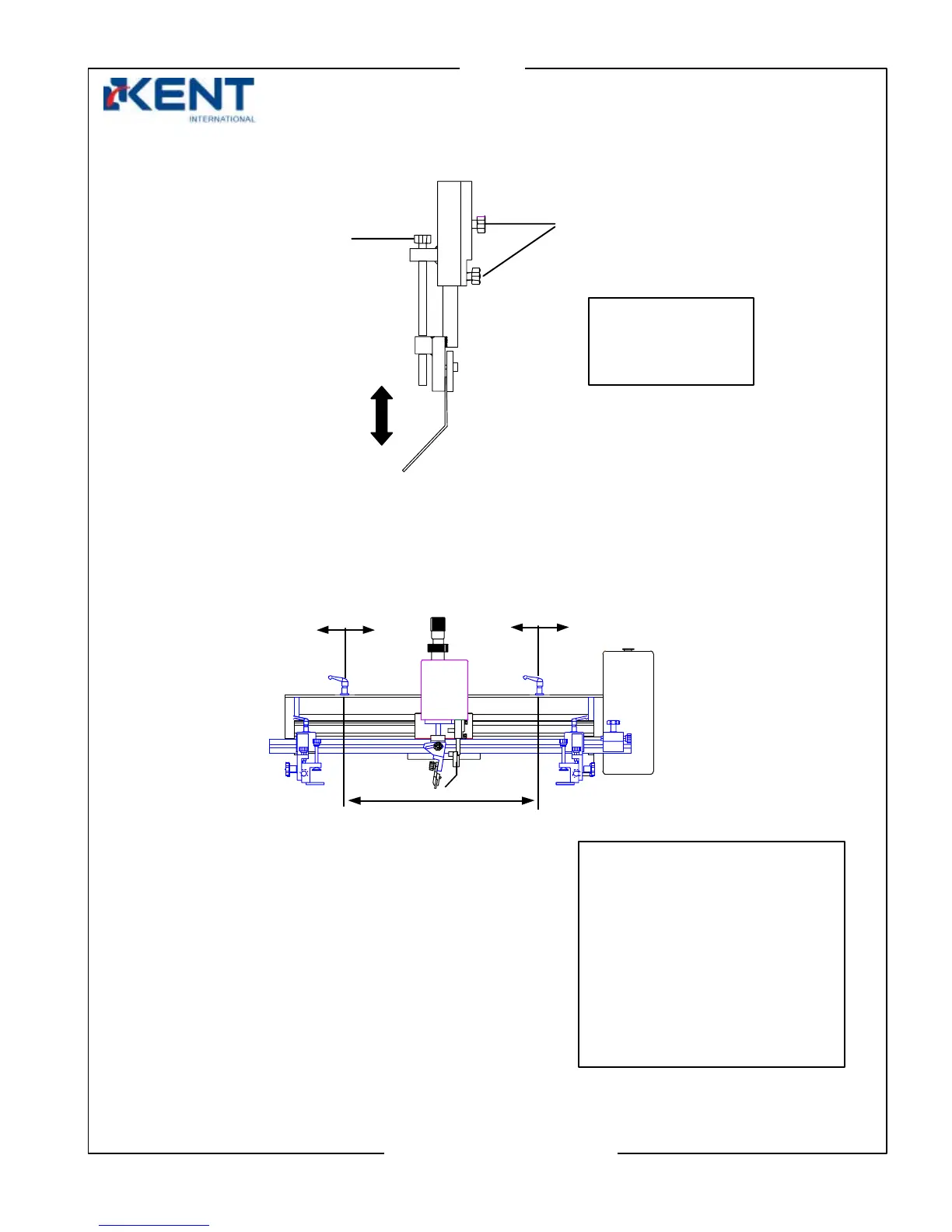
Adjusting height of flooder
5. Adjusting travel distance of flooder/squeegee carriage
Locking knobs
djustment
knobs
Loosen both locking
knobs then adjust
height of flooder by
adjustment knob
- Turn your machine off before
starting this step and push carriage
in the middle.
- Loosen handle, move it to
another position then lock in place.
Note: Make sure not to over
stroke. Distance between the two
stoppers should be less than the
inside length of screen frame but
more than the length of image to
be
rinted.
Stroke stopper
handle right
Stroke stopper
handle left
carriage



 To Next Page