01/28/02
Page 6.4
Kent Pad Printer Canada Inc.
Control
Machine settings & special features
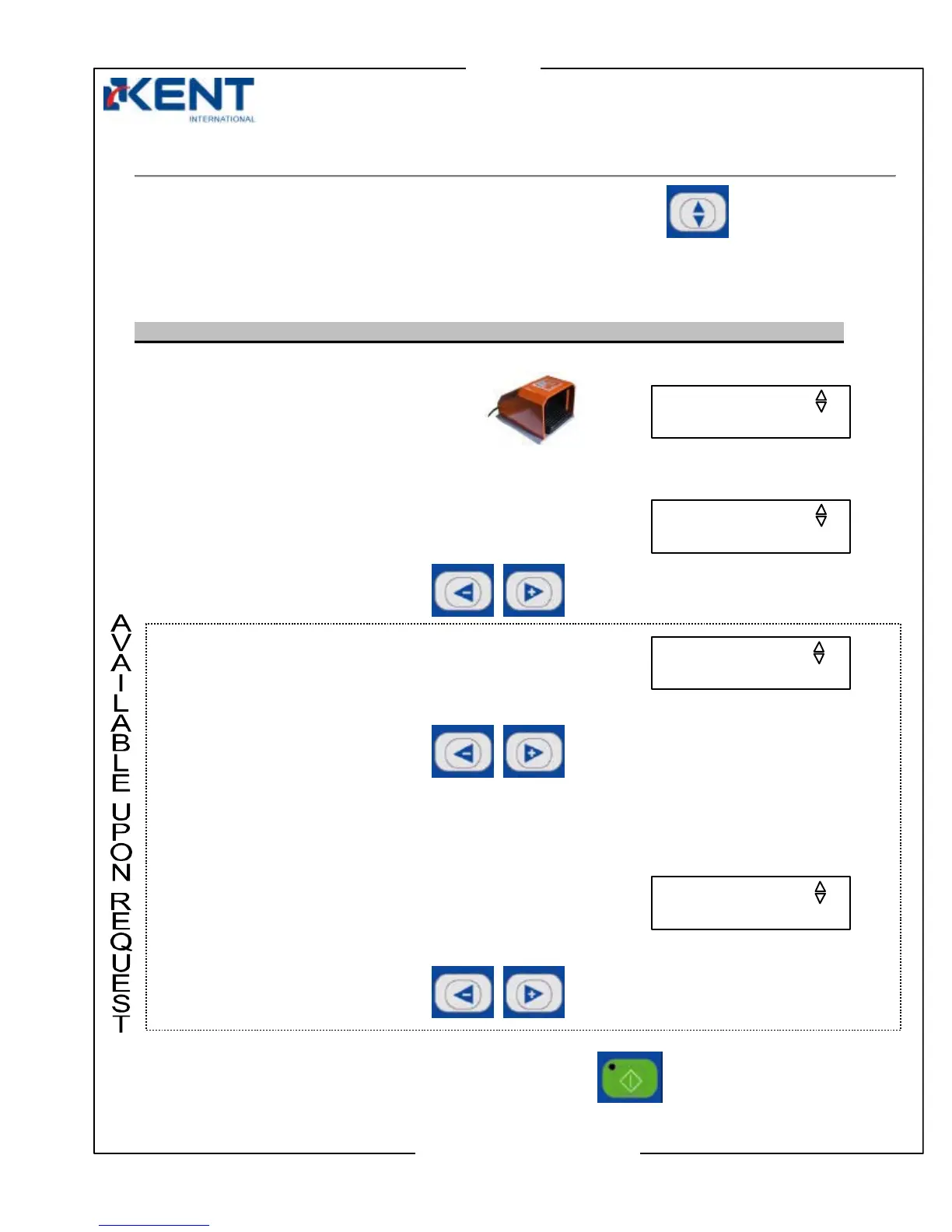
Press the setting key to enter machine settings and special features.
Depending on what type of printing mode, one-cycle or auto mode is enabled on your machine, two
different sets of displays will appear:
- Set of displays if machine operates in one cycle mode (standard printing mode)
1. Clean screen
Press foot switch to clean the screen.
2. Reset counter
Press left (–) or right (+) keys to reset counter to 0.
3. Motor speed
(appears only if round print setup is in use)
Press left (–) or right (+) keys to increase or decrease motor speed of auto centering unit.
Note: Higher number means lower speed
4. Motor time
(appears only if round print setup is in use)
Press left (–) or right (+) keys to increase or decrease motor’s rotating time of auto centering
unit.
When ready to leave setting screens, press the start key.
SPEED: 1-25 (04)
00000000
CLEAN SCREEN 1
PRESS ON FOOT SW
TIME:1-10S (02)



 To Next Page