01/28/02
Page 6.3
Kent Pad Printer Canada Inc.
Control
Manual Mode
For machine adjustments and simulations.
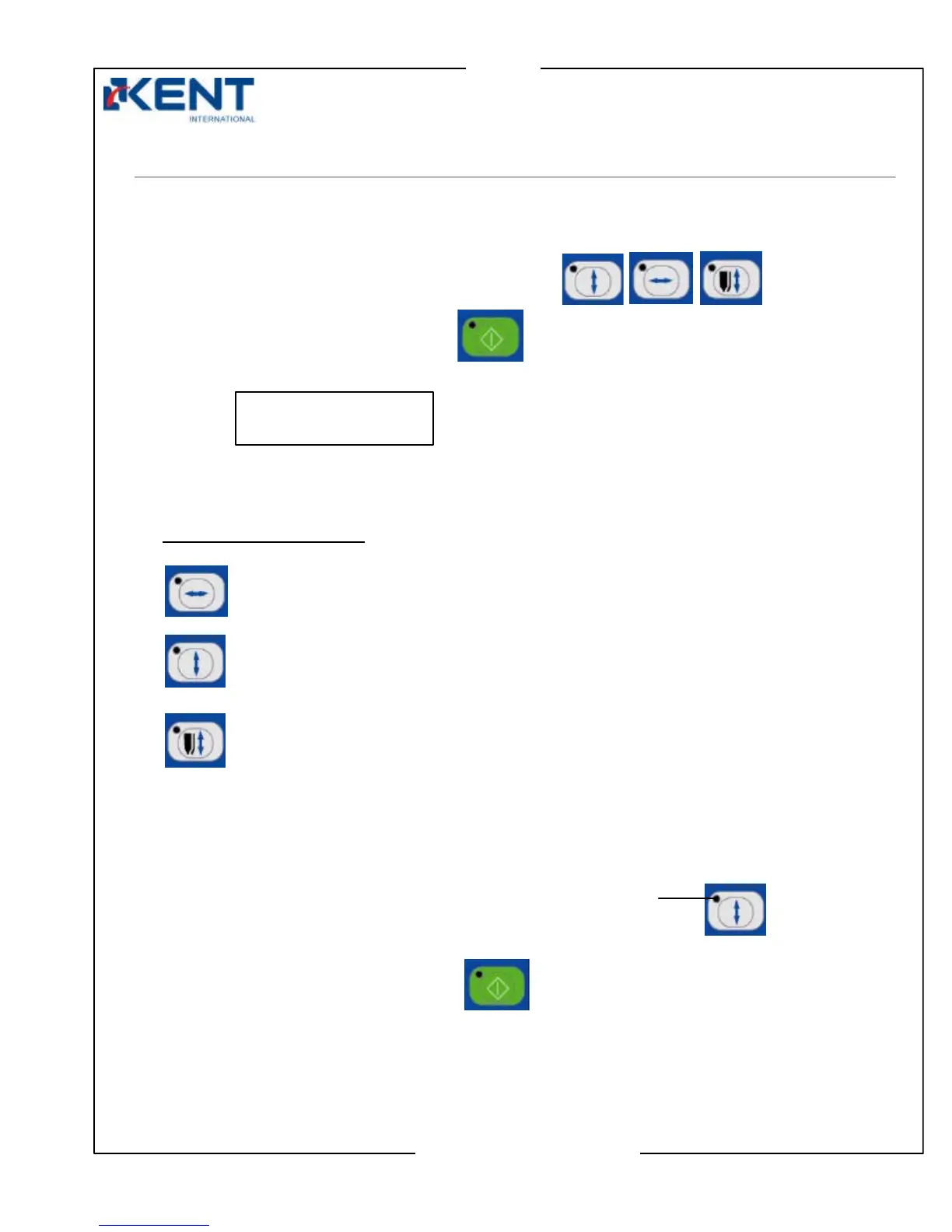
1. To select manual mode, press a manual mode key.
2. Press start key to enter manual mode.
Movement of selected manual key is activated.
Display:
3. Now that machine is in manual mode, you can press any manual key to activate the movement
of your choice.
MANUAL mode keys are:
Squeegee left/right key
Flat Print: squeegee left or right movement
Round Print: screen left or right movement
Screen up/down key
For screen up or down movement
Squeegee up/down key
For squeegee/flooder up or down movement
Note: Only one manual mode key must be selected at a time.
4. When ready to leave manual mode:
Make sure LED of all manual mode keys are turned off.
To turn off, press key.
Press start key to leave manual mode.
LED
MANUAL ACTION
00000000



 To Next Page